

Why did my email not reach the client?
Email leaves BMS only once a mailbox or mail server is connected.
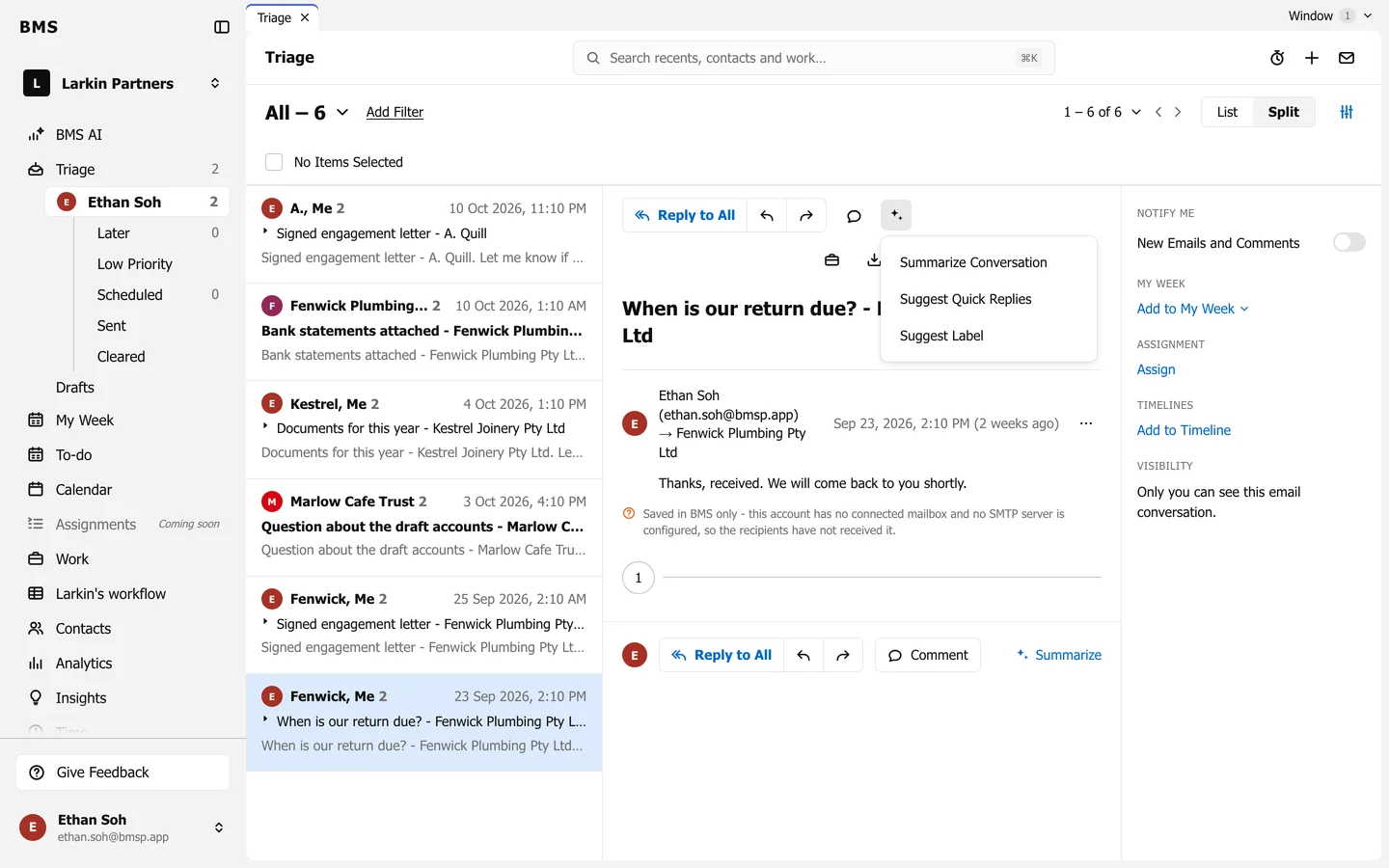
If an email you sent shows Saved in BMS only, it was kept in BMS but never sent: your account has no connected mailbox, and no mail server is set up. The recipients have not received it.
To fix it, connect your Gmail or Office 365 mailbox, or ask whoever runs BMS to set up the mail server. Then send the email again.