

Item types and their colour bars
Work assignment, Email, Note, Task, Client Task and Alert, and how to tell them apart.
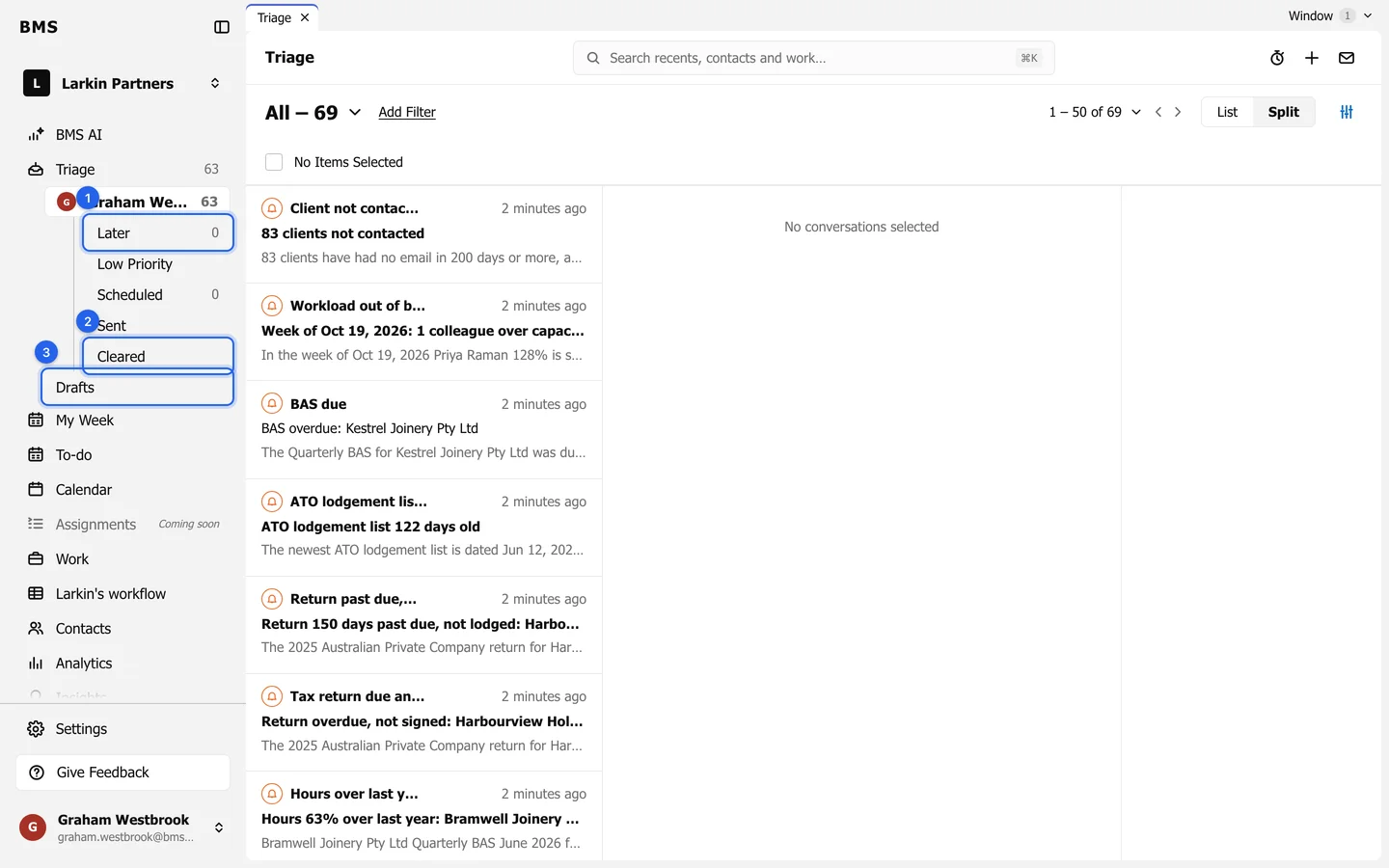
Each item in the list has a coloured bar on its left edge and its type written on it, so you can tell at a glance what kind of item it is.
| Type | Bar | Avatar |
|---|---|---|
| Work assignment | Light grey | A briefcase in Split view |
| Dark grey | The sender | |
| Note | Orange | The sender |
| Task | Green | The sender |
| Client Task | Pink | The client |
| Alert | Amber | A bell |
- Unread items have a bold subject and a blue dot.
- An email with a security warning shows a warning triangle instead of the sender’s avatar; read it with care before opening links or attachments.