

Update a job in the tracker
Change status and fields in the sheet; changes show on the Work board too.
-
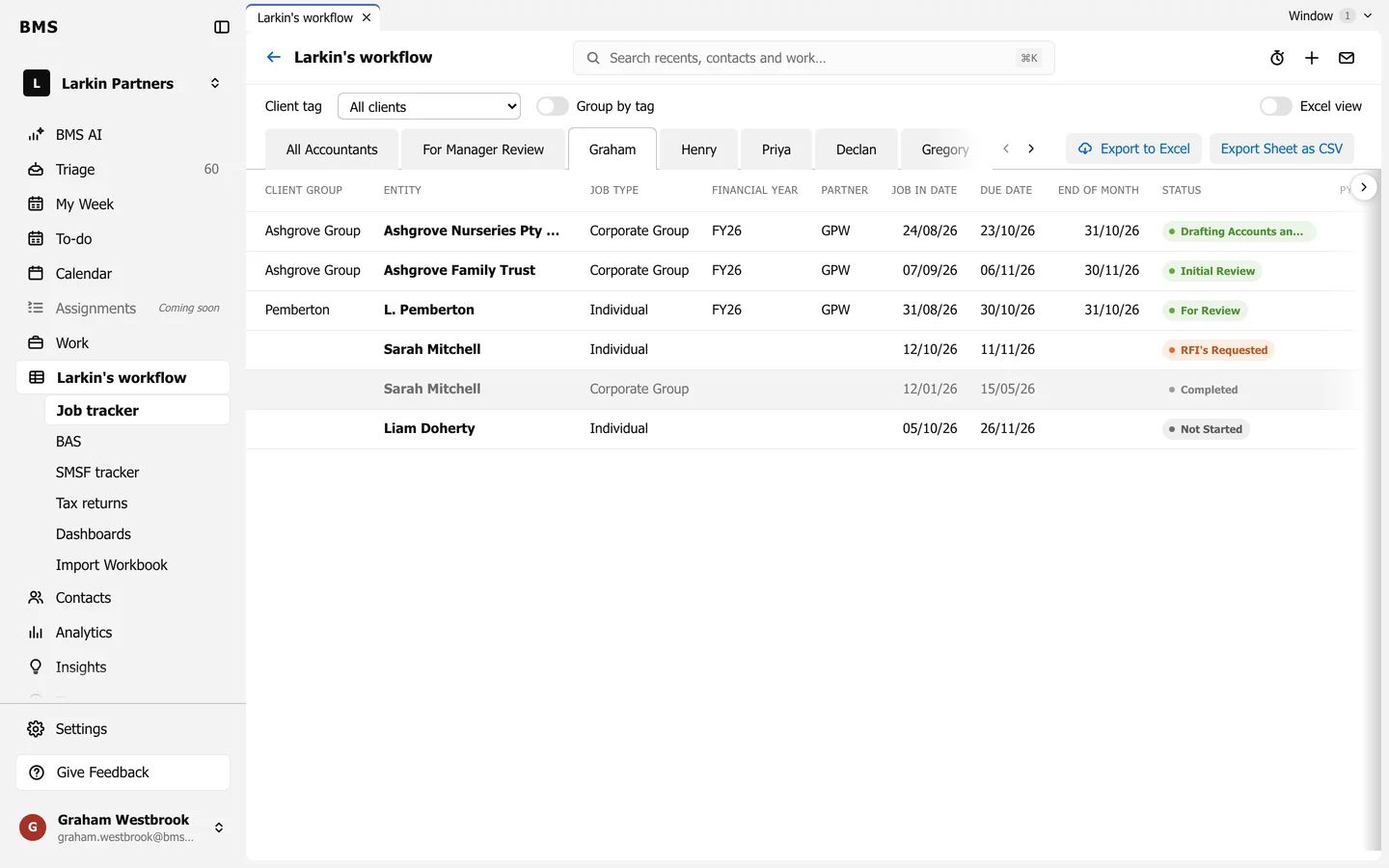
Open the sheet with the job, such as your own.
-
Click the cell you want to change, such as Status.
-
Choose or type the new value. It saves as soon as you leave the cell.
The job on the Work board changes at the same moment. If a change cannot be saved, BMS says Unable to Change Cell.