

Email templates
Firm-wide reusable emails that admins maintain.
Add a template (Admins)
Section titled “Add a template (Admins)”-
Go to Settings > Email Templates and press Add Email Template.
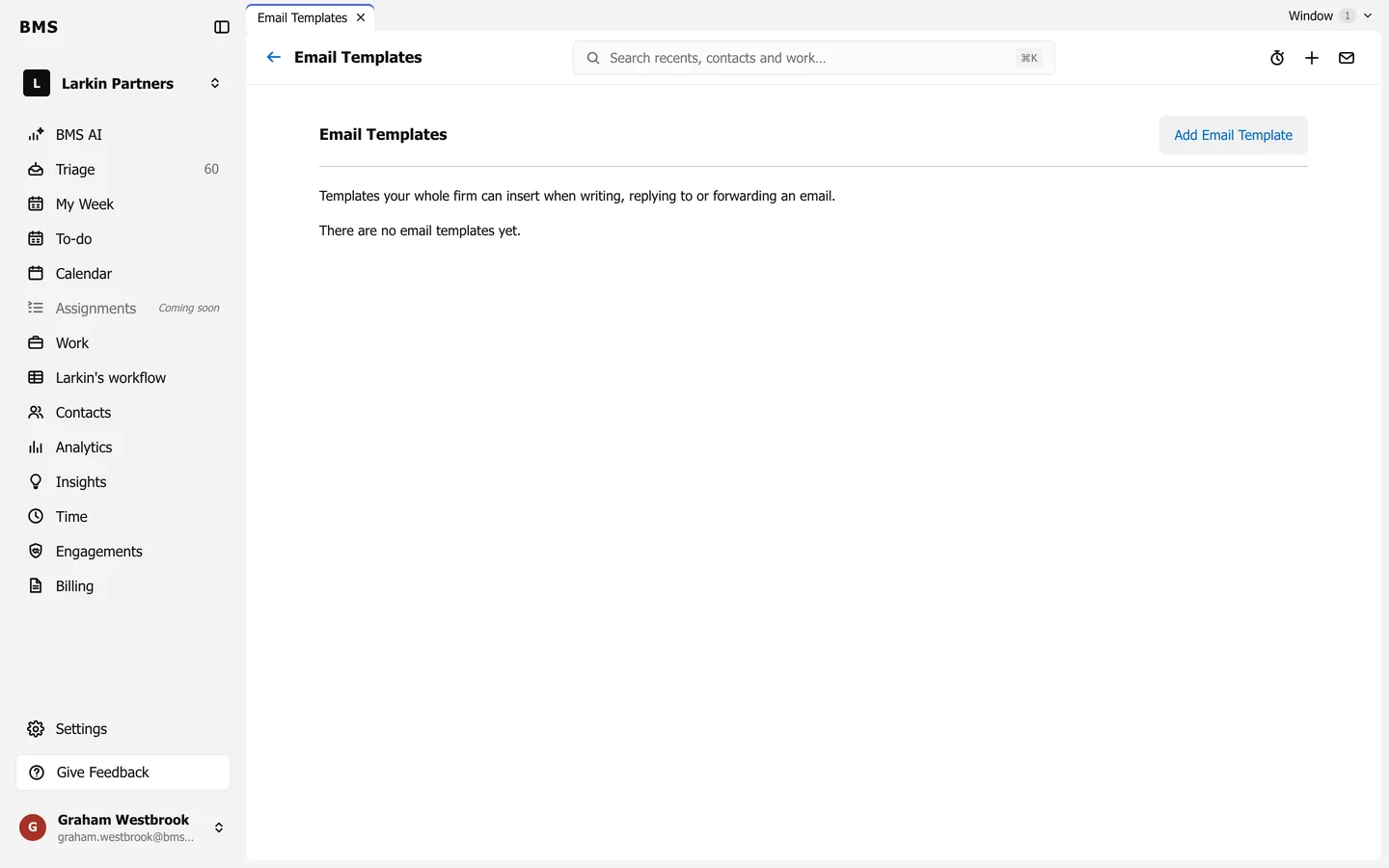
Settings > Email Templates. -
Give it a Name and write the message it inserts.
-
Save. It is listed with who created it and when it was last updated; Edit on its row changes it.
Use a template
Section titled “Use a template”-
In the composer, press Email template in the toolbar.
-
Search the list, pick a template and press Insert.