
Skip to content

Invite colleagues

LiveFor: AdminAccess: Admin

Add a colleague and choose their access level.

  1. Go to Settings > Colleagues and press Invite.

  2. Enter their Full Name and Email Address.

  3. Choose their Access: Admin, Standard User or Restricted User; see Edit a colleague’s permissions.

  4. Set a starting Password of at least 8 characters, and press Invite.
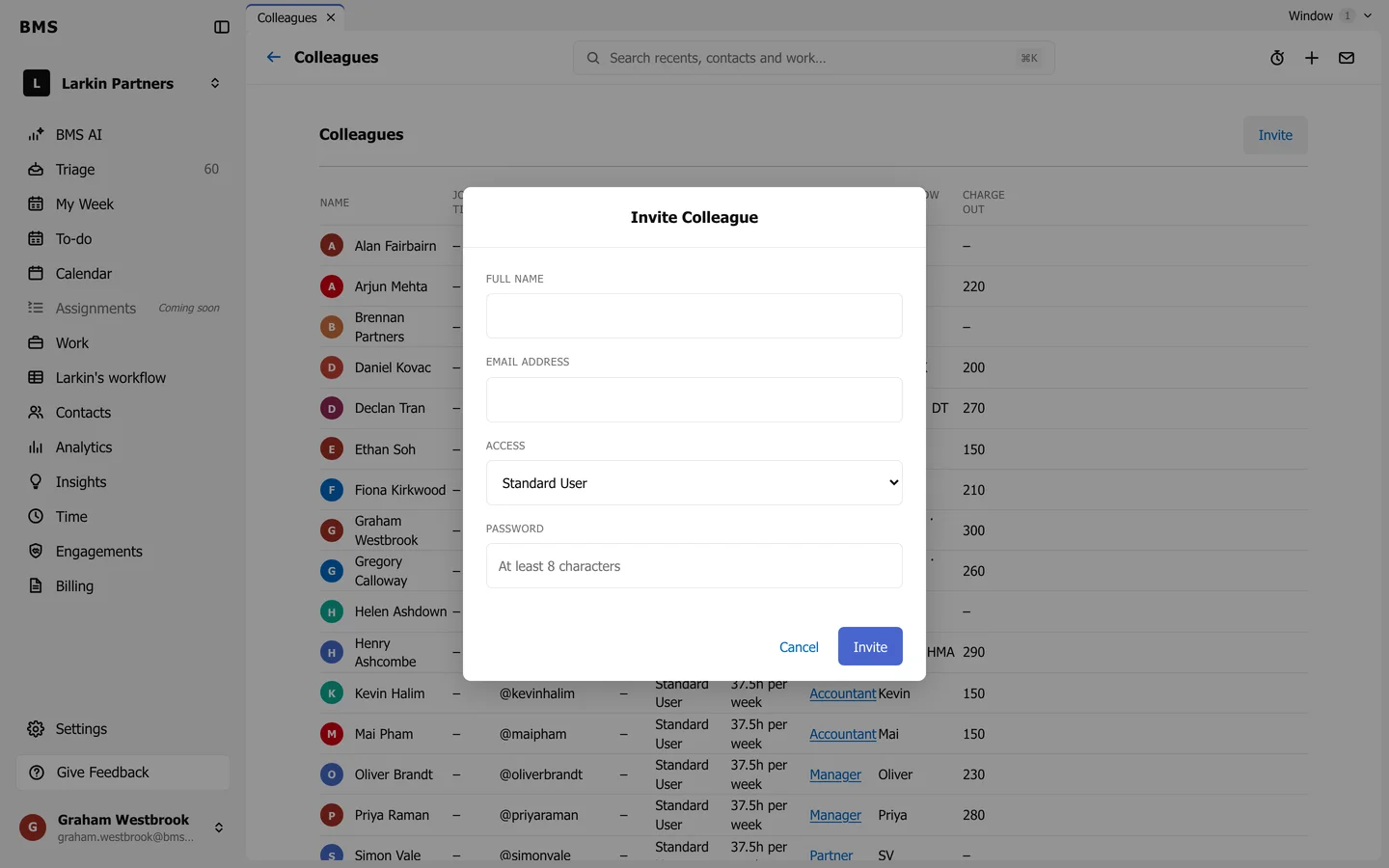
The Invite Colleague dialog with Full Name, Email Address, Access set to Standard User, Password, and Cancel and Invite.
Invite Colleague.

Still need help?

Ask your firm's BMS admin first: they can see your access level and your firm's settings. Clients of a firm should contact their accountant.

Last updated: