

Custom metrics pinned to your dashboard
Define your own metric and pin it.
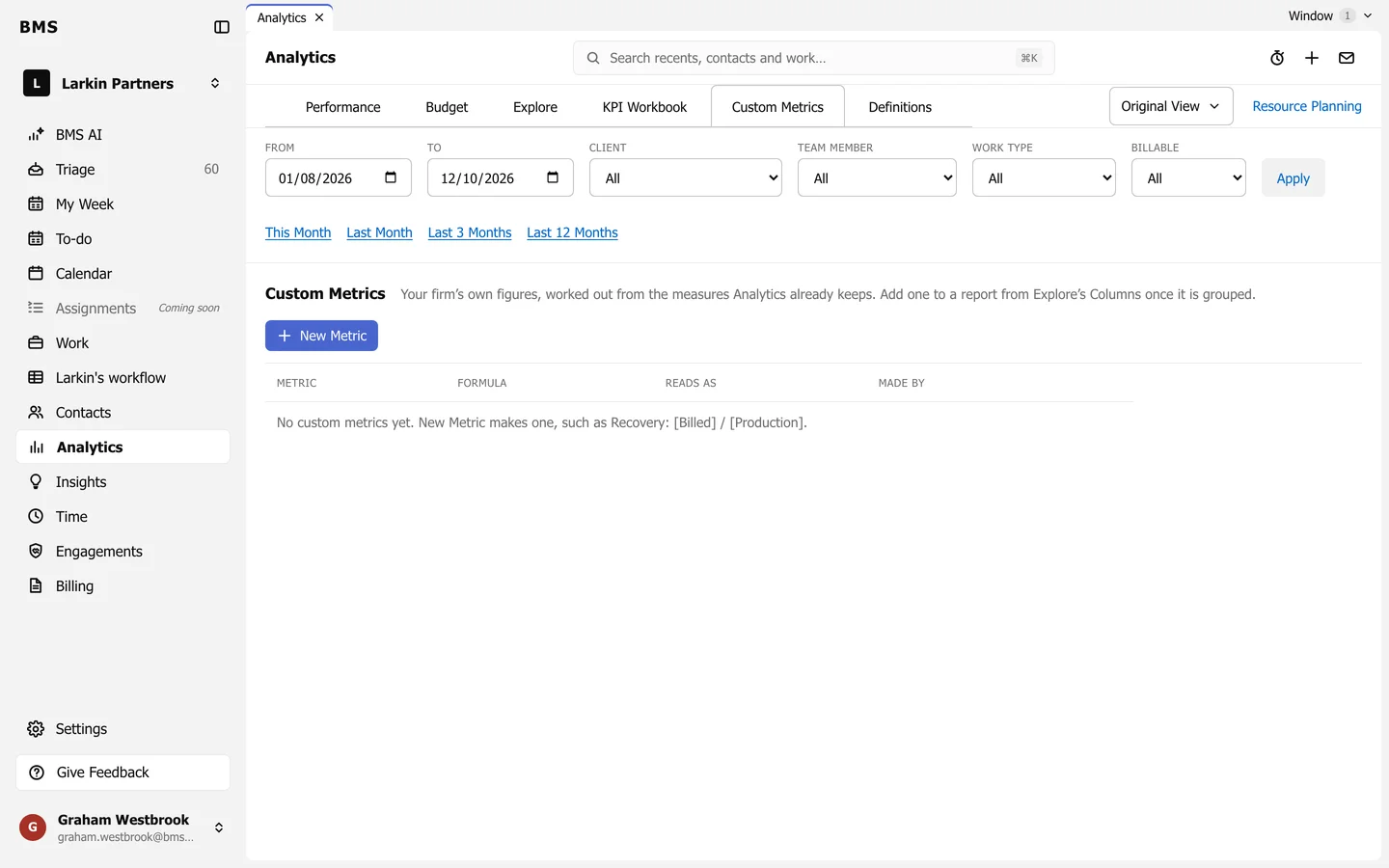
Analytics > Custom Metrics holds your firm’s own figures, worked out from the measures Analytics already keeps.
-
Press New Metric.
-
Name it and write its formula from existing measures, such as Recovery:
[Billed] / [Production], and choose how it reads (a number, money or a percentage). -
Save.
Pin it to your dashboard
Section titled “Pin it to your dashboard”In Explore, group the list, add the metric from Columns, save the view and choose Pin to Dashboard. It then shows on My Dashboard, worked out for whoever is looking.