

Edit a colleague's permissions
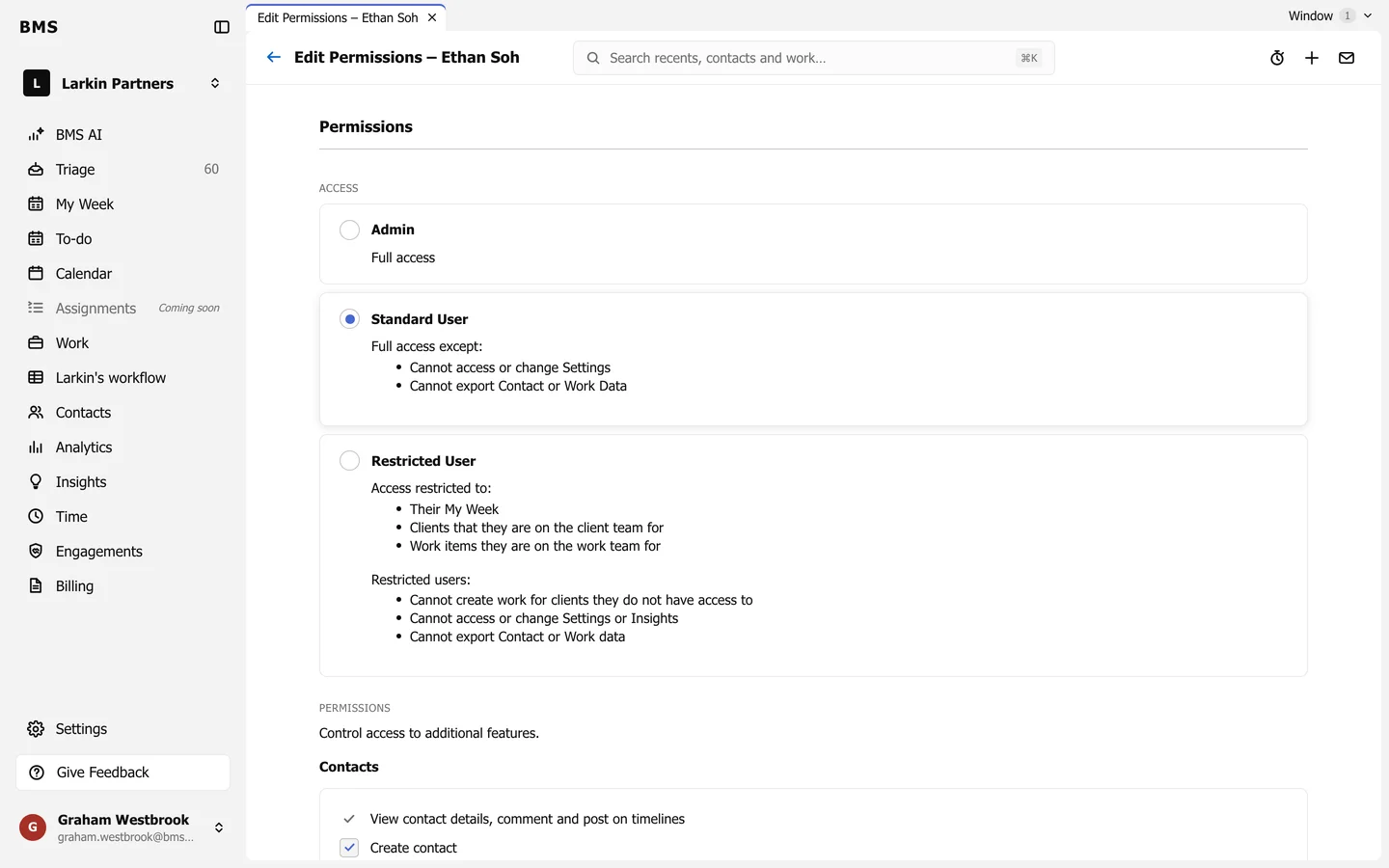
Access level cards and the permission checkboxes.
Go to Settings > Colleagues and press a colleague’s name to open Edit Permissions.
Access
Section titled “Access”| Access | Can |
|---|---|
| Admin | Everything. |
| Standard User | Everything except Settings, and exporting contact or work data. |
| Restricted User | Their own My Week, and only the clients and work whose team they are on. No Settings, no Insights, no exports. |
Permissions
Section titled “Permissions”Under Permissions, tick the extra features this colleague may use, such as creating contacts, billing, or viewing dollar amounts. Save when you are done.