

Fix match issues and sync errors
Resolve clients that did not match and retry failed syncs.
Match issues
Section titled “Match issues”Open the ledger’s Manage page and go to Resolve Match Issues.
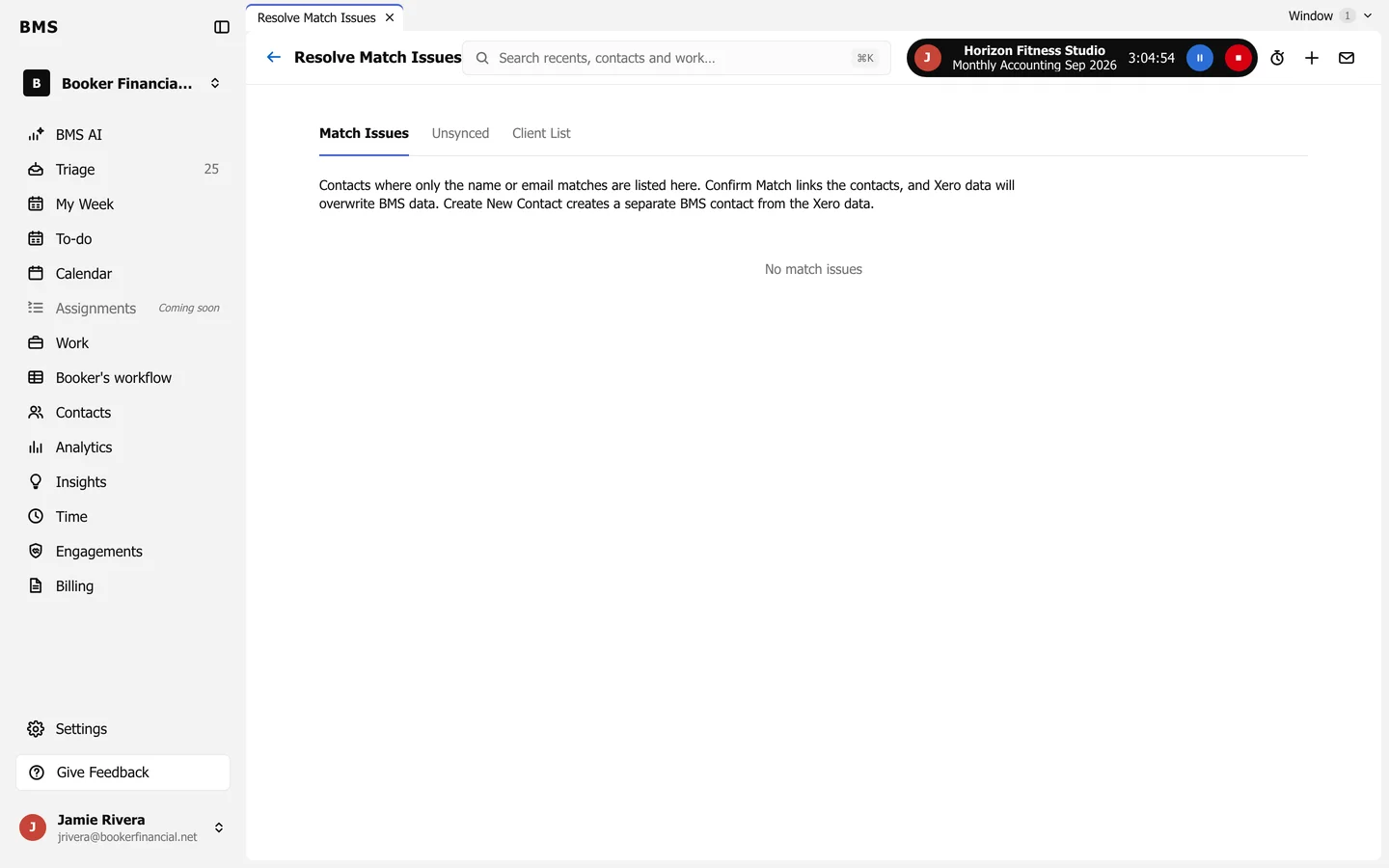
Match Issues lists contacts where only the name or email matched:
- Confirm Match links them, and the ledger’s data overwrites BMS’s.
- Create New Contact makes a separate BMS contact from the ledger’s data instead.
Unsynced lists contacts that stopped syncing: Re-match links one to its BMS contact again, or Create New Contact makes a new one. Client List lists the contacts that are synced.
Sync errors
Section titled “Sync errors”The Errors page lists every invoice, payment and contact that failed to sync, with the Reason.
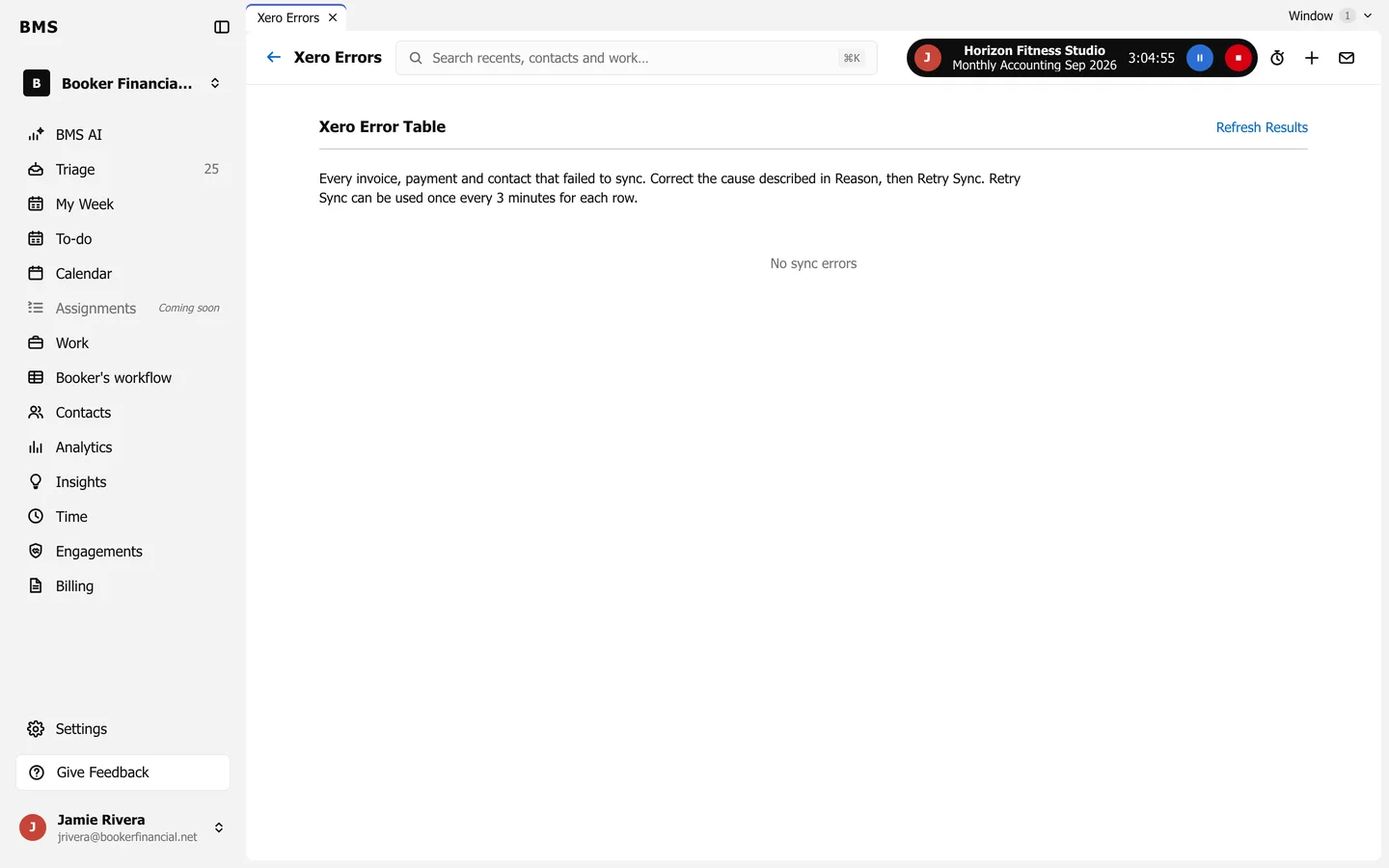
Fix the cause, then press Retry Sync on the row. Each row can be retried once every 3 minutes.