
Skip to content

Custom fields

LiveFor: AdminAccess: Admin

Add fields such as End of Month or Financial Year.

Settings > Custom Fields adds fields of your own to work items or contacts, such as End of Month or Financial Year.
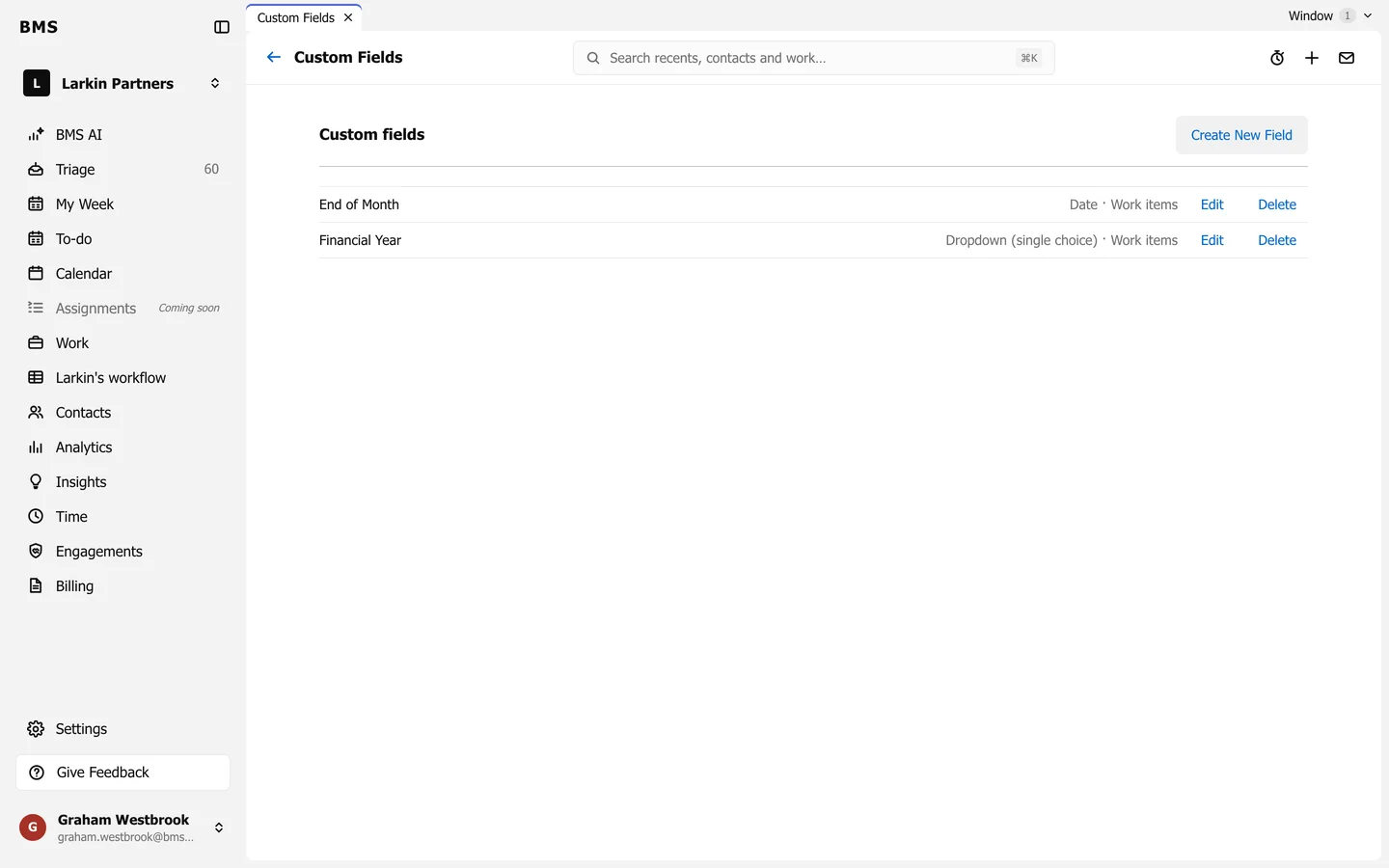
Custom fields with Create New Field, listing End of Month (a date on work items) and Financial Year (a single-choice dropdown on work items), each with Edit and Delete.
Settings > Custom Fields.

Press Create New Field, name it, choose its kind (such as a date or a dropdown) and what it belongs to. Custom fields can then be filled in on each item, and used in Add Filter.

Still need help?

Ask your firm's BMS admin first: they can see your access level and your firm's settings. Clients of a firm should contact their accountant.

Last updated: