

Export a progress report
Download the report as CSV.
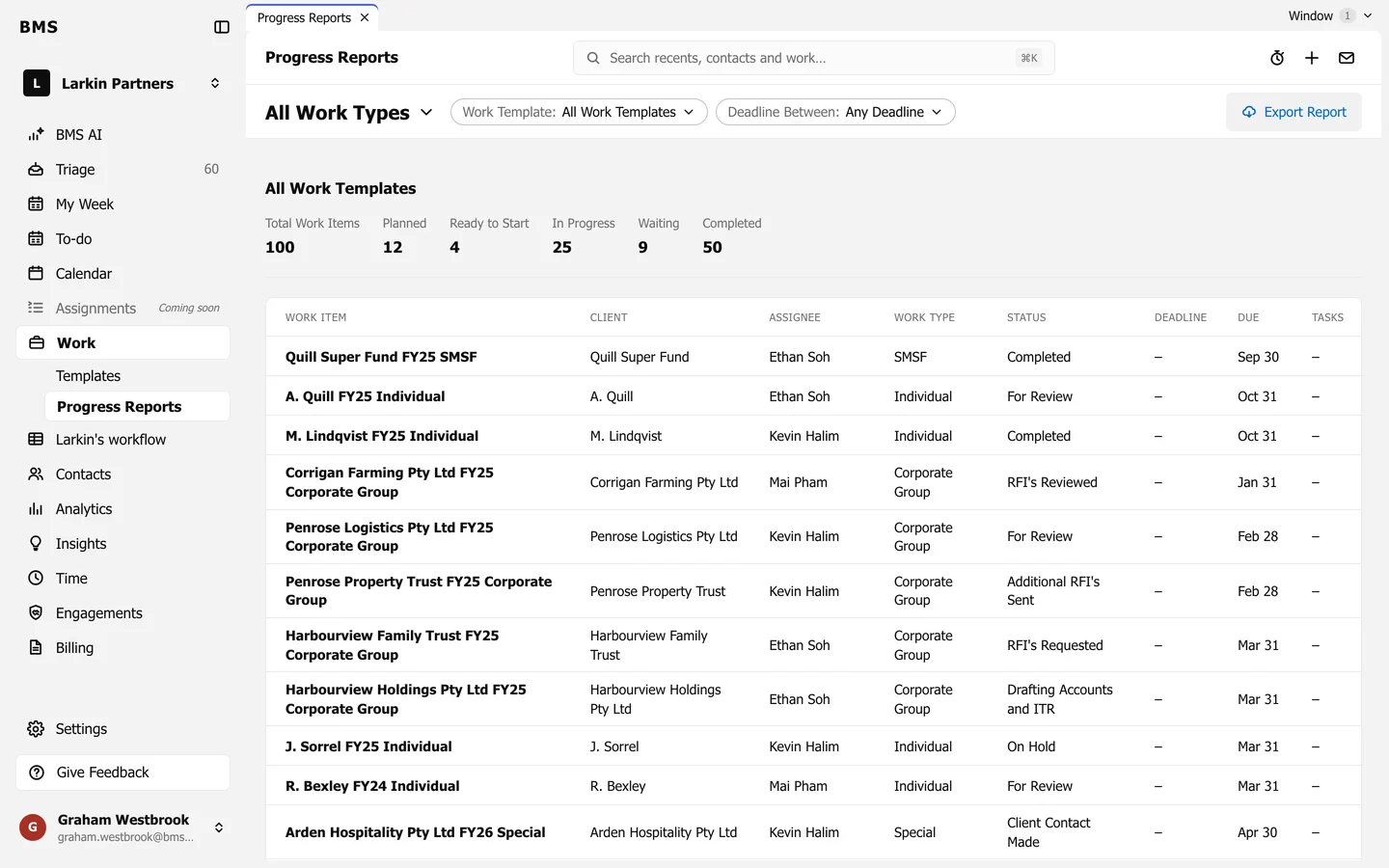
On Work > Progress Reports, set the work type and filters, then press Export Report. A CSV file downloads with the jobs in the report.
Download the report as CSV.
On Work > Progress Reports, set the work type and filters, then press Export Report. A CSV file downloads with the jobs in the report.