

Finance: payments, payouts and accounting periods
Where payments land and how periods close.
Billing > Finance has three tabs.
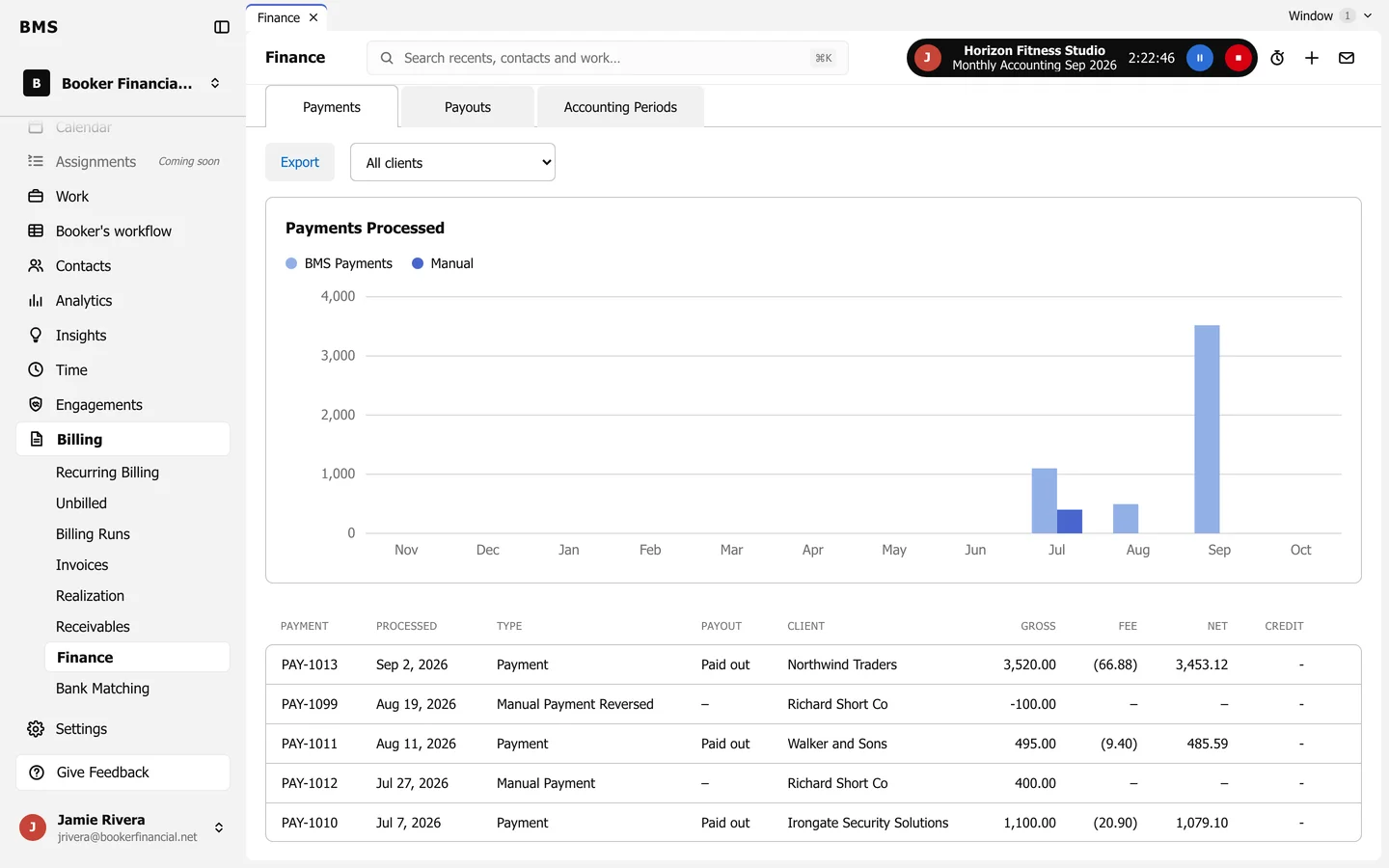
- Payments lists every payment: card payments taken through BMS, with their fee and net amount, and manual payments and reversals. Export downloads it.
- Payouts lists card payments paid out to your bank.
- Accounting Periods shows the periods your books are kept in. They are set in Settings > Billing under Accounting Period.