

Run timers, several at once
Start, stop and discard timers from the top bar.
A timer times your work as you go and becomes a time entry when you stop it.
Start one
Section titled “Start one”- Press Start the timer (the stopwatch) in the top bar, or Start Timer on a job’s Time & Budget tab.
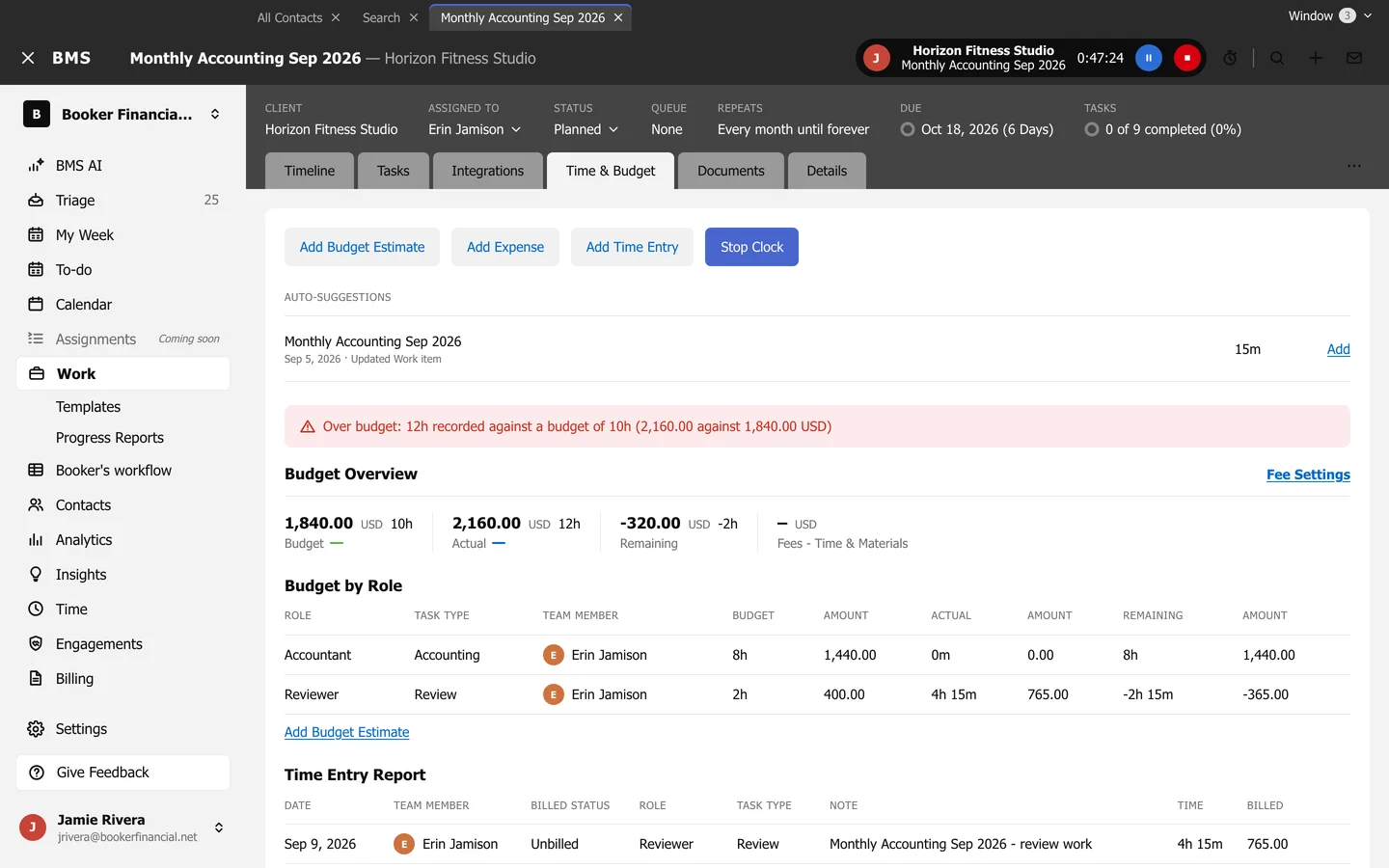
- The running timer shows in the top bar with its client and job, the elapsed time, a pause button and a stop button.
Pause, stop or discard
Section titled “Pause, stop or discard”- Pause timer and Resume timer hold it while you are interrupted.
- Stop timer opens Add Time Entry filled in from the timer; saving it records the time and ends the timer. Cancel leaves the timer running.
- Discard throws the timer away without recording anything, after you confirm.
Press Start the timer again while one is running to start another; each keeps its own time.