

Update many jobs at once
Select rows to move, assign, change status or due date.
-
Tick the jobs, in List view or on the board’s cards. Select all work items ticks every row on the page.
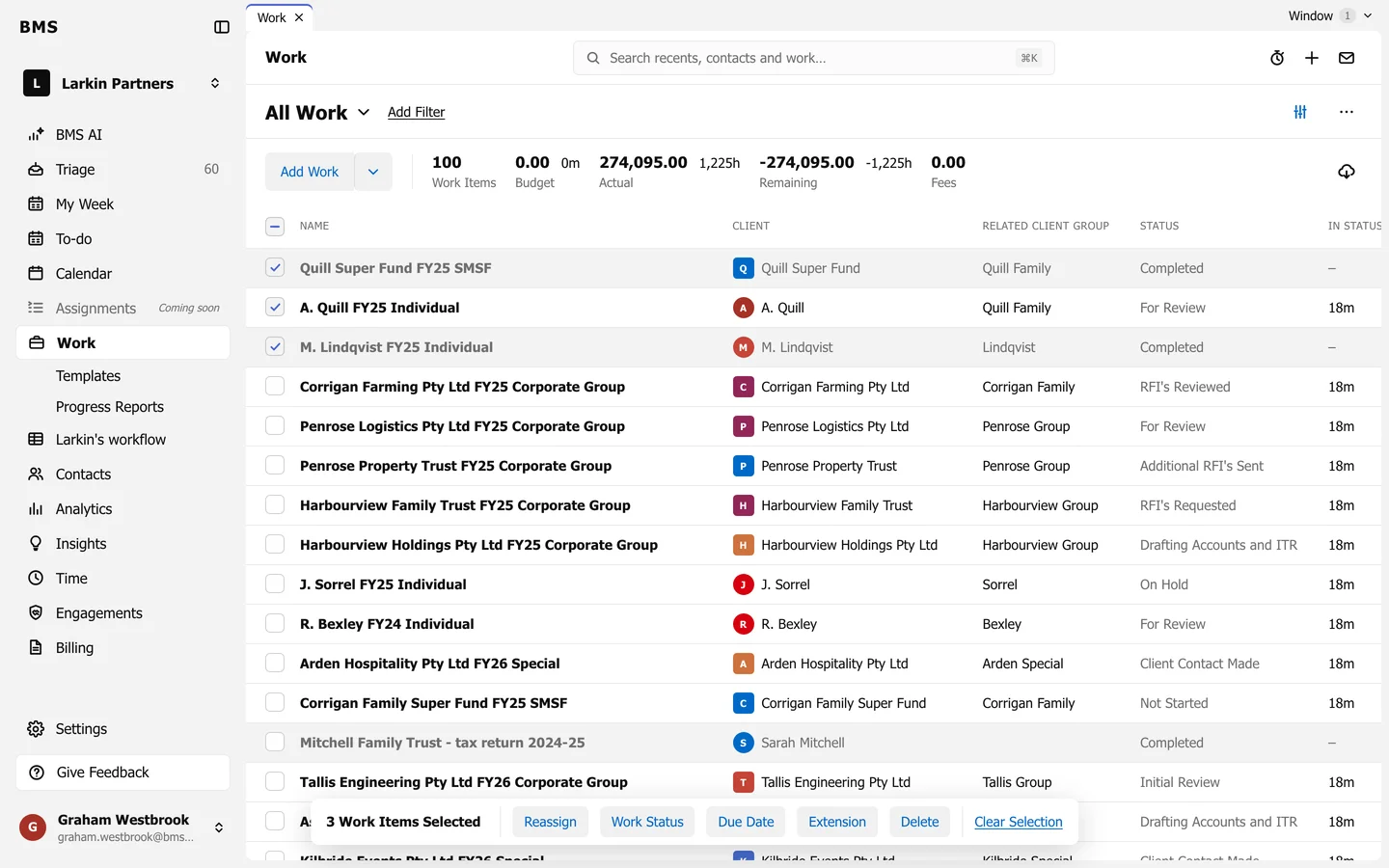
Tick jobs, then choose a bulk action. -
Choose an action:
- Reassign: a new assignee, or Unassigned.
- Work Status: a new status; optionally Also mark all tasks as completed.
- Due Date: a new due date.
- Extension: None, Required, Filed or Rejected.
- Queue Position: move to top or bottom, where queues are used.
- Delete: delete the jobs, after confirming.
-
Confirm in the dialog.