

Search for clients, work and email
Type in the top bar, pick a result, or press Enter for all results by type.
-
Click the search field in the top bar, Search recents, contacts and work.
-
Start typing a client, job or email subject. Matching contacts, work and email appear as you type.
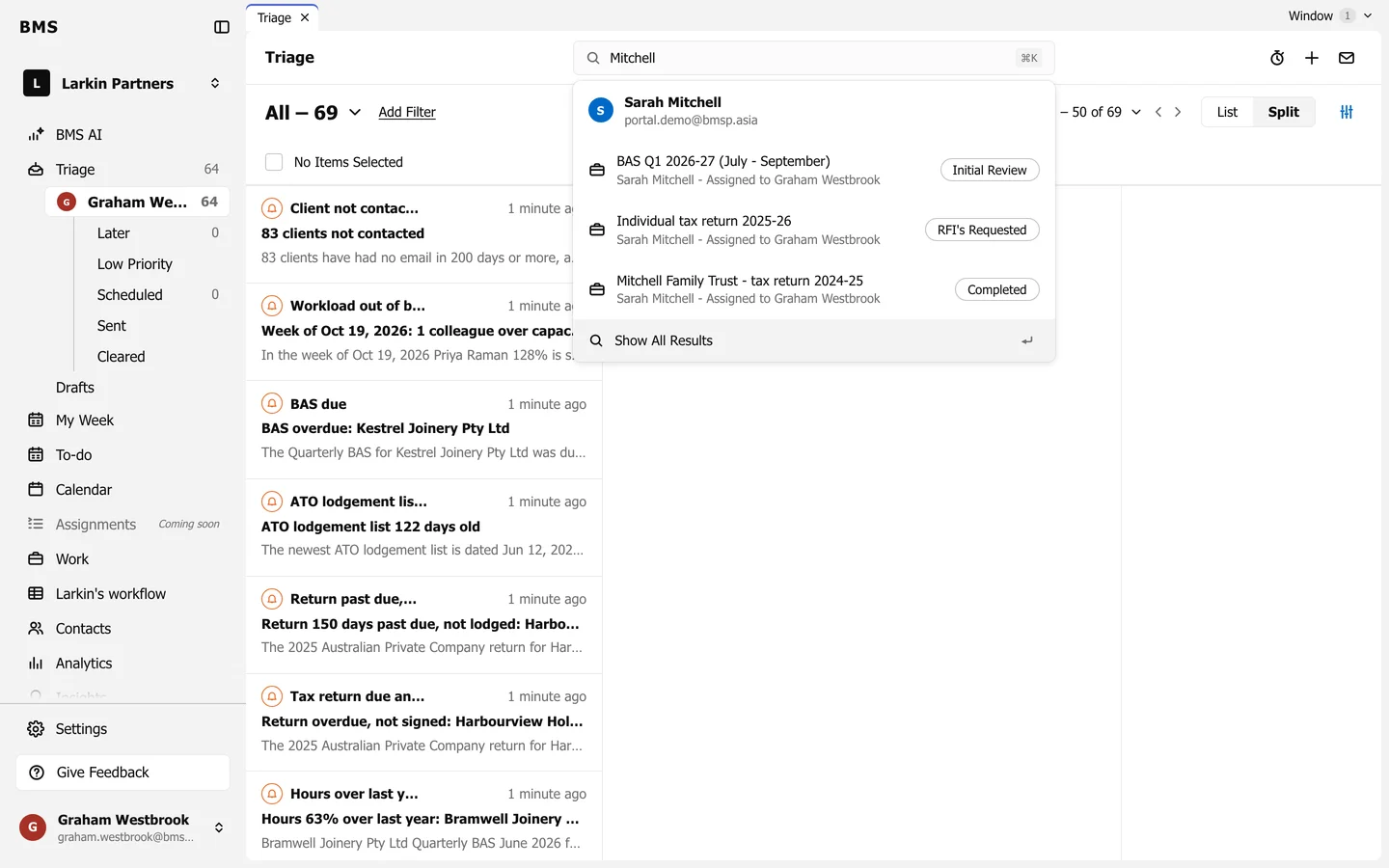
Results appear as you type. -
Pick a result to open it, or press Enter (or Show All Results) for the full results page. Press Escape to close the list.
-
On the results page, switch between All, Contacts, Work, Email and Notes.