

Details: dates, team, tags and custom fields
Start, due, deadline and extension dates, the work team, privacy and tags.
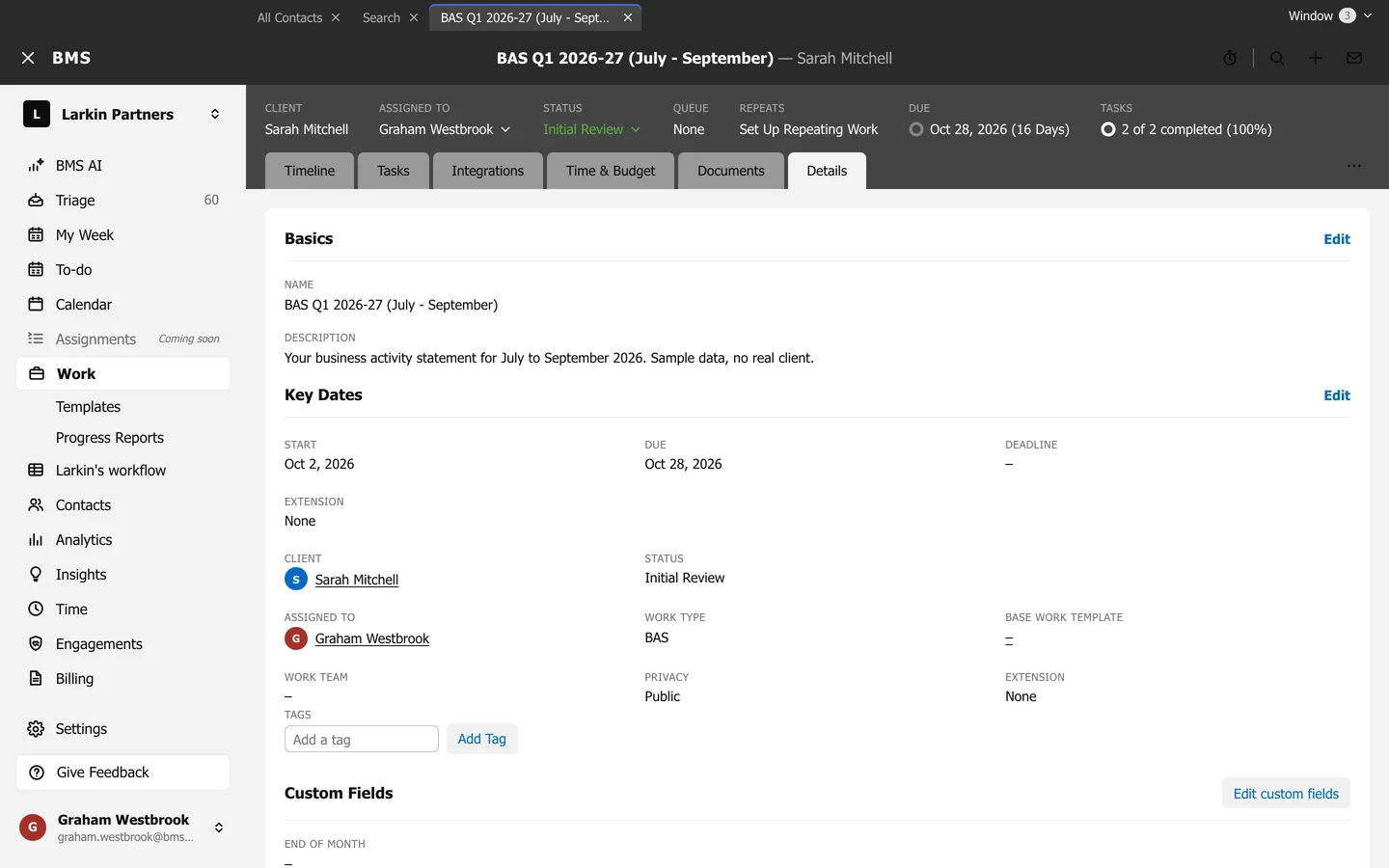
- Name, Description and Engagement.
- Key Dates: Start, Due, Deadline and Extension; press Edit Key Dates to change them.
- Client, Status, Assigned to, Work type and Base work template.
- Work team and Job roles: who does which part of the job.
- Privacy: who can see the job.
- Tags and your firm’s custom fields.
- Other Contacts Involved.