

Single sign-on with Google, Microsoft or SAML
Sign in with your Microsoft 365 account and optionally require it.
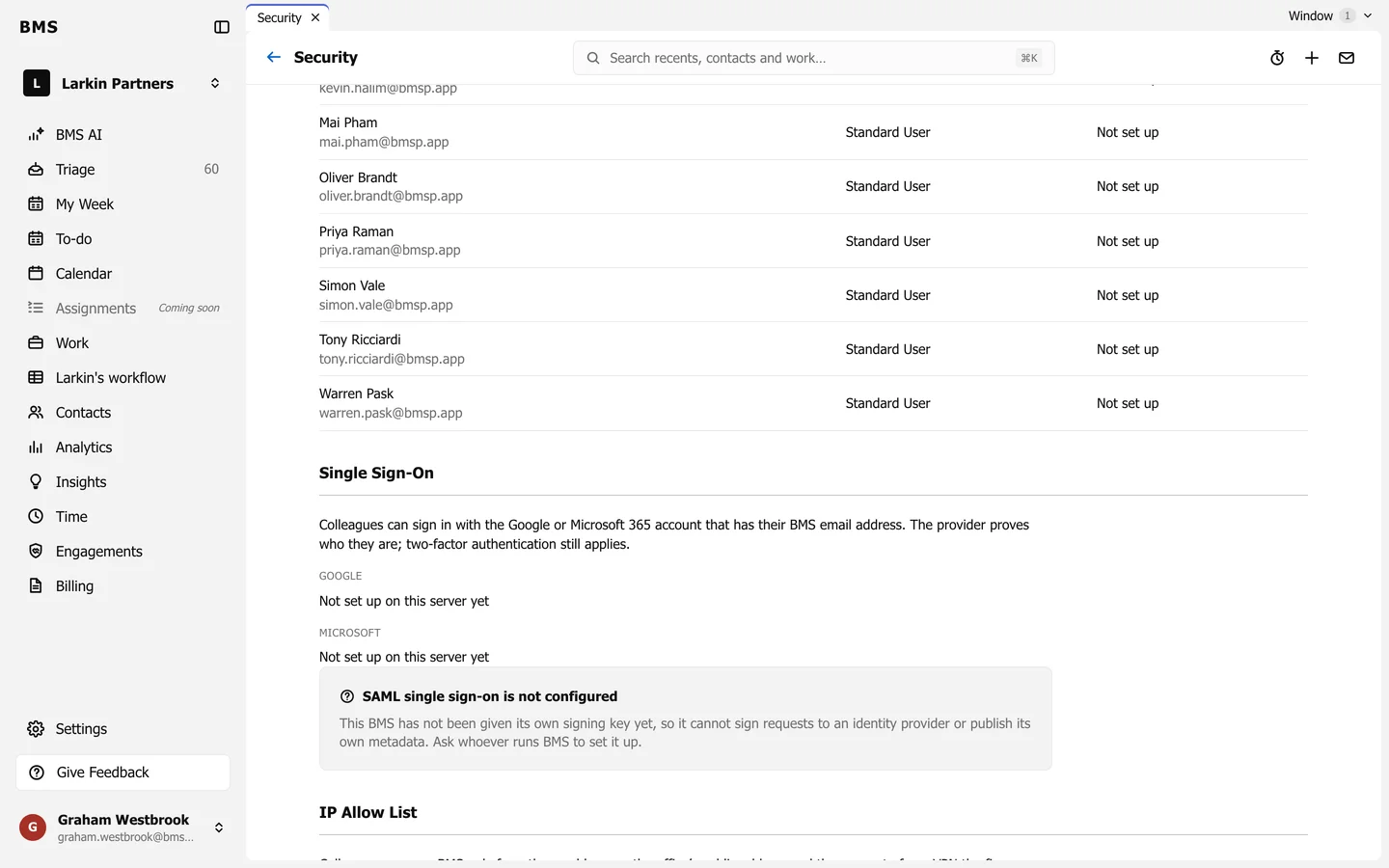
Once it is set up:
- Google and Microsoft: colleagues can sign in with the Google or Microsoft 365 account that has their BMS email address. Two-factor authentication still applies.
- SAML: an Admin gives BMS the identity provider’s metadata (Upload metadata file), and can then require SAML for everyone. A firm that requires SAML refuses every other way in.