

Find your documents
Everything shared both ways, with search and date filters; you can add but never delete.
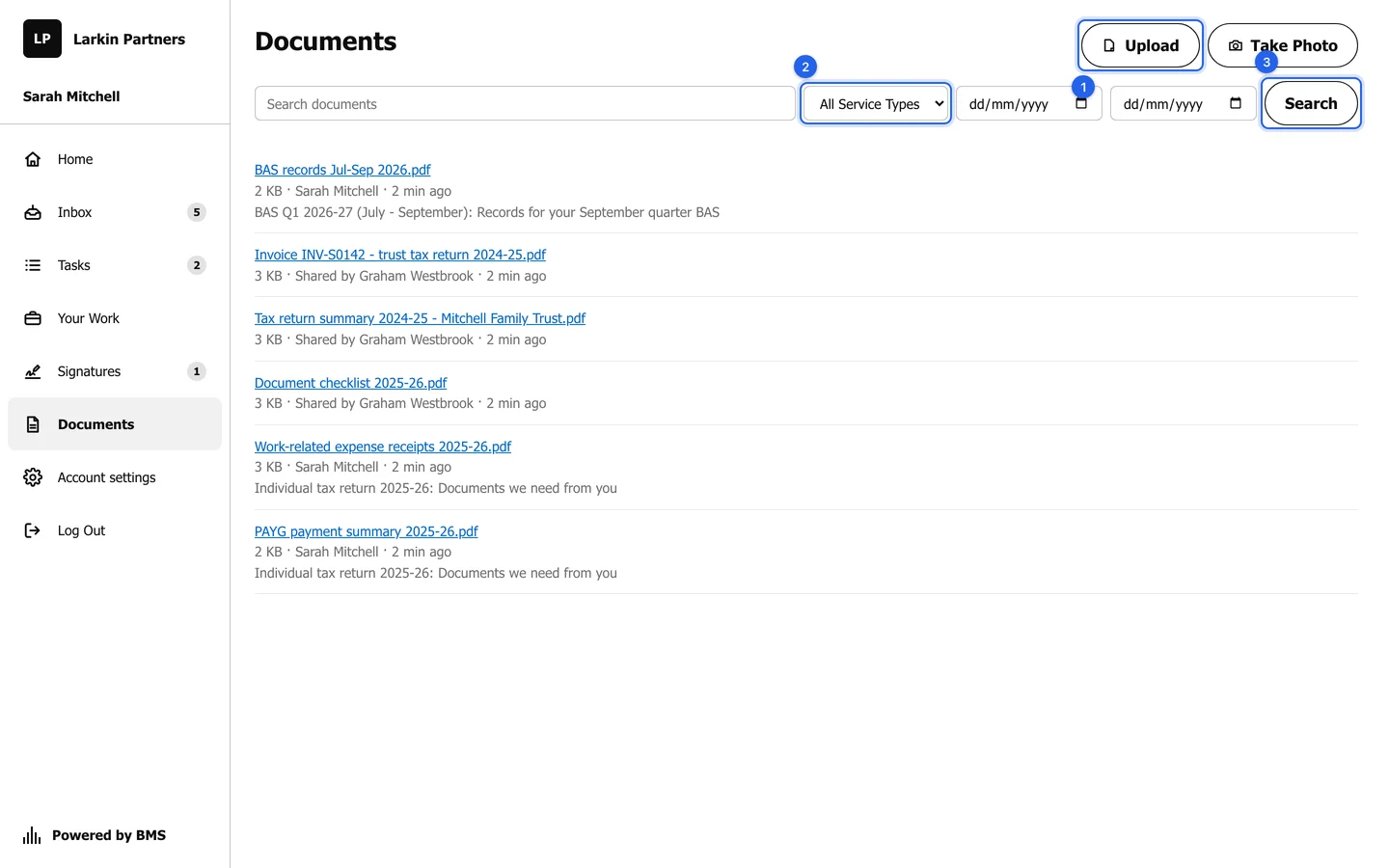
Documents holds every file between you and your firm in one list: what your firm shared with you (such as a checklist, last year’s return summary or an invoice) and what you sent.
Find a file
Section titled “Find a file”-
Press Documents in the menu.
-
To narrow the list, choose a Service Type and a date range, then press Search.
-
Press a file’s name to download it. Each file shows its size, who sent or shared it, and when.
Add a file
Section titled “Add a file”Press Upload to send a file that is not for a particular request, or Take Photo on a phone. See Upload a document.