

Add a time entry
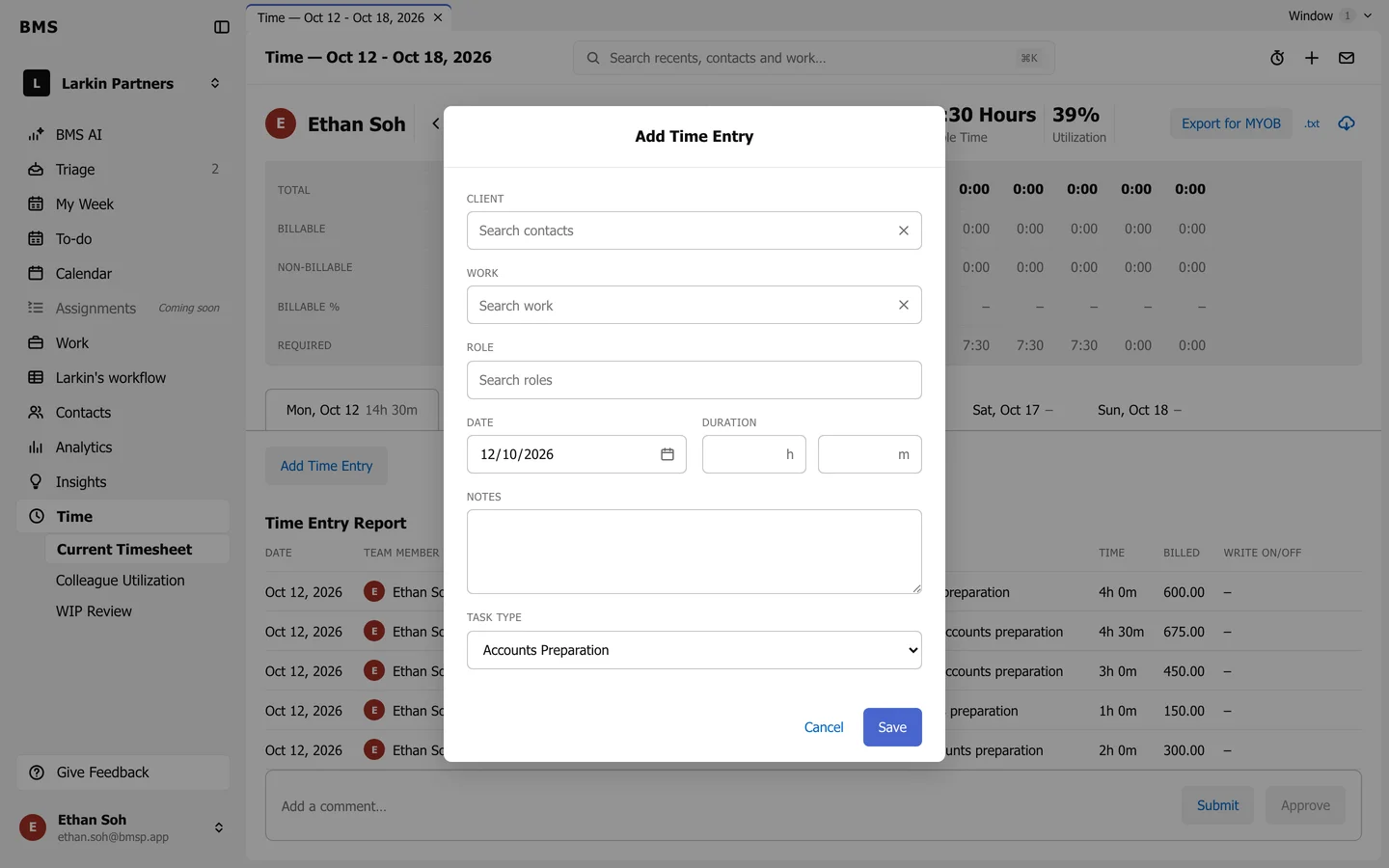
The Add Time Entry form with role, task type and notes.
-
On your timesheet, under the day tabs, press Add Time Entry. It is also on a job’s Time & Budget tab.
Add Time Entry. -
Choose the Client and, if it is for a job, the Work.
-
Choose your Role if the work needs one.
-
Set the Date and the Duration in hours and minutes.
-
Add Notes and the Task type, then press Save.