

Comment and mention colleagues
Discuss an item internally with @mentions; clients never see comments.
Comments are internal: they are never sent to the client, whatever item they are on.
-
Open the item and press Comment (or Add a comment in the action bar).
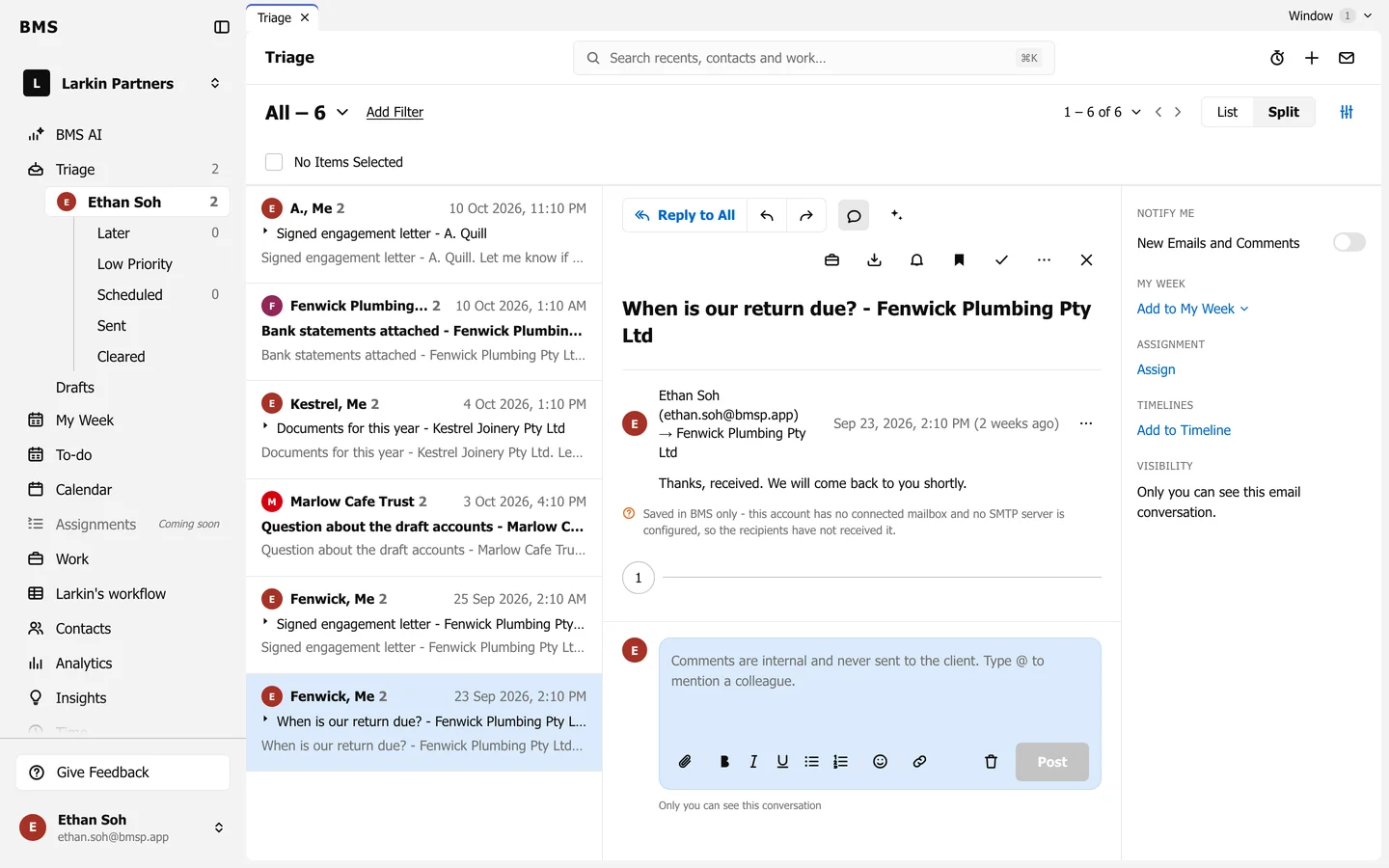
The comment box. -
Type your comment. Type @ and a name to mention a colleague; they get the comment in their Triage.
-
Press Post, or Cmd+Enter (Mac) / Ctrl+Enter. Escape closes the box without posting.
Under the box, BMS says who can see the conversation, such as “Only you can see this conversation”. Give someone’s comment a Thumbs up to acknowledge it without replying.