
Skip to content

Open the full site on a phone

LiveFor: All staff

Switch back to the desktop screens.

To use a screen the phone app does not have, such as Billing or Settings, tap the ☰ menu and choose Open the full site. It is also at the bottom of Settings.
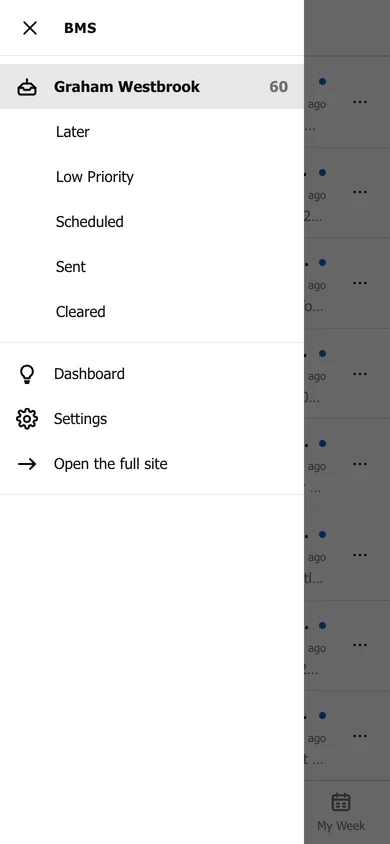
The phone menu: Triage folders, then Dashboard, Settings and Open the full site.
Open the full site, in the menu.

The full site then opens on your phone as it does on a computer.

Still need help?

Ask your firm's BMS admin first: they can see your access level and your firm's settings. Clients of a firm should contact their accountant.

Last updated: