

Roles and charge-out rates
Job roles with default and custom rates.
Go to Settings > Roles. Each role, such as Partner or Manager, has a Default Rate and any Custom Rates, and shows how many Colleagues hold it.
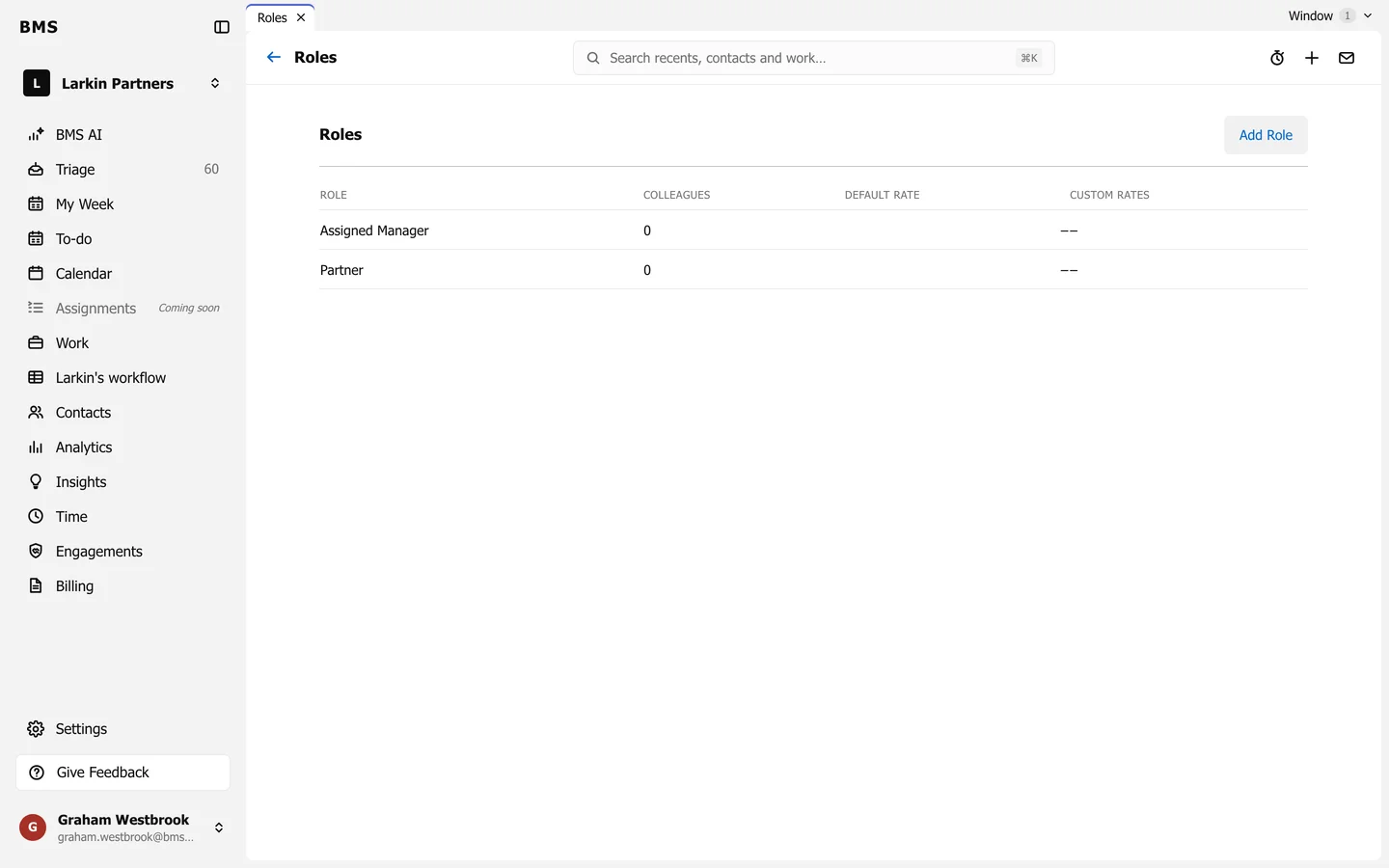
Press Add Role to add one, or a role to change its rates. A time entry’s rate comes from its role unless a rate plan or a job’s own budget says otherwise.