

The timeline: notes, emails and pins
Post a note, pin what matters and filter the history.
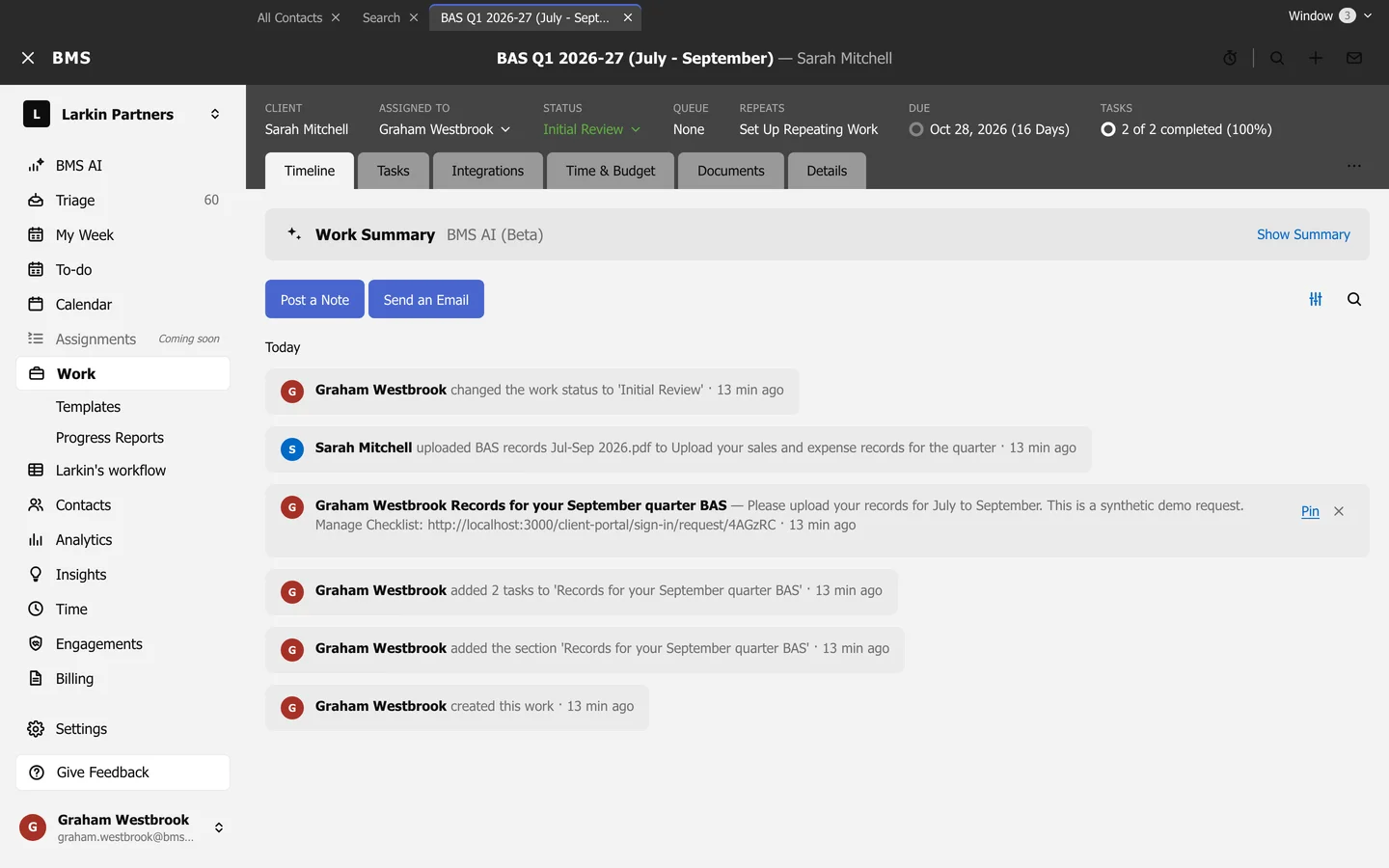
The Timeline tab is the job’s history: notes, emails, client uploads, status changes and who did what.
Post a note
Section titled “Post a note”Press Post a Note, add a Title and the Note, then press Post. Press Send an Email to write to the client from the job.
Pin what matters
Section titled “Pin what matters”Press Pin on a note or email to keep it under Pinned Items at the top. Unpin removes it.
Find something
Section titled “Find something”- Filter the timeline shows only Emails, Notes or Activity Items.
- Search the timeline finds a word in the history.