

Issue, email and download the money report
Issue Report, the monthly email and the PDF.
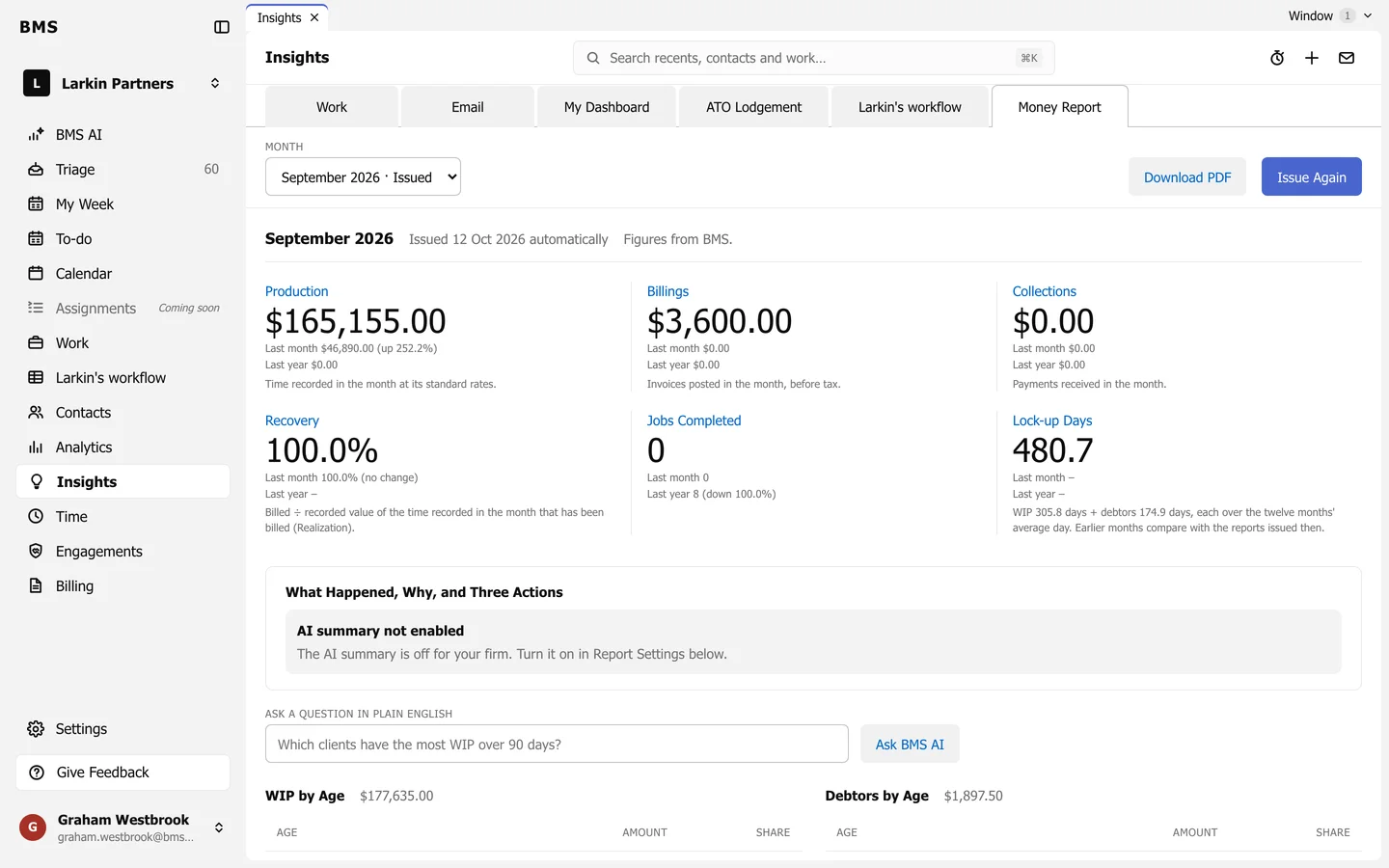
- Issue Report freezes the month’s figures as the official copy; later changes to time or invoices do not alter it. On a month already issued it reads Issue Again.
- Month lists each month, marked Issued once it is.
- Download PDF saves the report as a PDF.
Email it every month
Section titled “Email it every month”In Report Settings at the bottom of the page, choose who it goes to under Send to and tick Email the report on the 3rd. BMS then issues last month’s report and emails it on the 3rd of each month.