

Post a note on a client timeline
Record a call or meeting.
-
Open the contact; it opens on Timeline.
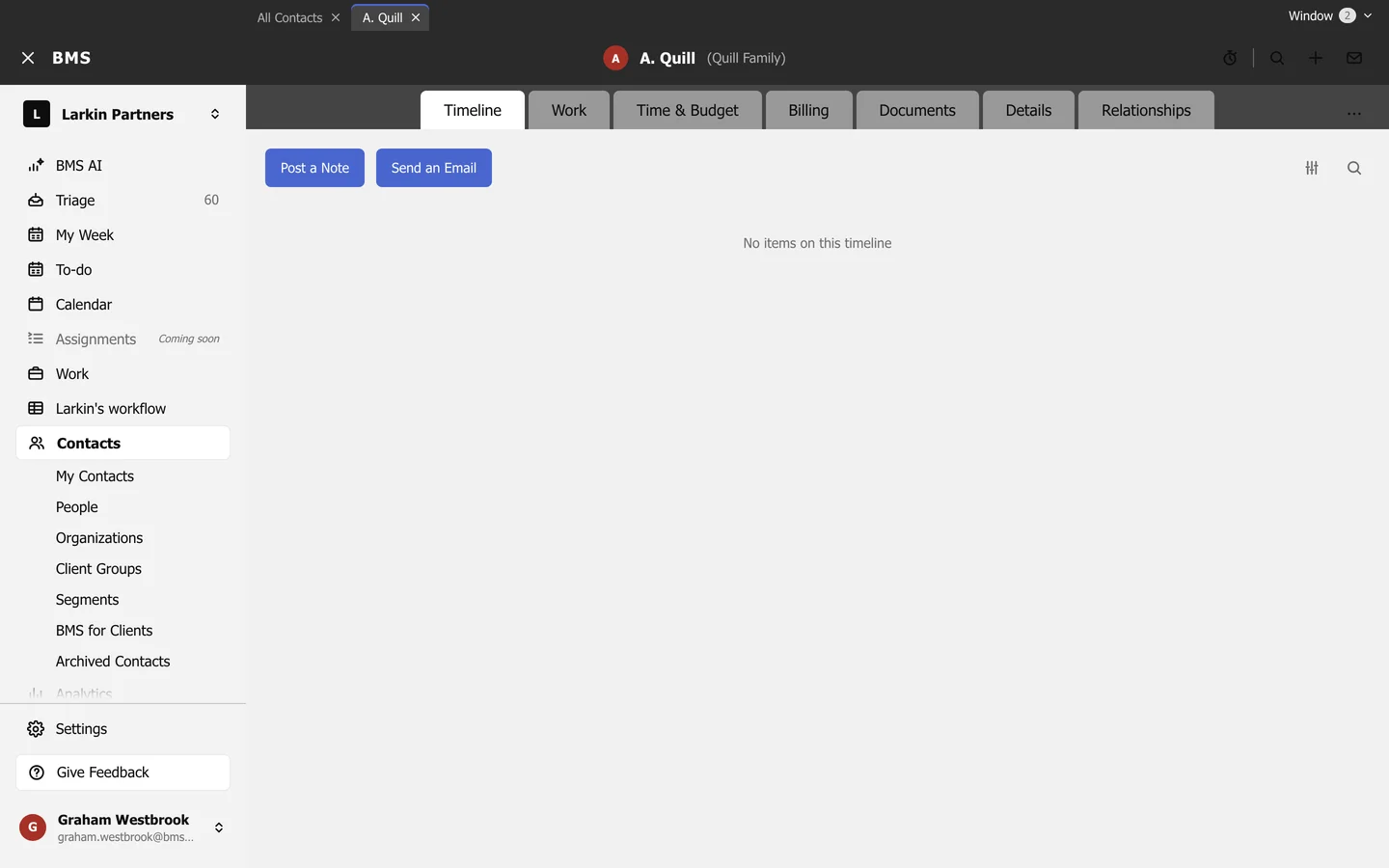
Post a Note is at the top of the Timeline. -
Press Post a Note.
-
Give it a Title and write the Note, then press Post.
The note stays on the client’s timeline for everyone who can see the client. Send an Email writes to the client from the same place. The sliders filter the timeline and the magnifier searches it.