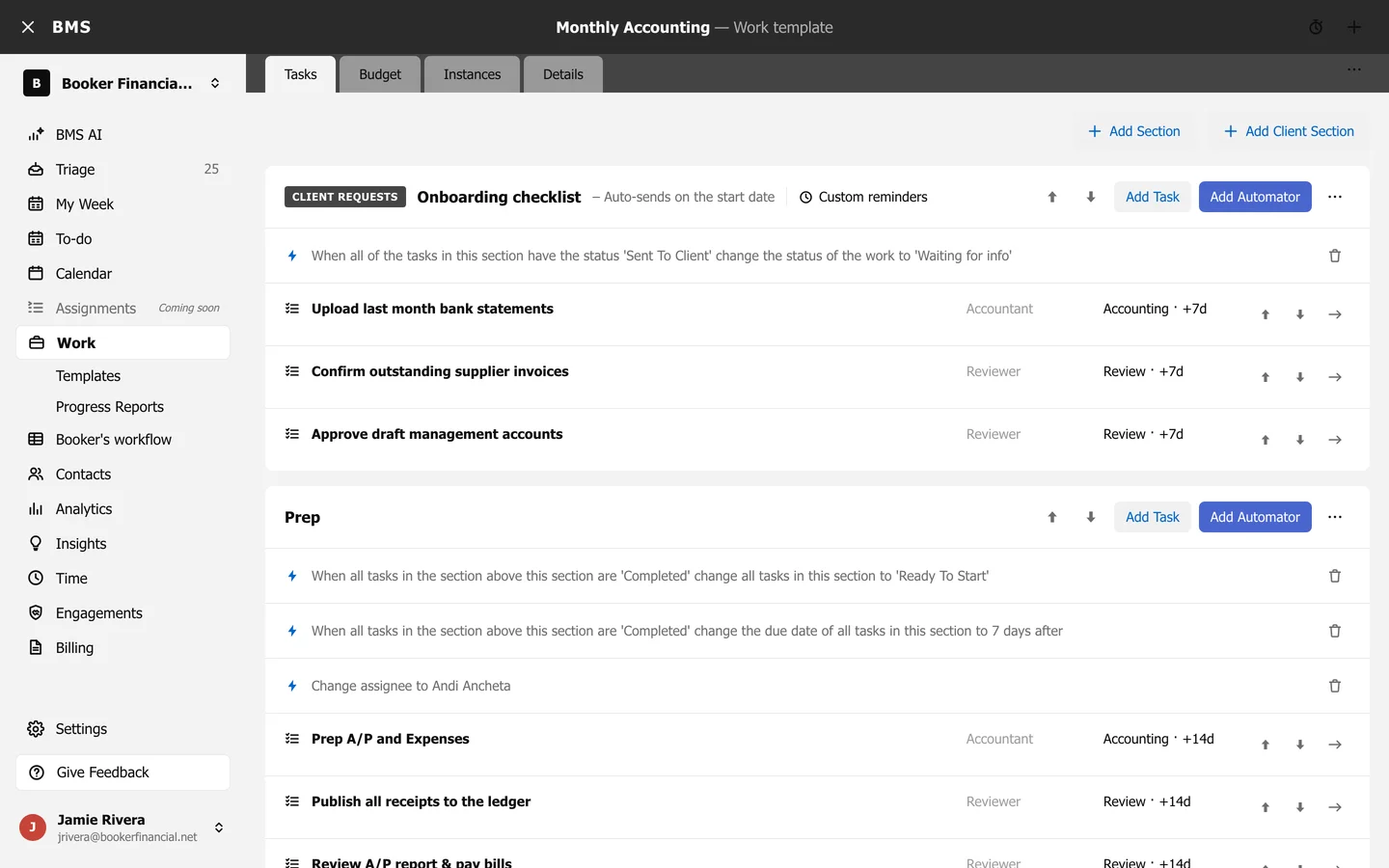
Create and edit work templates
Tasks, sections, client sections and budgets in one template.
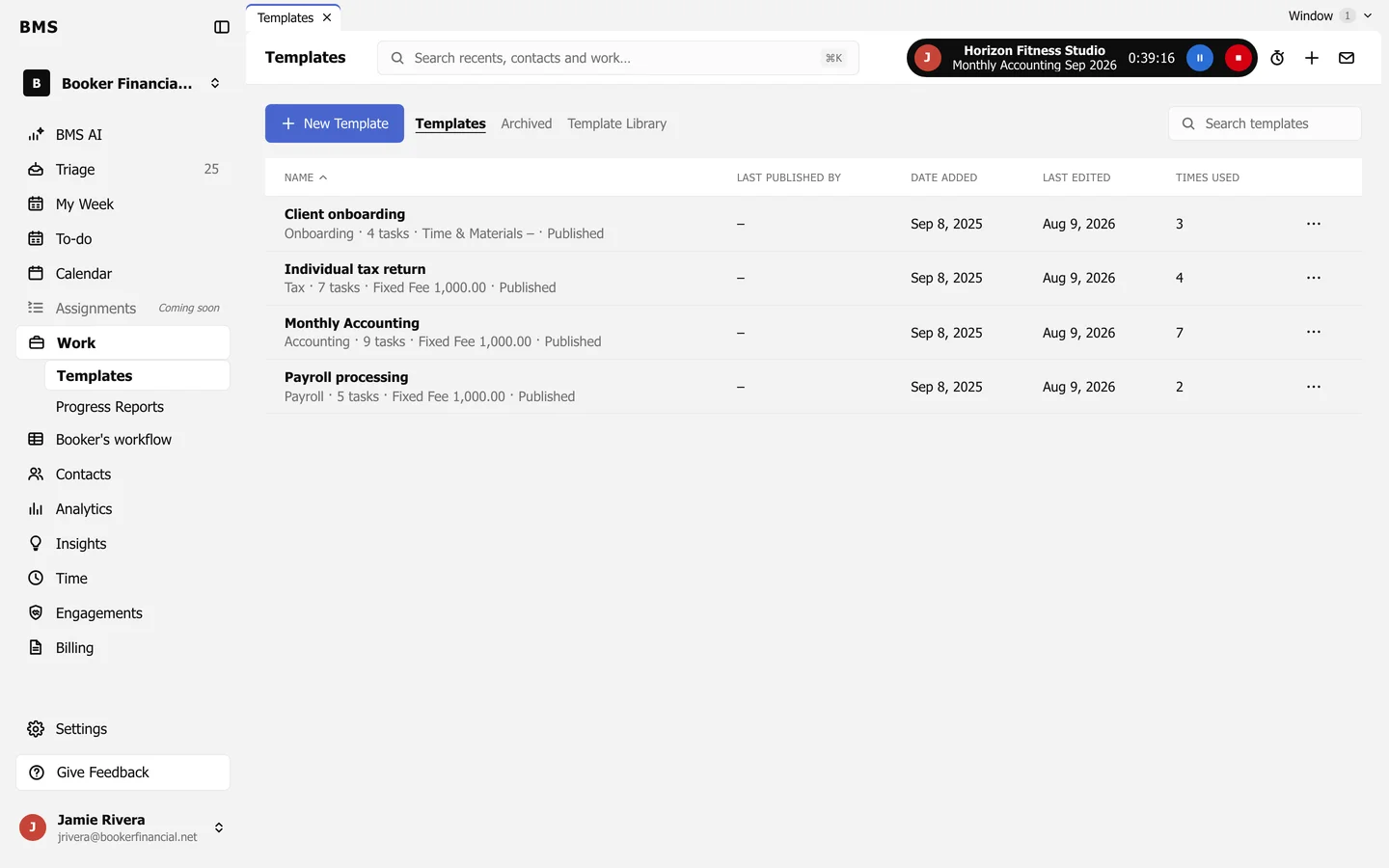
Work > Templates lists your firm’s templates; press New Template to start one, or open an existing one.
A template has four tabs:
- Tasks: Add Section, Add Client Section, then Add Task and Add Automator in each. A task has a name, description, job role, task type and Due (days after start date). Move sections and tasks up and down, and indent tasks as sub-tasks.
- Budget: Billing Settings and Add Budget Estimate by role.
- Instances: the jobs created from it, with Bulk Reset.
- Details: Name, Description, Work type and External Name.