

Triage on your phone
Read, add to work, clear and reply.
Triage on the phone shows the same items as on the full site: emails, alerts and work assigned to you.
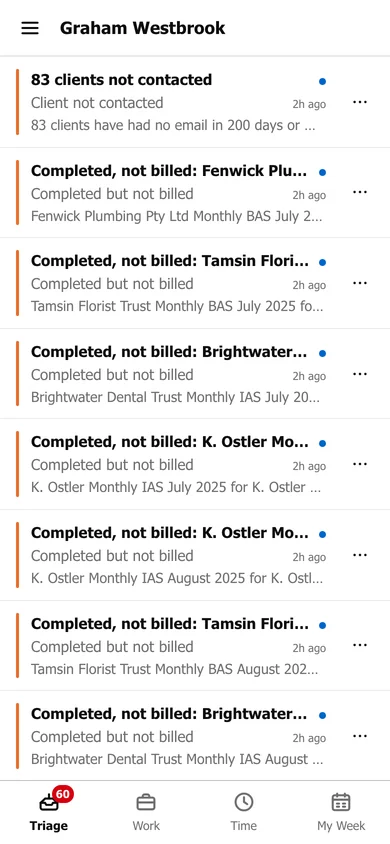
- Tap the ☰ menu to switch to Later, Low Priority, Scheduled, Sent or Cleared, or to a Shared Triage.
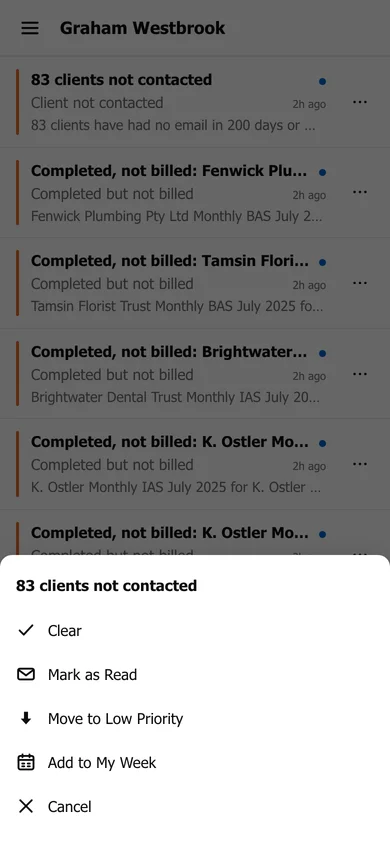
- Tap … on an item to Clear it, Mark as Read, Move to Low Priority or Add to My Week.
Tap an email to read it. From there you can Reply, Reply All or Forward, add it to work, comment or assign it, just as on the full site.