

Documents on a job
Upload files and link a connected folder.
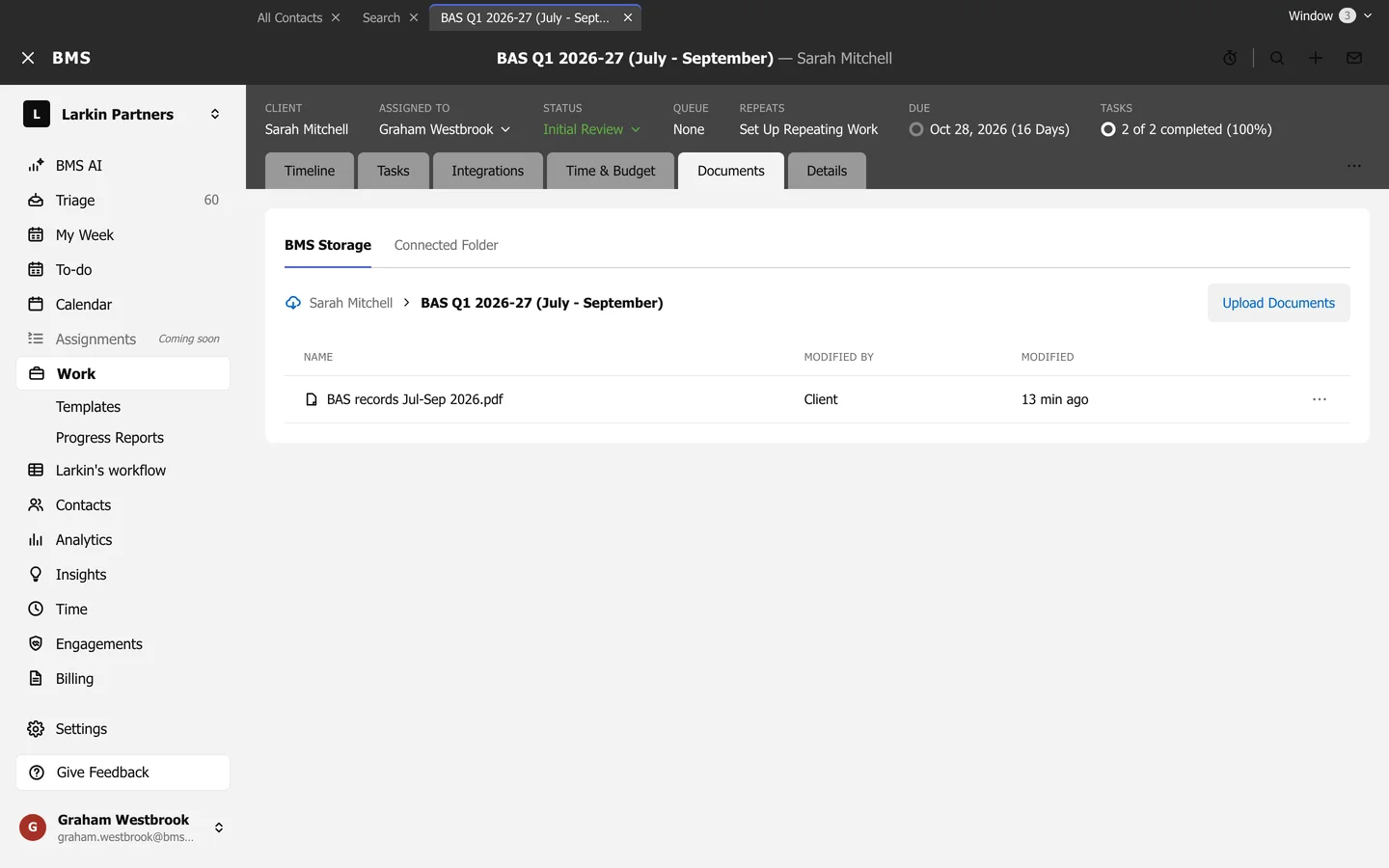
- BMS Storage lists the files on the job, including what the client uploaded; press Upload Documents to add more.
- Connected Folder links the job to a folder in Google Drive, OneDrive or Dropbox: press Connect Folder, and tick Automatically copy files into this folder to keep it in step.