Register an API application
Create credentials and choose scopes.
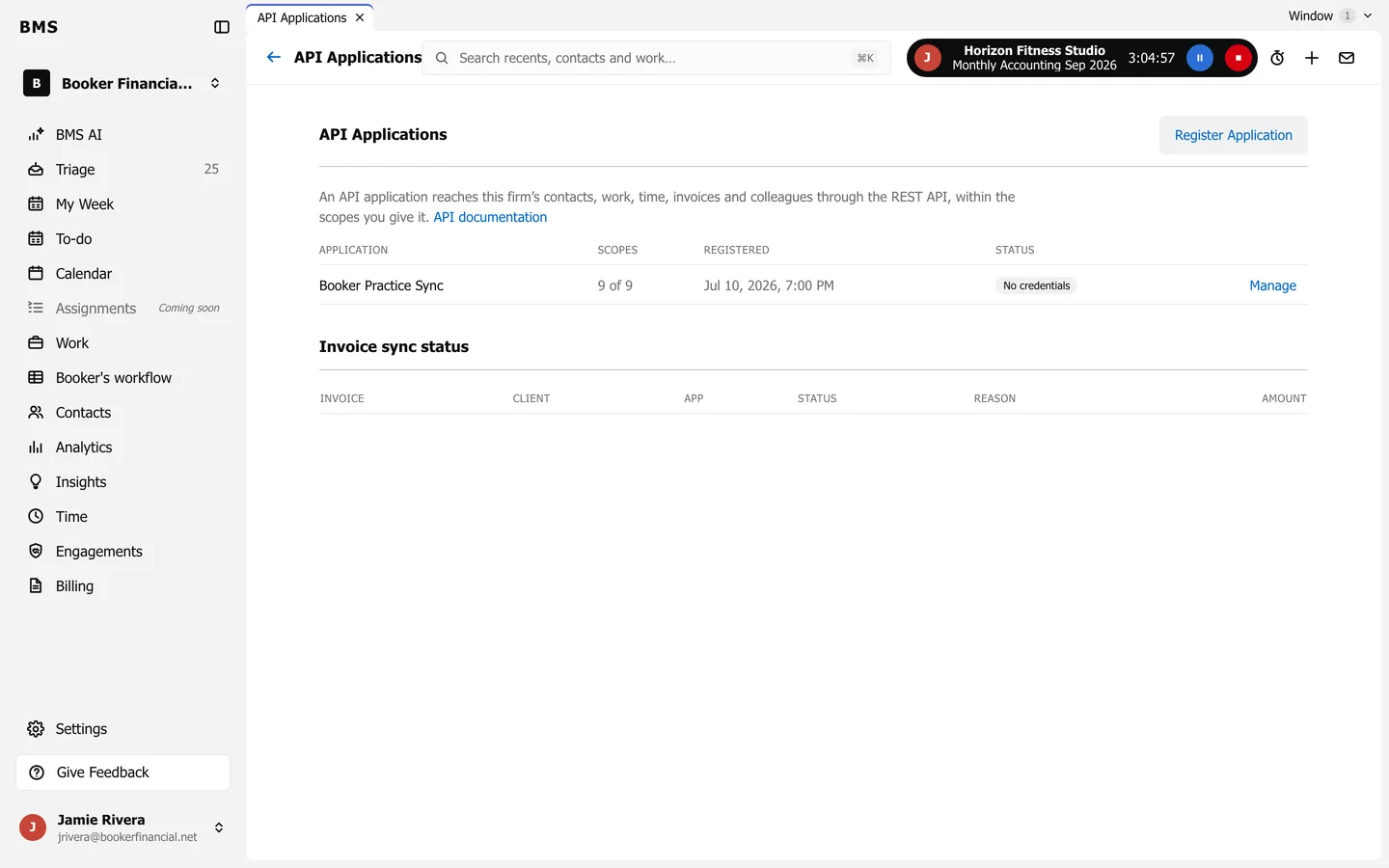
An API application lets one of your own systems reach your firm’s contacts, work, time, invoices and colleagues through the REST API, within the scopes you give it.
-
Go to Settings > Connected Apps > API Applications and press Register Application.
-
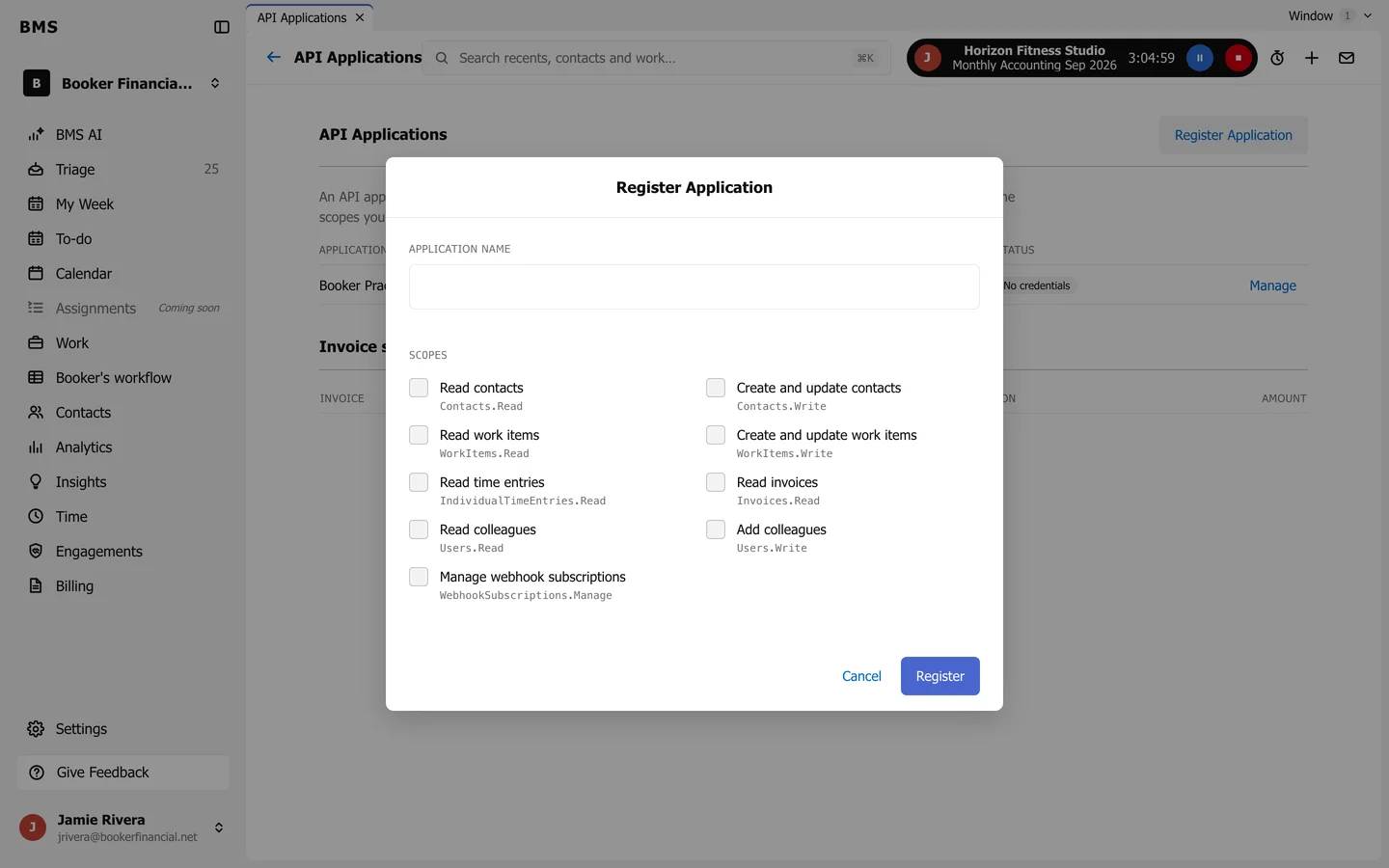
Enter the Application Name and tick its Scopes, such as Read contacts or Create and update work items.
-
Press Register.
-
Open it with Manage and issue its credentials: an Authorization token and an Access key.
On Manage you can also Rotate Access Key or Rotate Authorization Token, add webhook subscriptions, read the Delivery Log, or Revoke Application. Revoking stops both credentials at once and cannot be undone.