

Budgets: cost, hours and budget data quality
Budget against actual by client, team member and role.
Analytics > Budget compares what jobs were budgeted with what they took.
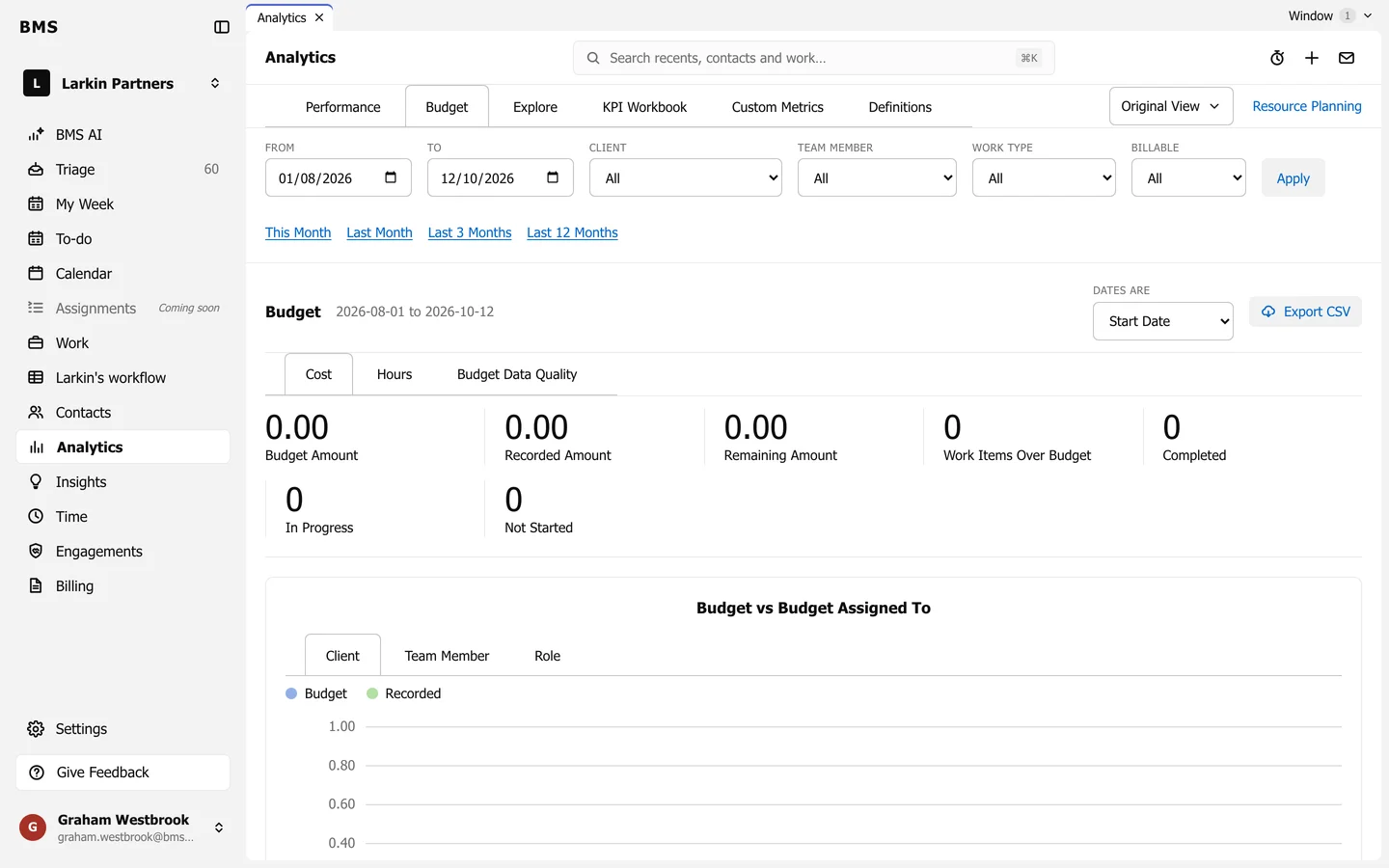
- Cost and Hours show Budget, Recorded and Remaining, and how many jobs are over budget.
- Budget vs Budget Assigned To breaks it down by Client, Team Member or Role.
- Budget Data Quality finds what makes budgets unreliable: Work Items With No Budget, Roles With Billable Rates of Zero, Budgets With No User and Budgets With No Role.
- Dates are chooses whether jobs count by start or due date; Export CSV downloads the figures.