

Copy, paste and reset tasks
Reuse task lists between jobs or reset from the template.
Paste a list
Section titled “Paste a list”Section options > Paste Tasks turns a pasted list into tasks. Tick Split into multiple tasks, one per line to make one task per line.
Copy tasks to another job
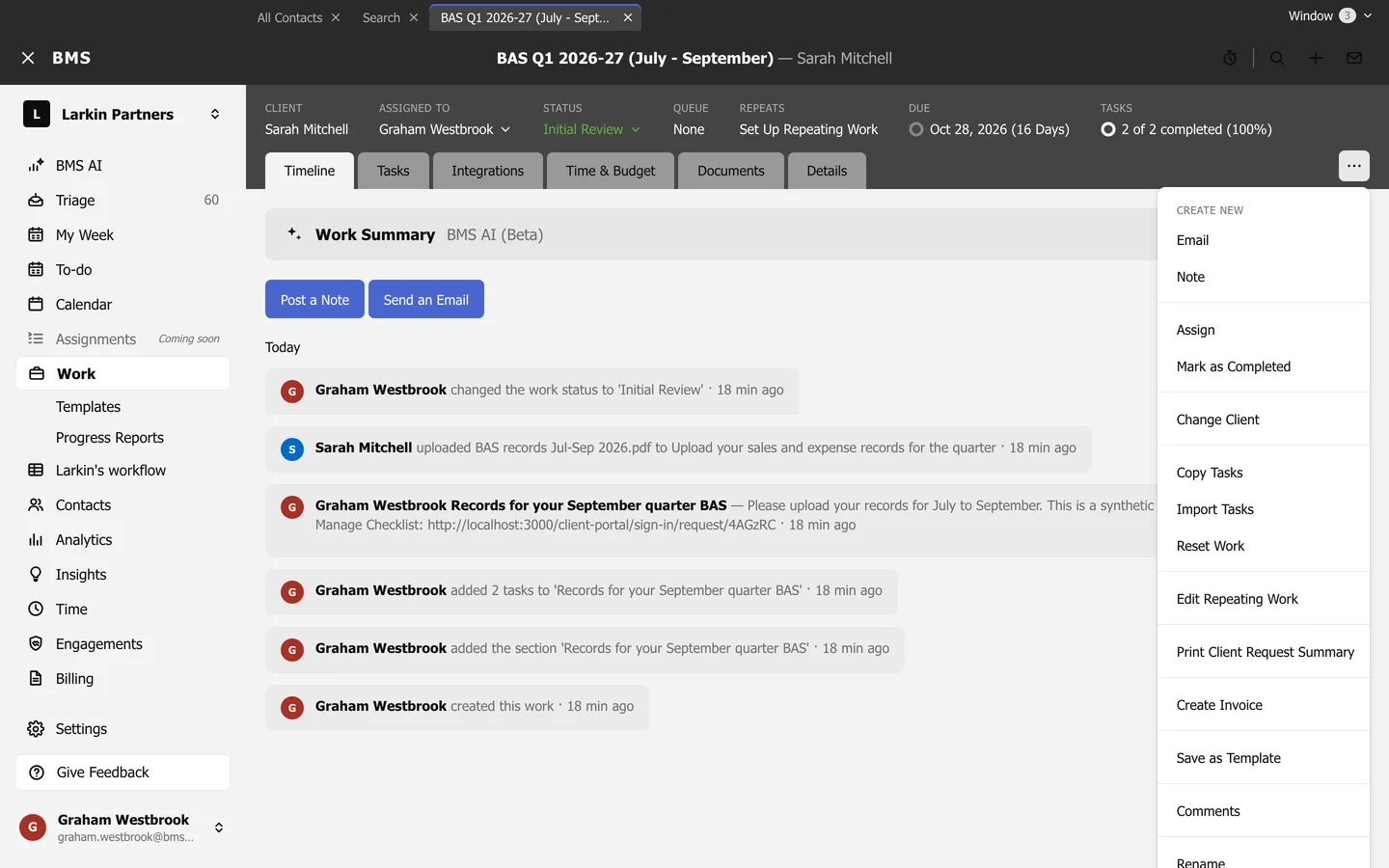
Section titled “Copy tasks to another job”Work item options > Copy Tasks copies this job’s tasks to another job, or to a new one (Copy to a new piece of work). Choose whether to Copy relative due date and Copy assignee, then press Copy.
Reset from the template
Section titled “Reset from the template”Work item options > Reset Work replaces every task with the template’s again. Choose what to keep: Keep Tasks and Automator Assignment, Keep Client Customizations and Keep Budget Settings and Customizations, then press Reset this work.