

Connect Xero or QuickBooks Online
Sync contacts and invoices with your ledger.
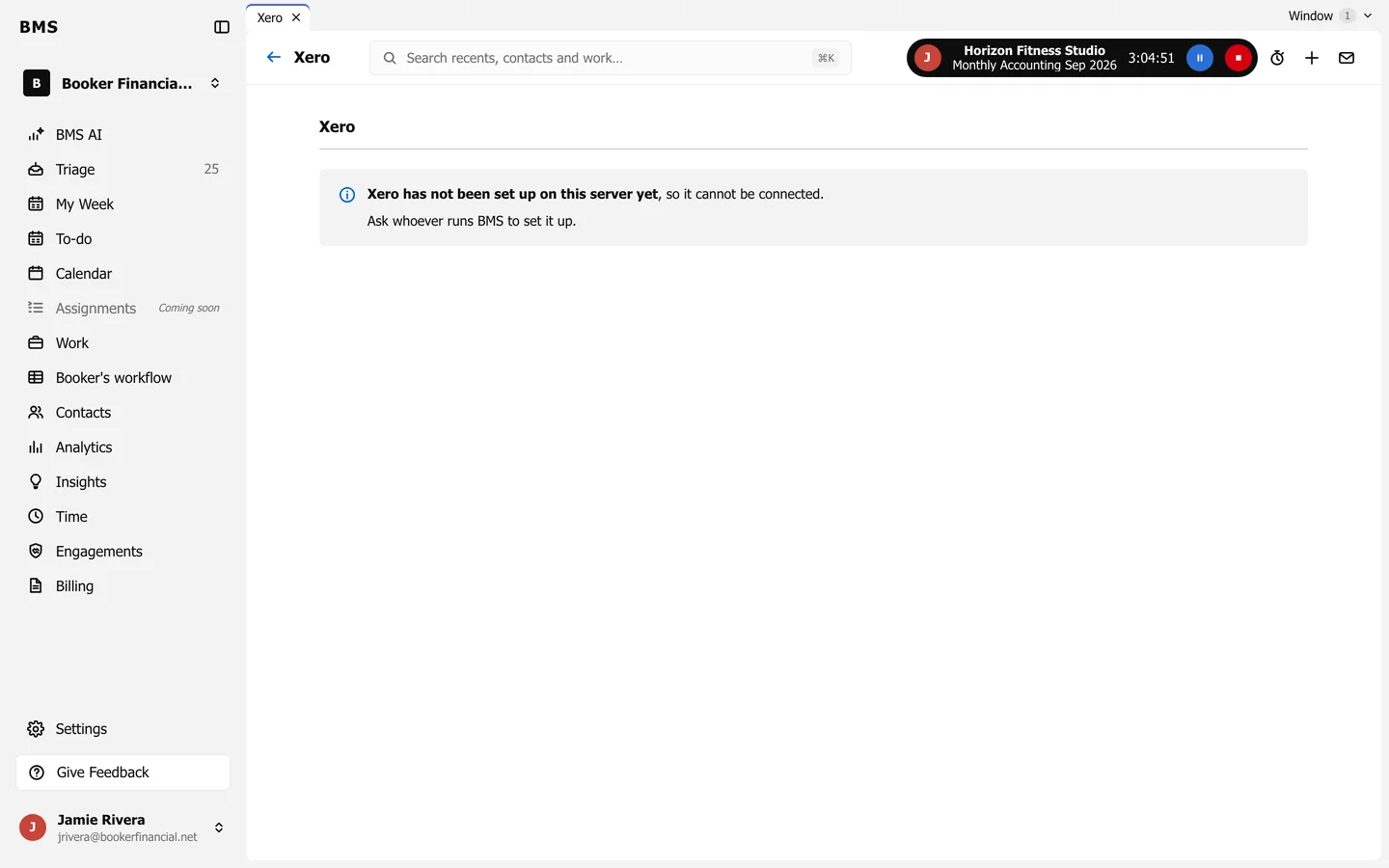
Once it is set up:
-
On Connected Apps, press Connect beside Xero or QuickBooks Online.
-
Sign in to your ledger and allow BMS access.
-
BMS matches your BMS contacts with the ledger’s contacts. Check any it could not be sure of; see Fix match issues and sync errors.
From then on, approving an invoice in BMS sends it to your ledger.