

Set up a shared Triage inbox
A team inbox such as Tax Team or Payroll, with members and sharing rules.
A Shared Triage is a team inbox: one mailbox, such as payroll@ or tax@, worked by several colleagues.
-
Go to Settings > Shared Triage and press Add Shared Triage, then give it a Name.
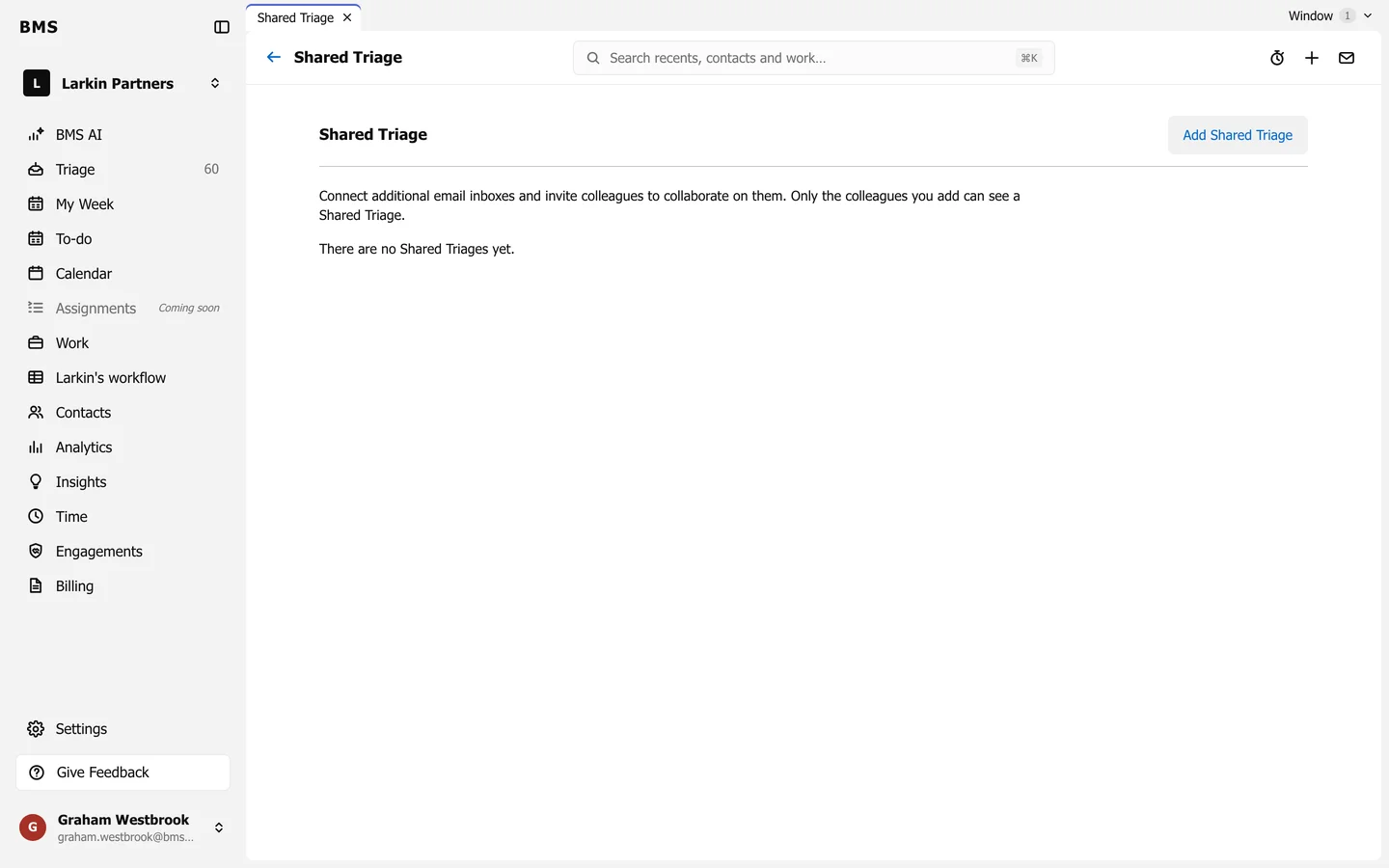
Settings > Shared Triage. -
Open it and, under Connected Email Accounts, press Add Account to connect the mailbox.
-
Under Access, press Add Colleague for each member.
-
Under Sharing Rules, press Edit and choose Always Share or Never Share for its email on client timelines.
Members see the inbox in their sidebar, marked Shared With and the number of colleagues. It has Later, Sent and Cleared folders.