

Add a work item
Create a job with title, type, client, assignee and dates.
-
On Work, press Add Work (or + > Work from anywhere).
-
Fill in the dialog:
- Work template: leave No template for a one-off job, or see Create work from a template.
- Work title and Work type.
- Assigned to and Client.
- Start and Due; Show Deadline adds a deadline.
- Description.
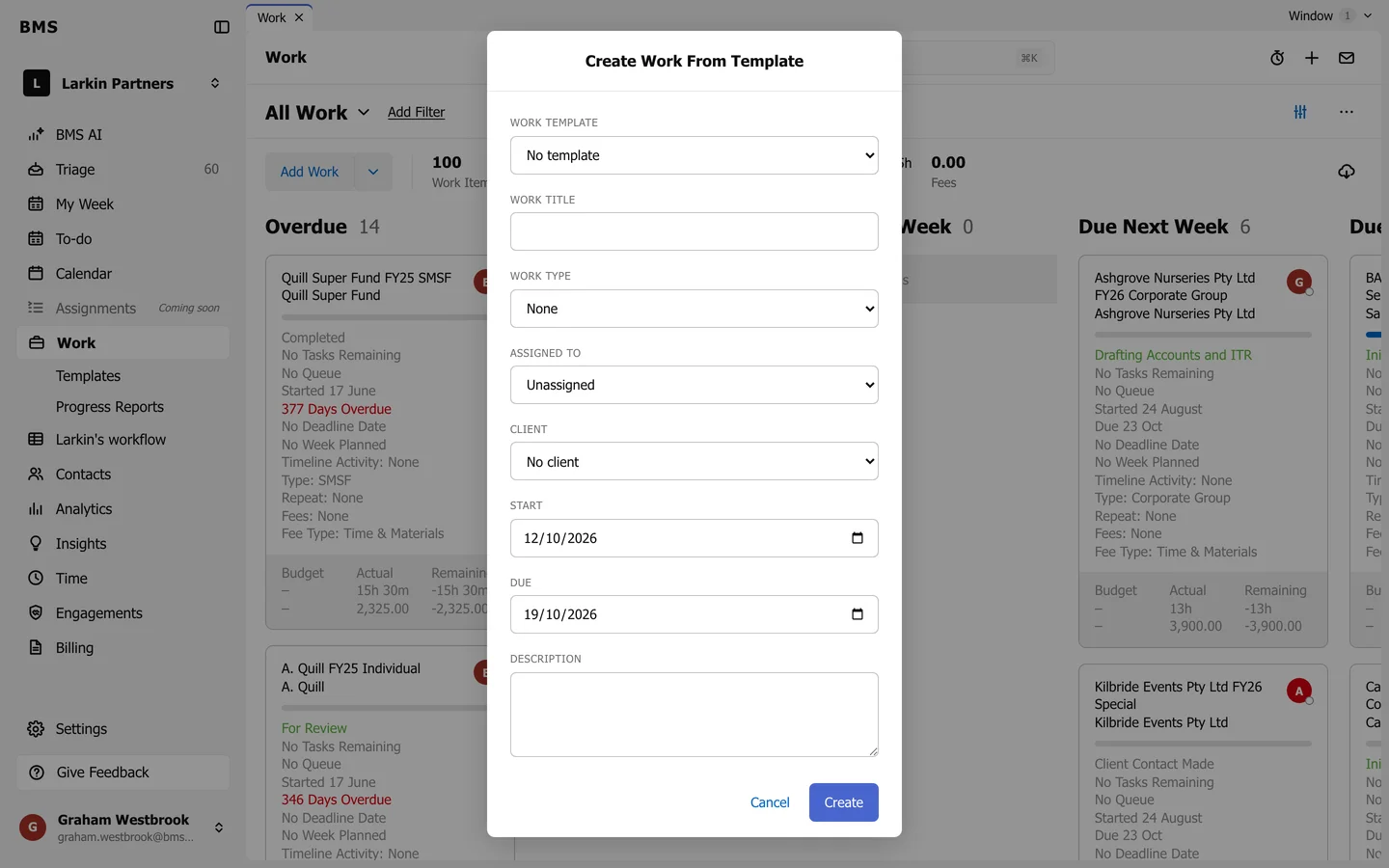
Add Work. -
Press Create. The new job opens on its Tasks tab.