

Export the tracker to Excel or CSV
Download the workbook or one sheet.
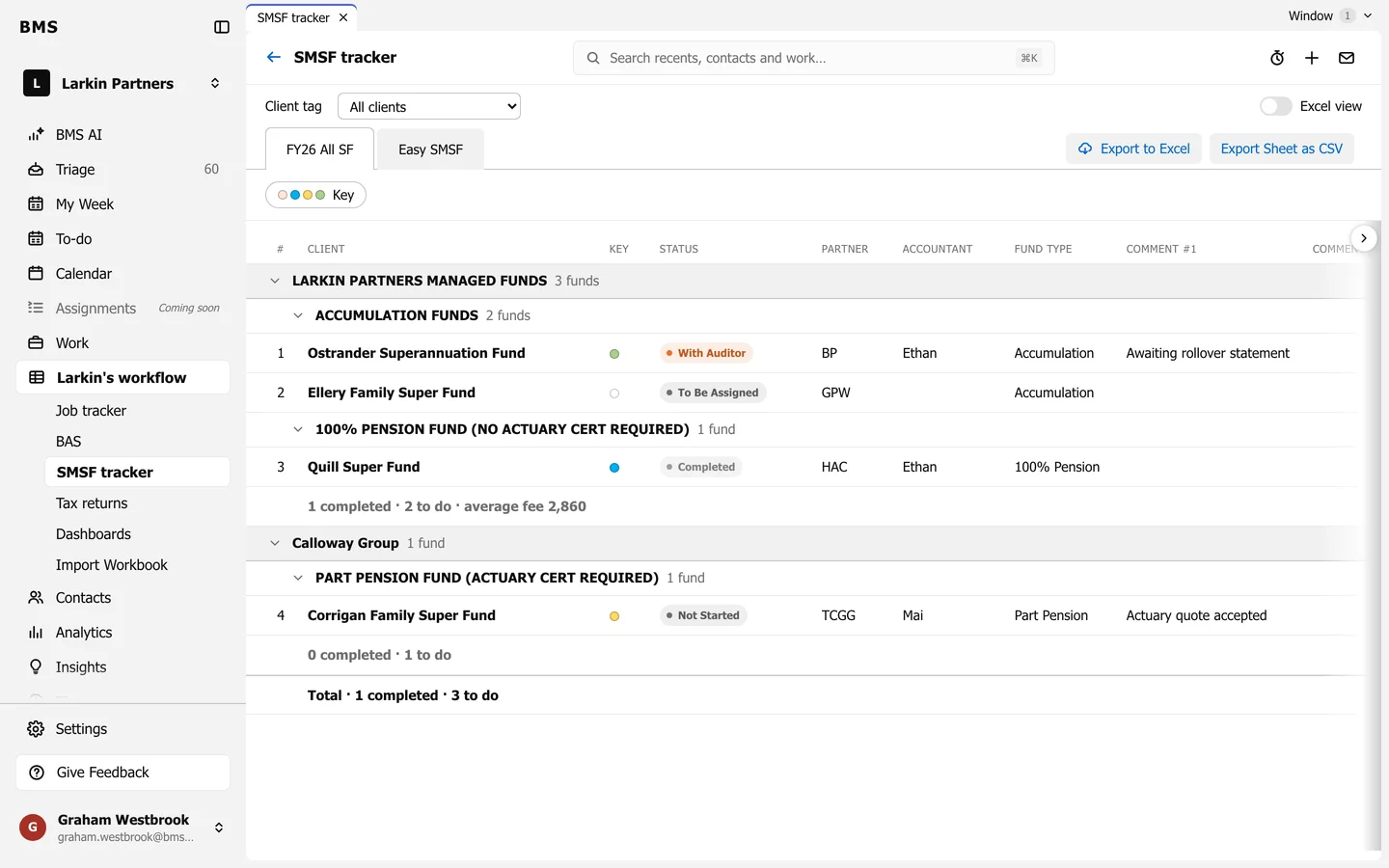
At the top right of the job tracker, the SMSF tracker and the dashboards:
- Export to Excel downloads the whole workbook as a spreadsheet, laid out like your own.
- Export Sheet as CSV downloads only the sheet on screen.
A workbook exported from BMS can be imported back: nothing is added twice.