

Remind me and Save to Later
Snooze an item until a date, or park it in Later.
Remind me
Section titled “Remind me”-
Open the item and press Remind me (the bell).
-
Choose when in Remind me at; it starts at tomorrow 8:00 AM.
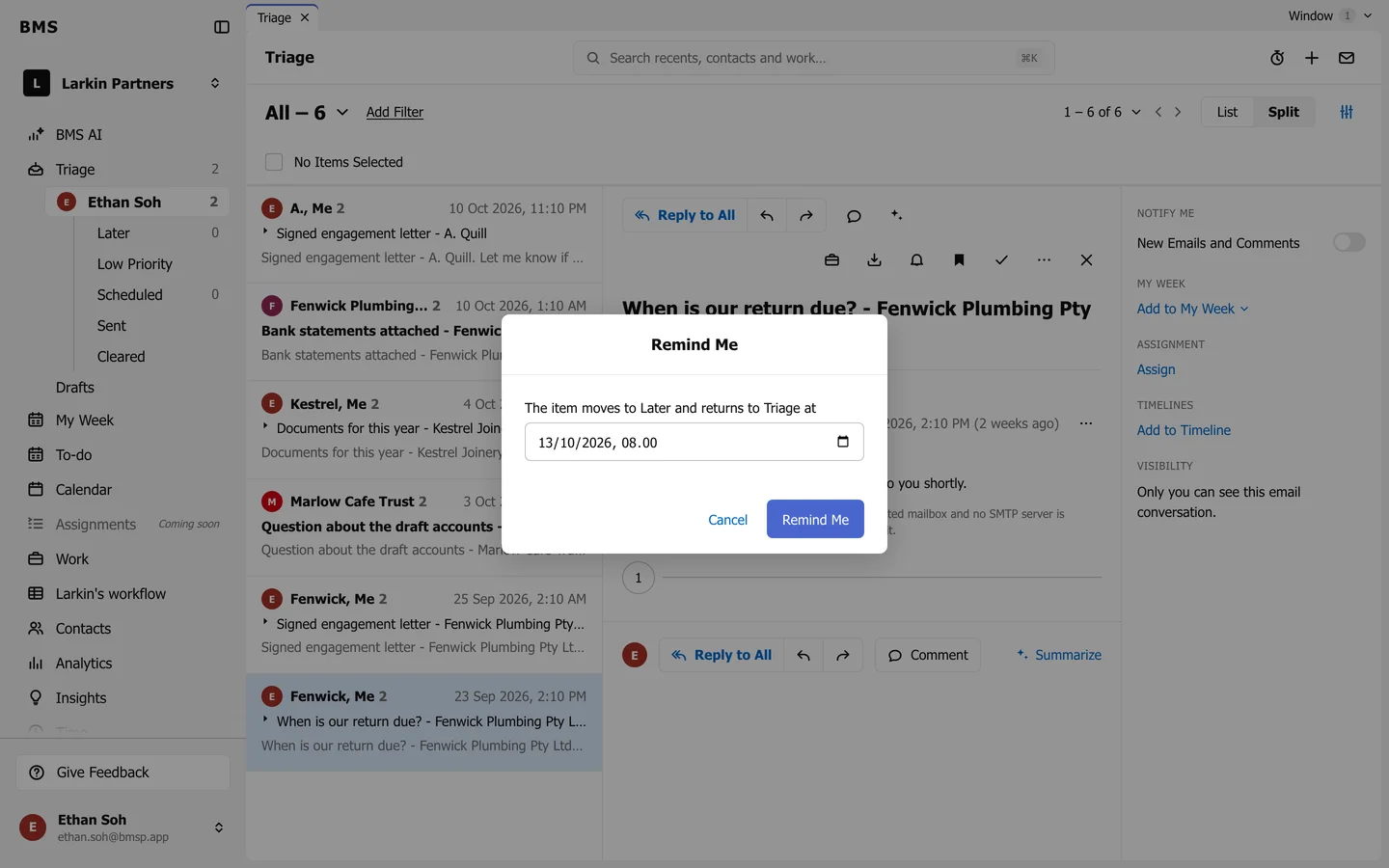
Remind Me: the item waits in Later until then. -
Press Remind Me.
The item moves to Later and comes back to your inbox at that time.
Save to Later
Section titled “Save to Later”Press Save to Later (the bookmark) to park an item in Later with no date. Open it from Later and press Return to Triage to bring it back.