

Log time and run a timer on your phone
Start a timer or log time against a job.
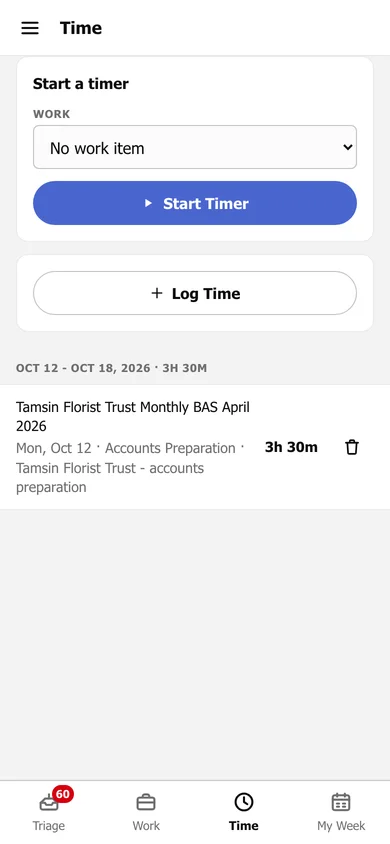
Run a timer
Section titled “Run a timer”On Time, choose the Work, then tap Start Timer. While it runs, you can Pause, Resume or Stop Timer; stopping it saves the time.
Log time you have already done
Section titled “Log time you have already done”Tap Log Time, enter the Date, Hours and Minutes, the work, Role and Task Type, add any notes, and save.
Below, your time entries for the week are listed with their total. Tap the bin to delete one.