

Share your email with colleagues
Choose whose emails with a client your colleagues can see.
Your mailbox is private. Email sharing puts your conversations with a client’s address on that client’s timeline automatically, so the team sees them.
-
Open the client, then its Details tab, and find Email Sharing.
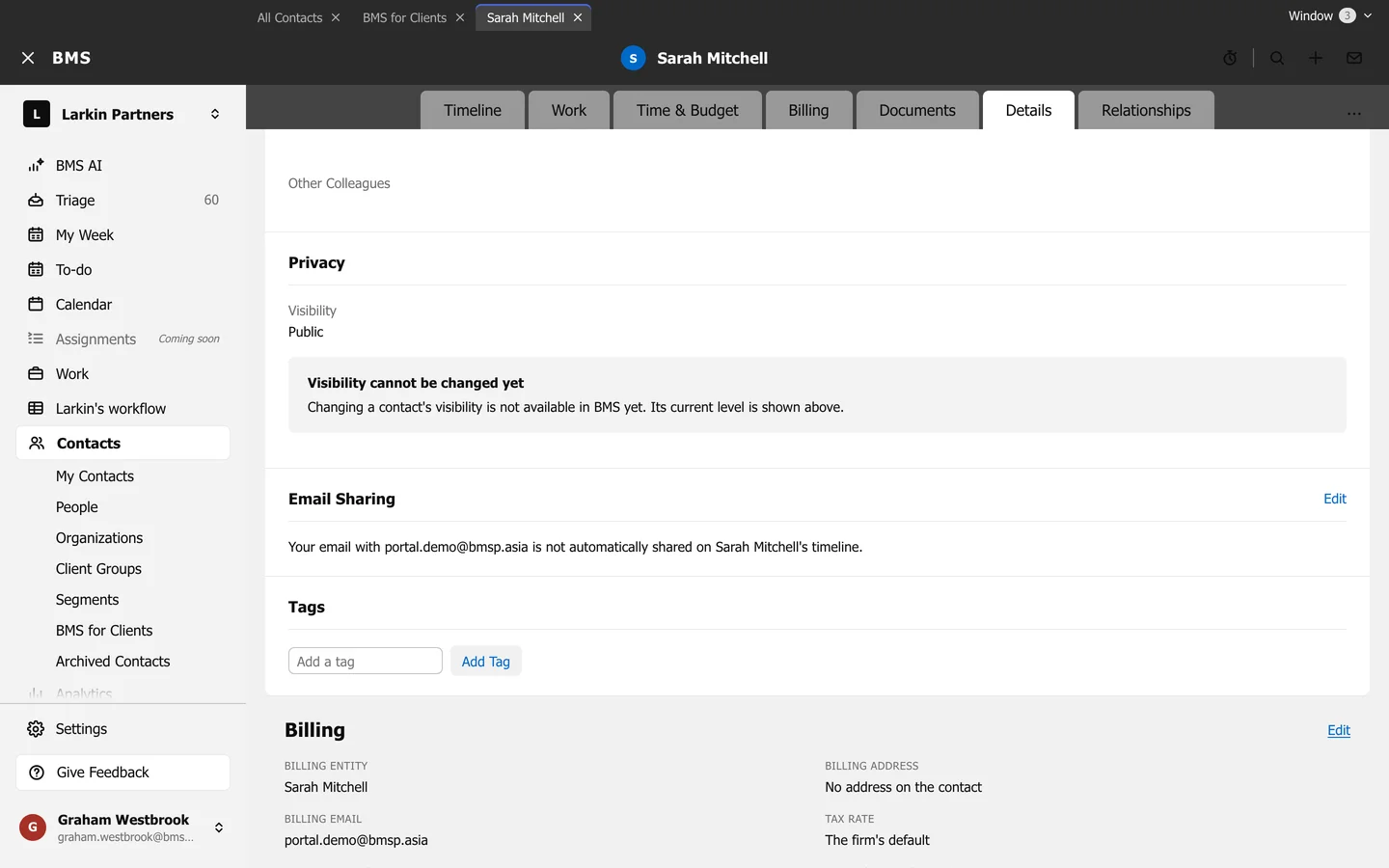
Email Sharing on a contact's Details tab. -
Press Edit.
-
Turn on Share my email communication for the address. If the contact has several addresses, choose each one.
The page lists which colleagues share their email with this contact.