

Create work for many clients at once
Bulk Create Work for a whole client segment.
-
On Work, press the arrow beside Add Work and choose Bulk Create Work.
-
Choose the Client Segment (a saved group of clients, such as “Monthly BAS clients”) and the Work Template.
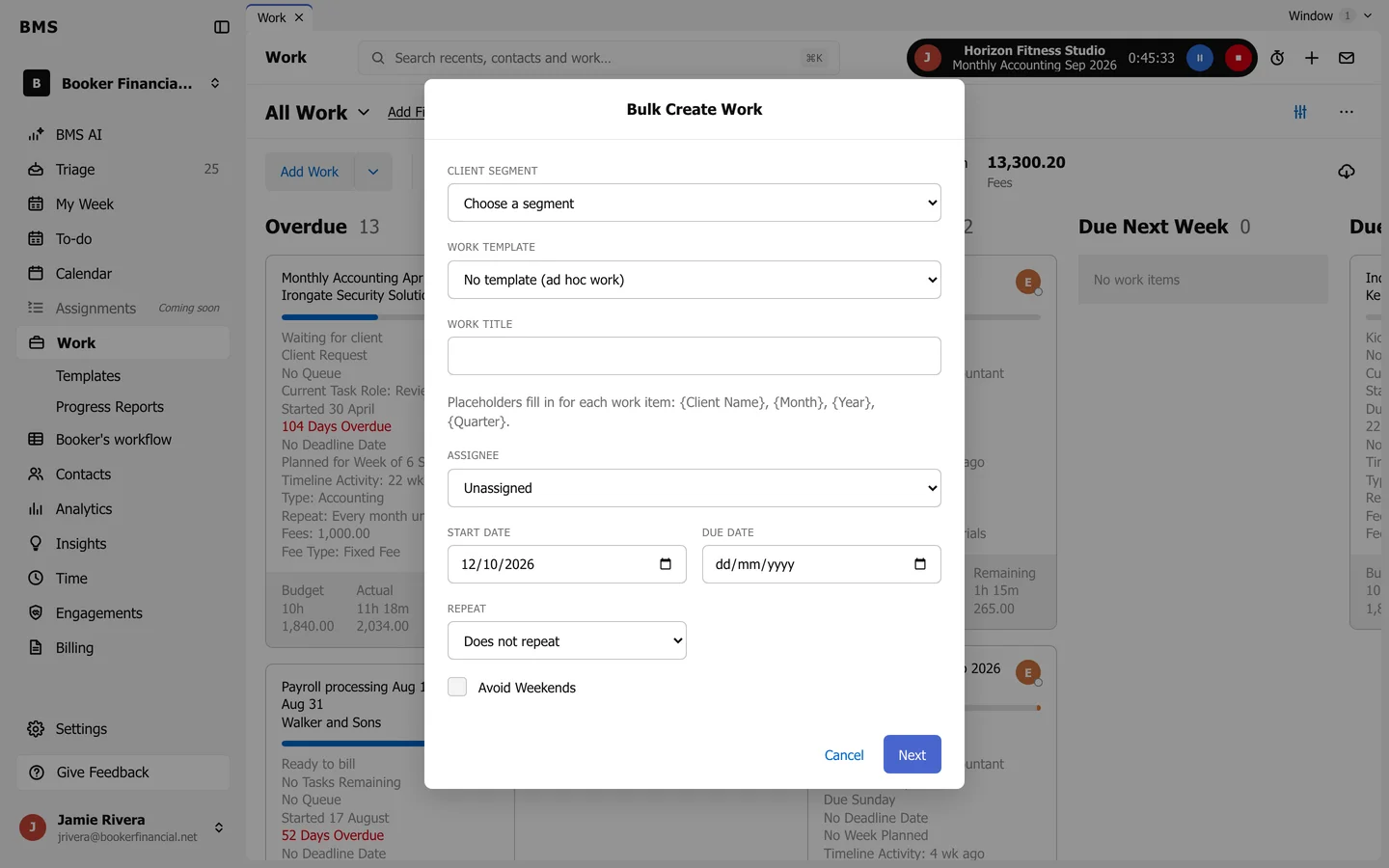
Bulk Create Work. -
Set the Work Title (its note shows how to put each client’s name in it), Assignee, Start Date and Due Date. Optionally choose Repeat, an End Date and Avoid Weekends.
-
Press Next, check the summary, and confirm.
One job is created for each client in the segment.