Tasks and sections
Add, complete, move and assign tasks; collapse sections.
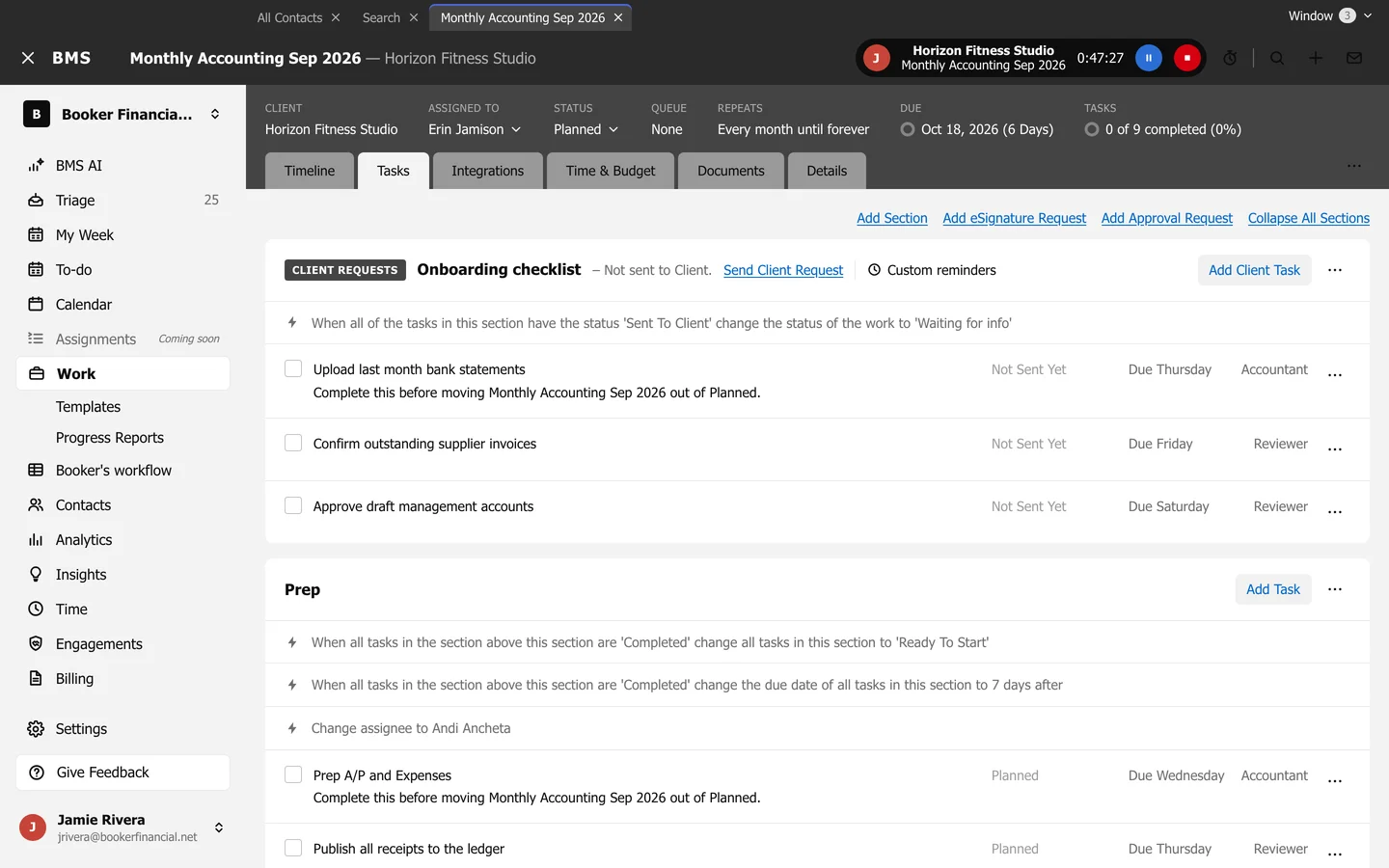
The Tasks tab holds the job’s tasks, in sections such as “Prep” and “Review”.
Add tasks and sections
Section titled “Add tasks and sections”- Add Task at the right of a section adds a task to it; give it a Task title and press Add.
- Add Section at the top adds a section; tick Add Client Section for one the client answers in the portal.
- Collapse All Sections folds every section to its title.
Work through them
Section titled “Work through them”- Tick a task’s box to complete it.
- Press a task’s title to open its details: Description, Assigned to, Due date, Role and Task type.
- Task options (the three dots on a task): Add item below, Edit, Copy, Move to Work, Make Sub-task and Delete.
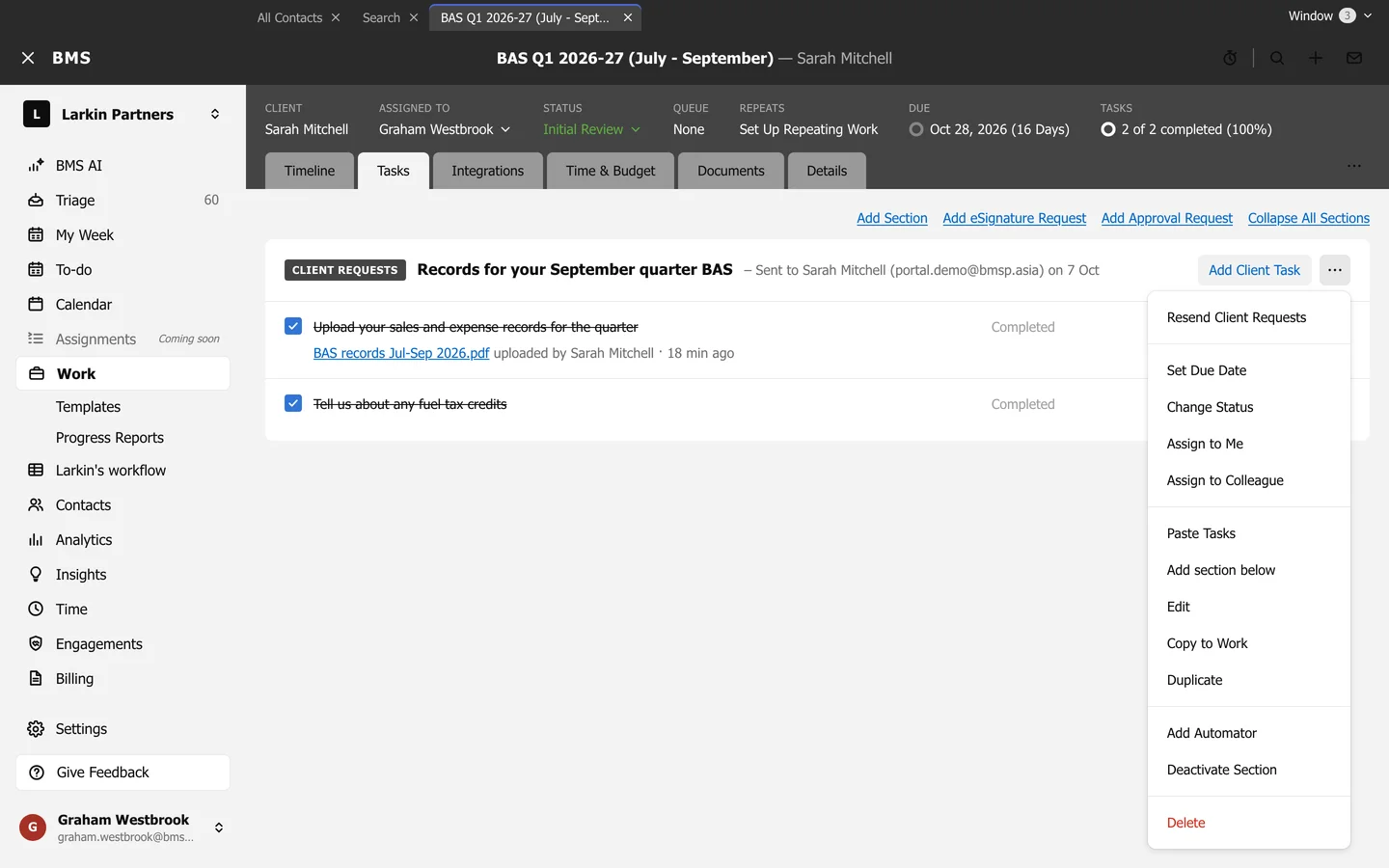
Section options
Section titled “Section options”Section options (the three dots on a section) sets the whole section’s due date or status, assigns it, pastes or copies tasks, duplicates it, adds an automator, deactivates it, or deletes it.