

Group by status, assignee, client or client tag
Re-cut the board for the question you are asking.
-
Press Sorting and columns (the sliders) at the top right of Work.
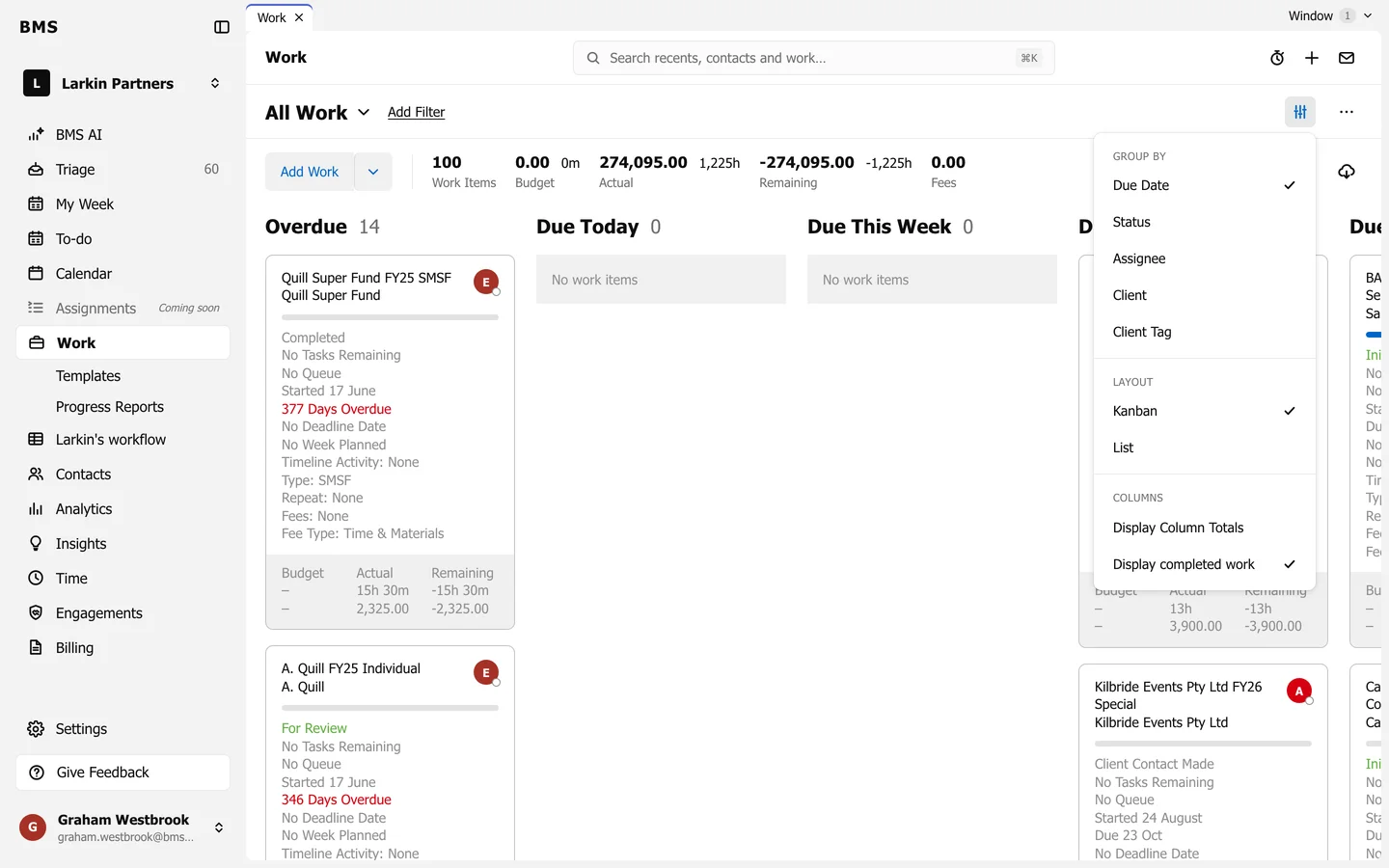
Grouping and layout. -
Under Group by, choose Due Date, Status, Assignee, Client or Client Tag.
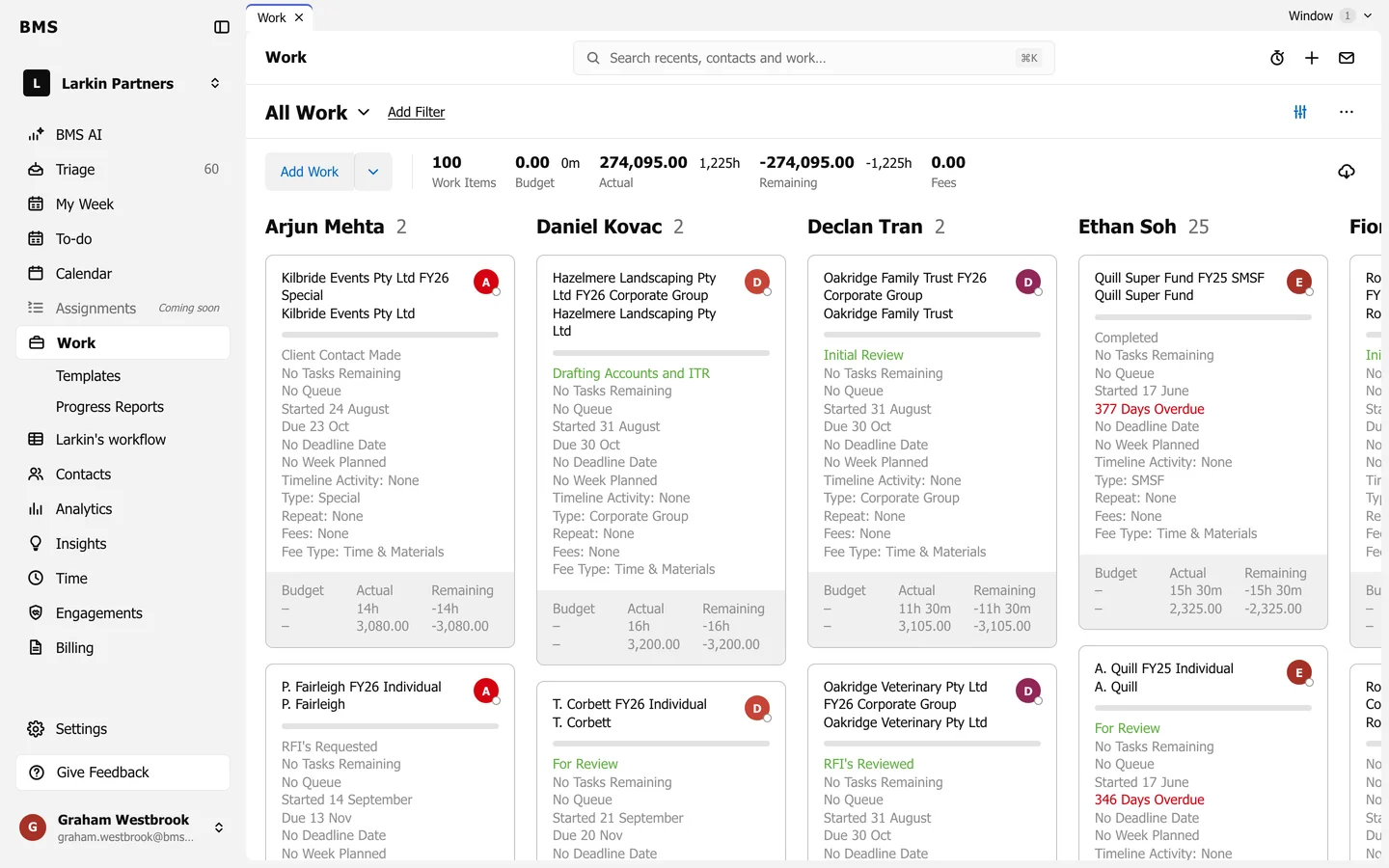
The same menu has:
- Layout: Kanban (the board) or List (a table; see List view).
- Display Column Totals: Budget, Actual and Remaining under each column header.
- Display completed work: show or hide finished jobs.
Your choice is kept in the page address, so a grouped board is a link you can bookmark or share.