

Add a note to My Week
A planning note that is not a job.
A note is for something you mean to do this week that is not a job in BMS, such as “Call the bank about the Ashgrove loan”.
-
On My Week, press Add Note.
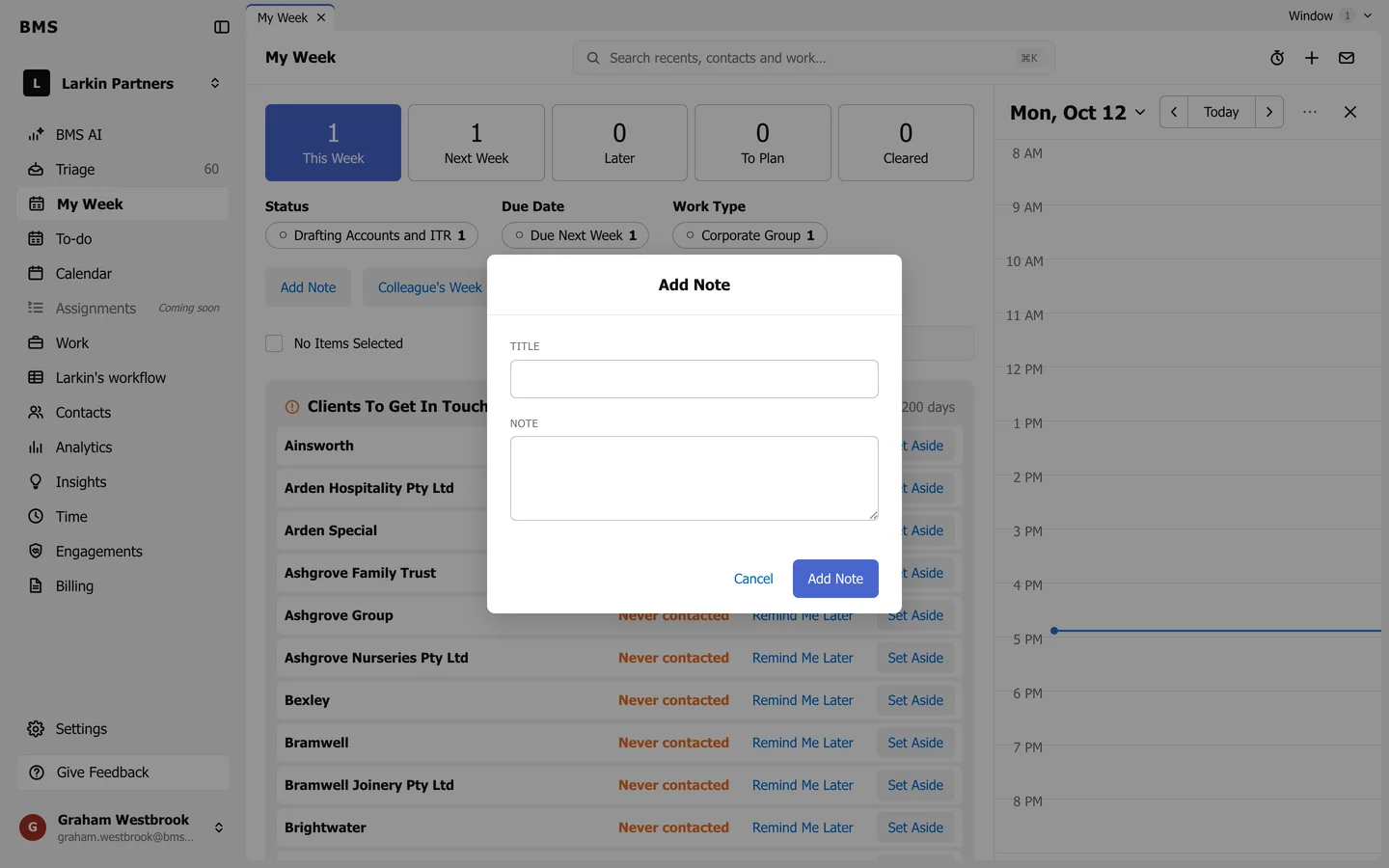
Add Note. -
Give it a Title and, if you like, the Note itself.
-
Press Add Note.
The note shows in the week you are looking at, beside your work. For a list of personal tasks with due dates, use your to-do list instead.