

Your to-do list
Personal to-dos grouped by when they are due.
To-do in the sidebar is your own list of small tasks, separate from jobs.
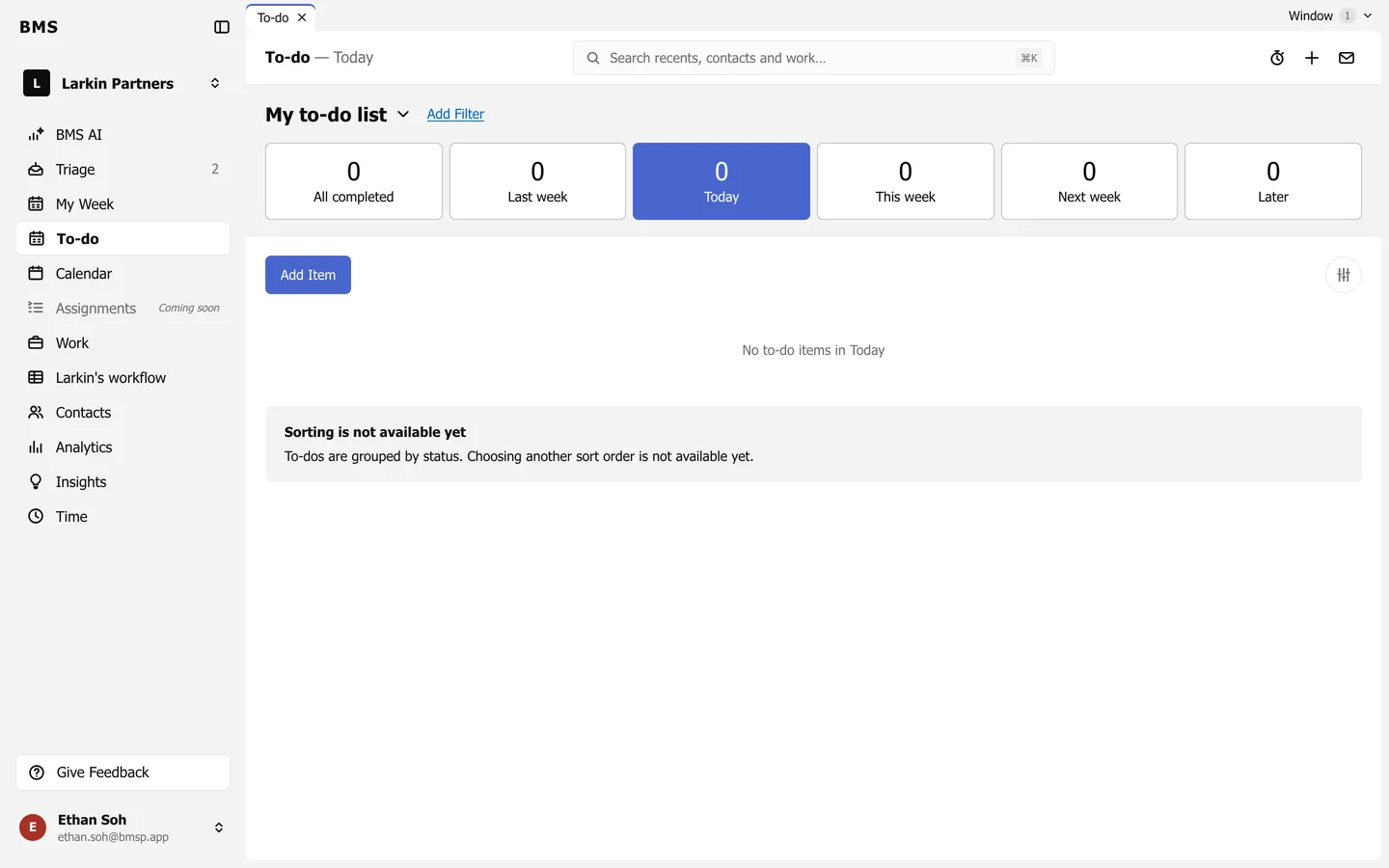
The tiles sort your to-dos by their date: All completed, Last week, Today, This week, Next week and Later.
Add a to-do
Section titled “Add a to-do”-
Press Add Item.
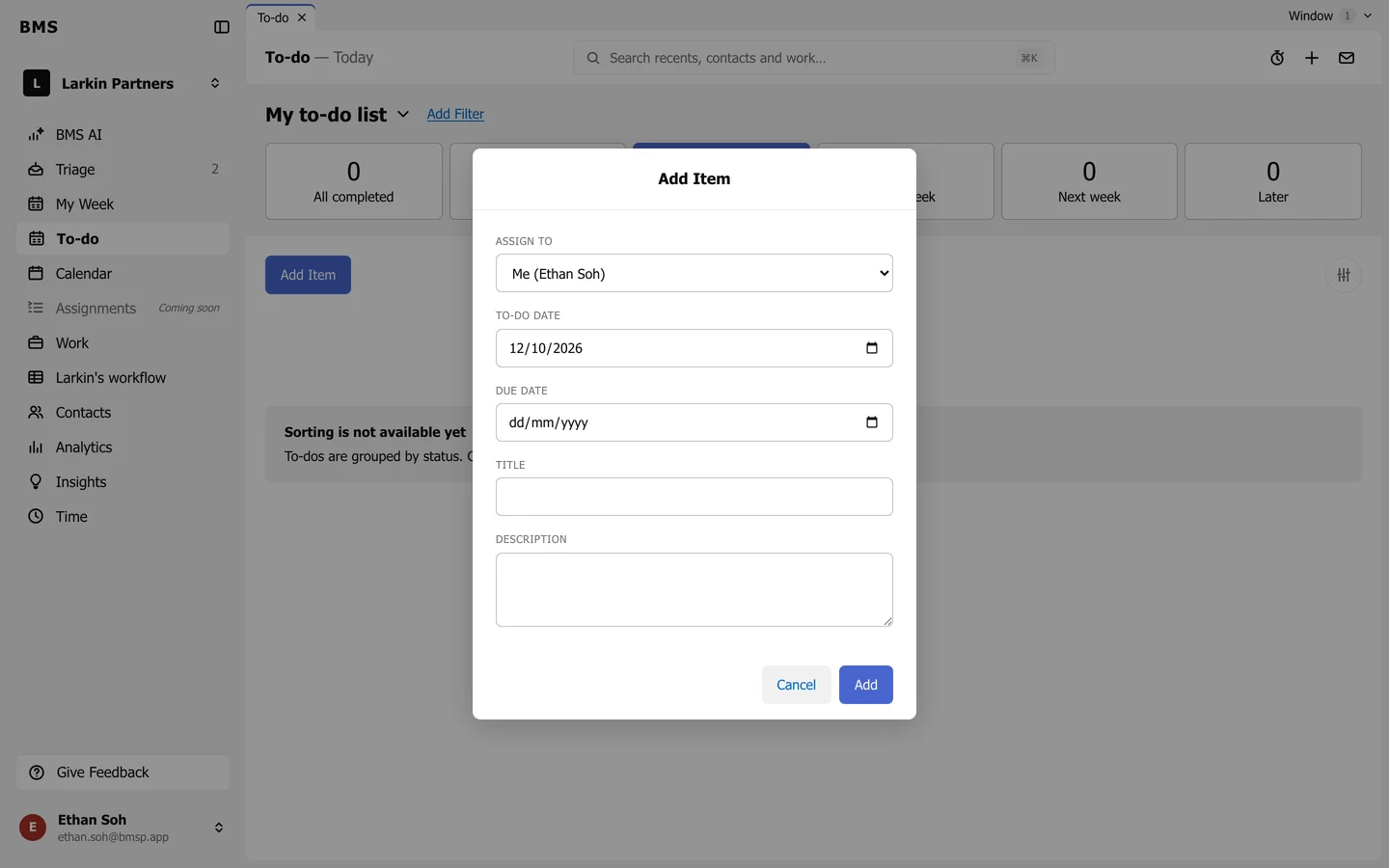
Add Item. -
Choose who it is for in Assign to (yourself, or a colleague).
-
Set the To-do date (when to do it) and, if it has one, the Due date.
-
Give it a Title and an optional Description, then press Add.
Tick a to-do to complete it. Select several to change their status, assignee or due date together, or to delete them.