

Tour of a client record
Timeline, Work, Time & Budget, Billing, Documents, Details and Relationships.
A contact opens in its own dark frame: the name (and its client group) across the top, then the tabs.
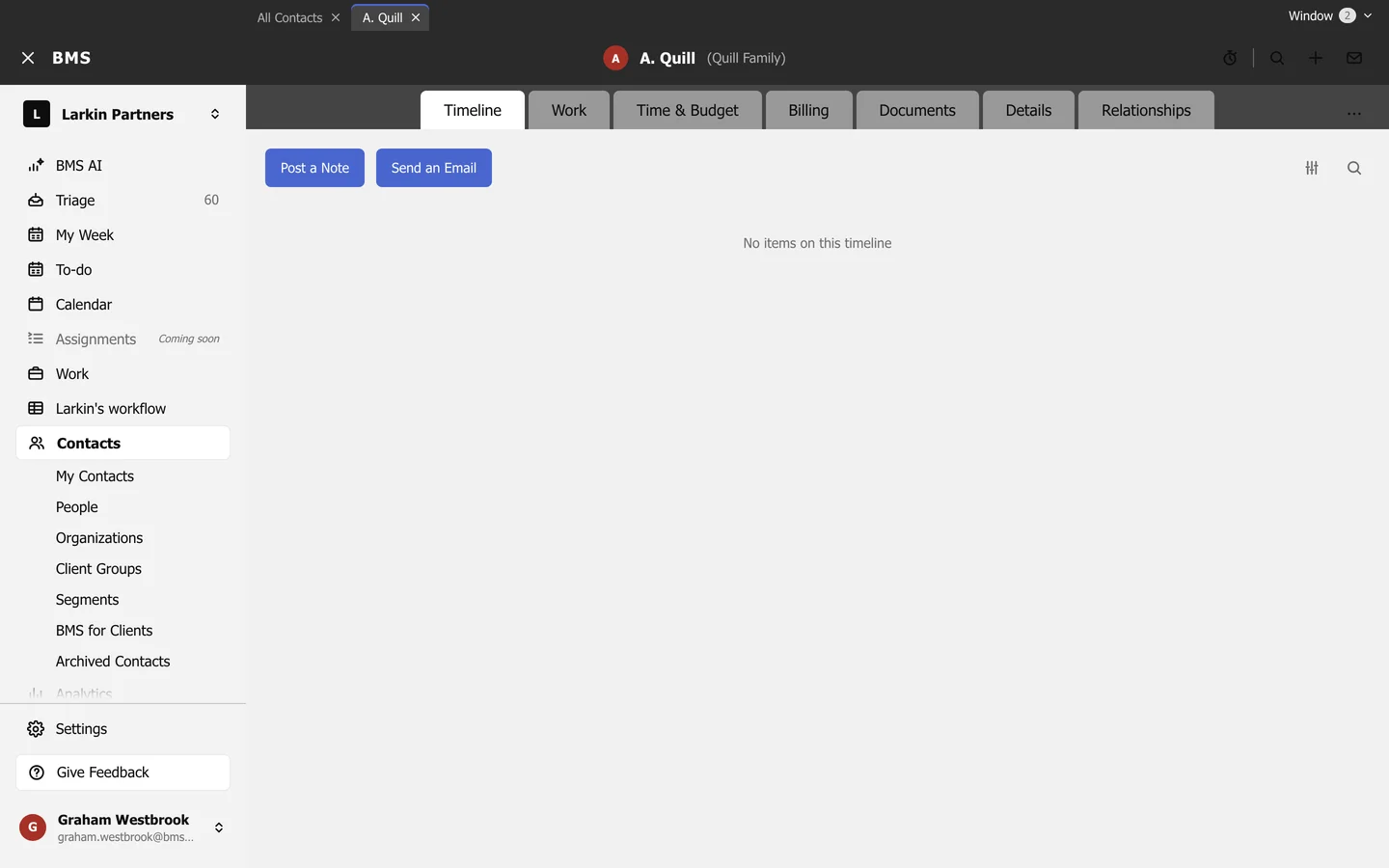
| Tab | Shows |
|---|---|
| Timeline | Notes, emails and activity; see Post a note. |
| Work | The client’s jobs; see A client’s work. |
| Time & Budget | Unbilled time (WIP) for the client and its group. |
| Billing | Invoices and payments. |
| Documents | Files; see A client’s documents. |
| Details | Basics, contact details and the client team. |
| Relationships | Linked people and entities. |
A client group has Members instead of Billing, Documents and Relationships. Contact options (the three dots) holds Archive and Delete.