First day as a partner
My Dashboard, alerts in Triage, the monthly WIP review and the Money Report.
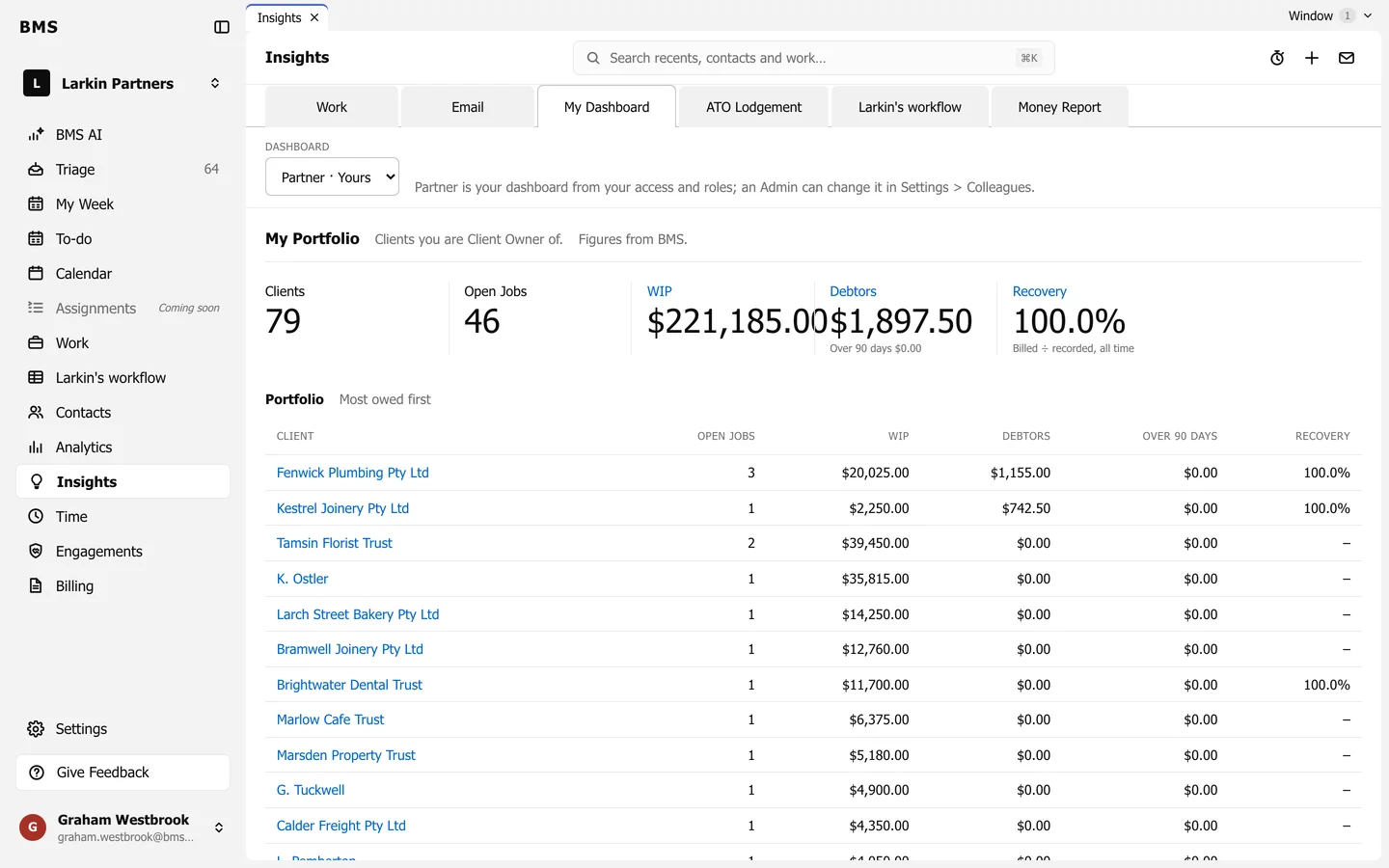
My Dashboard
Section titled “My Dashboard”Insights > My Dashboard opens on the dashboard for your role. A partner’s shows the portfolio, unbilled and unpaid money, and recovery. Anyone can switch to see the manager’s or accountant’s dashboard; an Admin sets each colleague’s own in Settings > Colleagues.
Alerts in Triage
Section titled “Alerts in Triage”BMS raises alerts in Triage when something needs a partner: a BAS overdue, a return past due, hours well over last year, or clients not contacted for a long time.
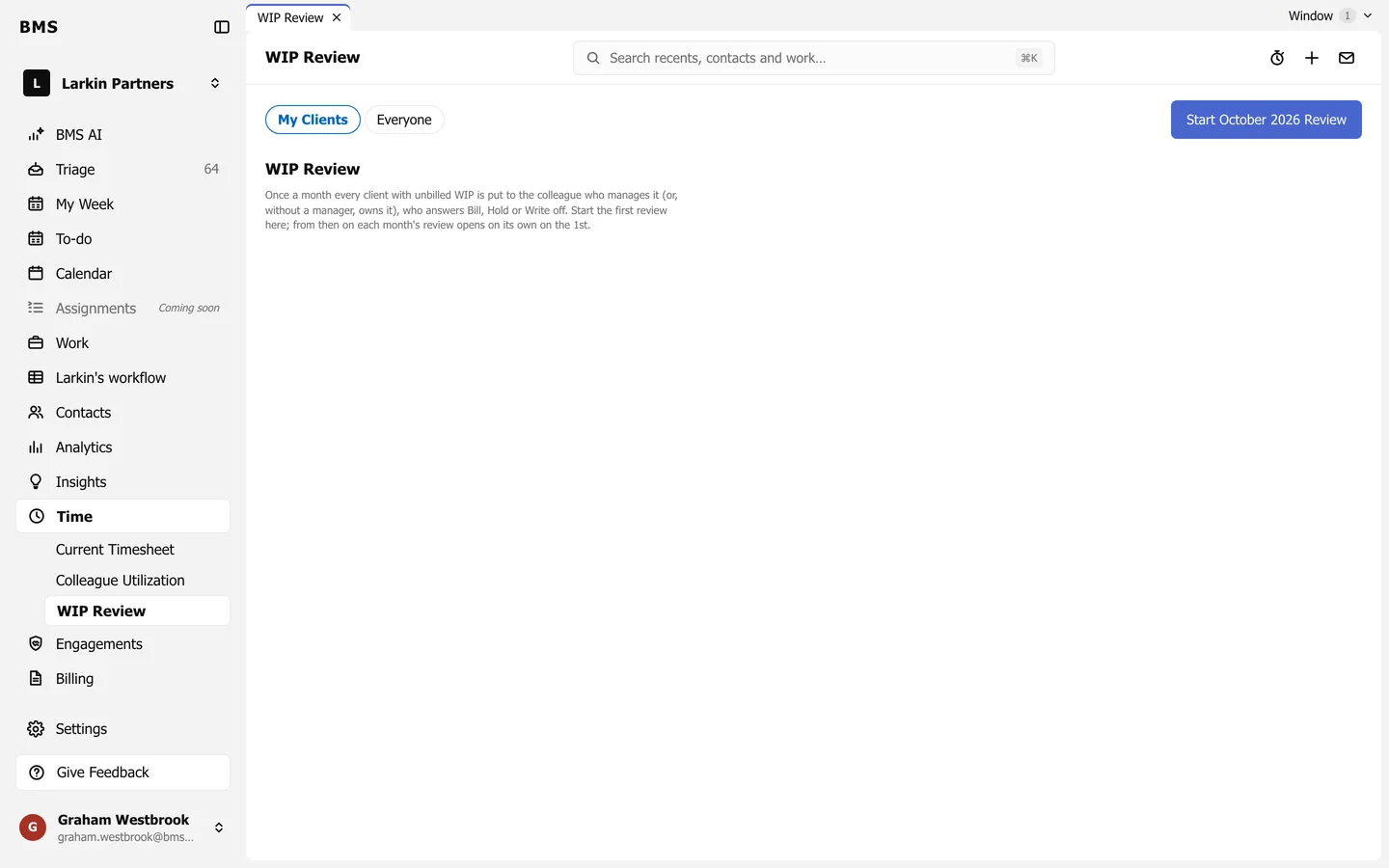
The monthly WIP review
Section titled “The monthly WIP review”Time > WIP Review is a monthly snapshot of each client’s unbilled WIP. The accountant responsible answers bill or hold for each client, and you see the answers in one place.
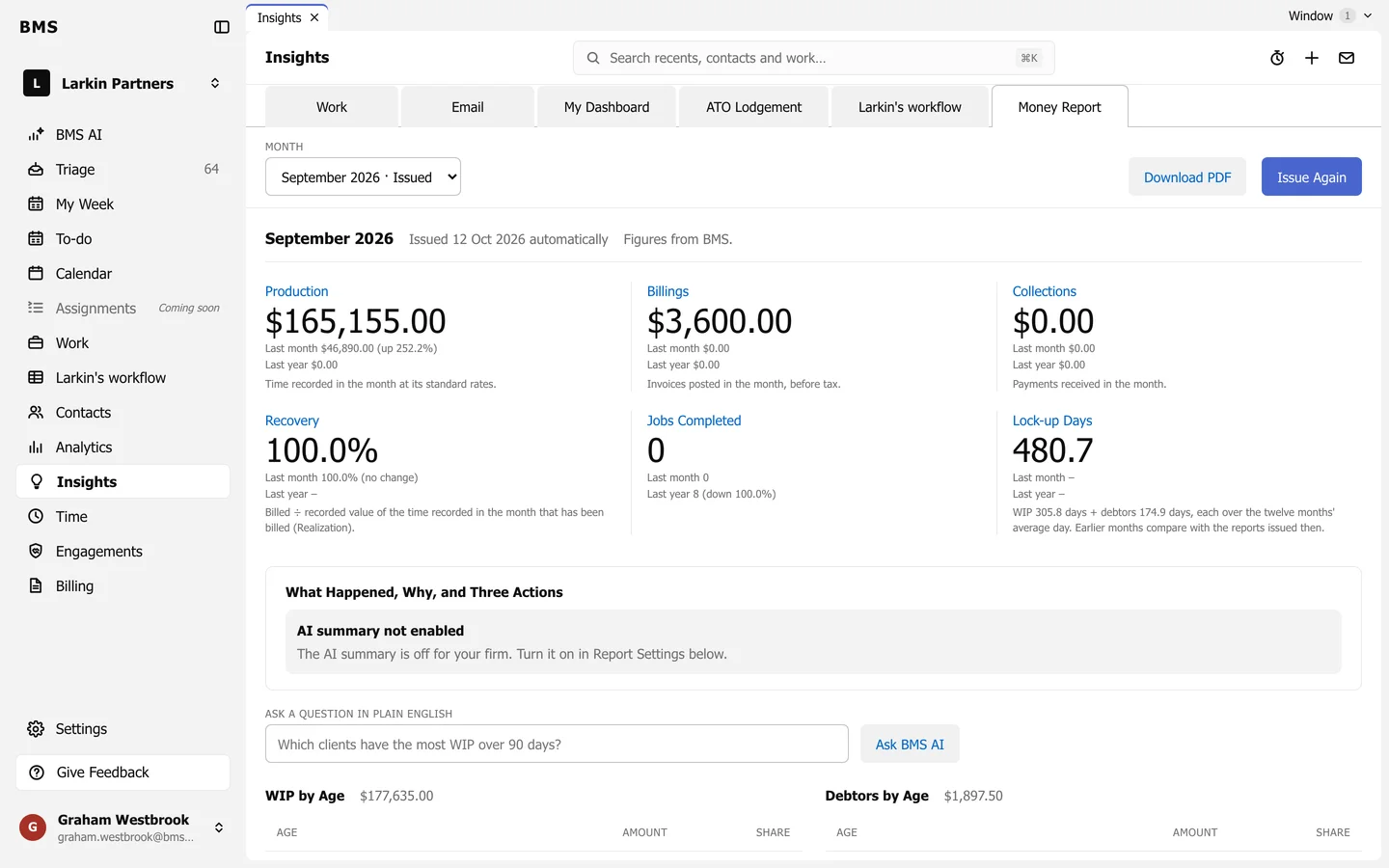
The Money Report
Section titled “The Money Report”Insights > Money Report is the partners’ monthly figures: production, billings, collections, recovery, lock-up, WIP and debtors by age, write-offs, top and bottom clients, and stuck jobs, with a PDF to share.