

Relationships: directors, trustees and family
Link people and entities, like the MYOB AE Associated tab.
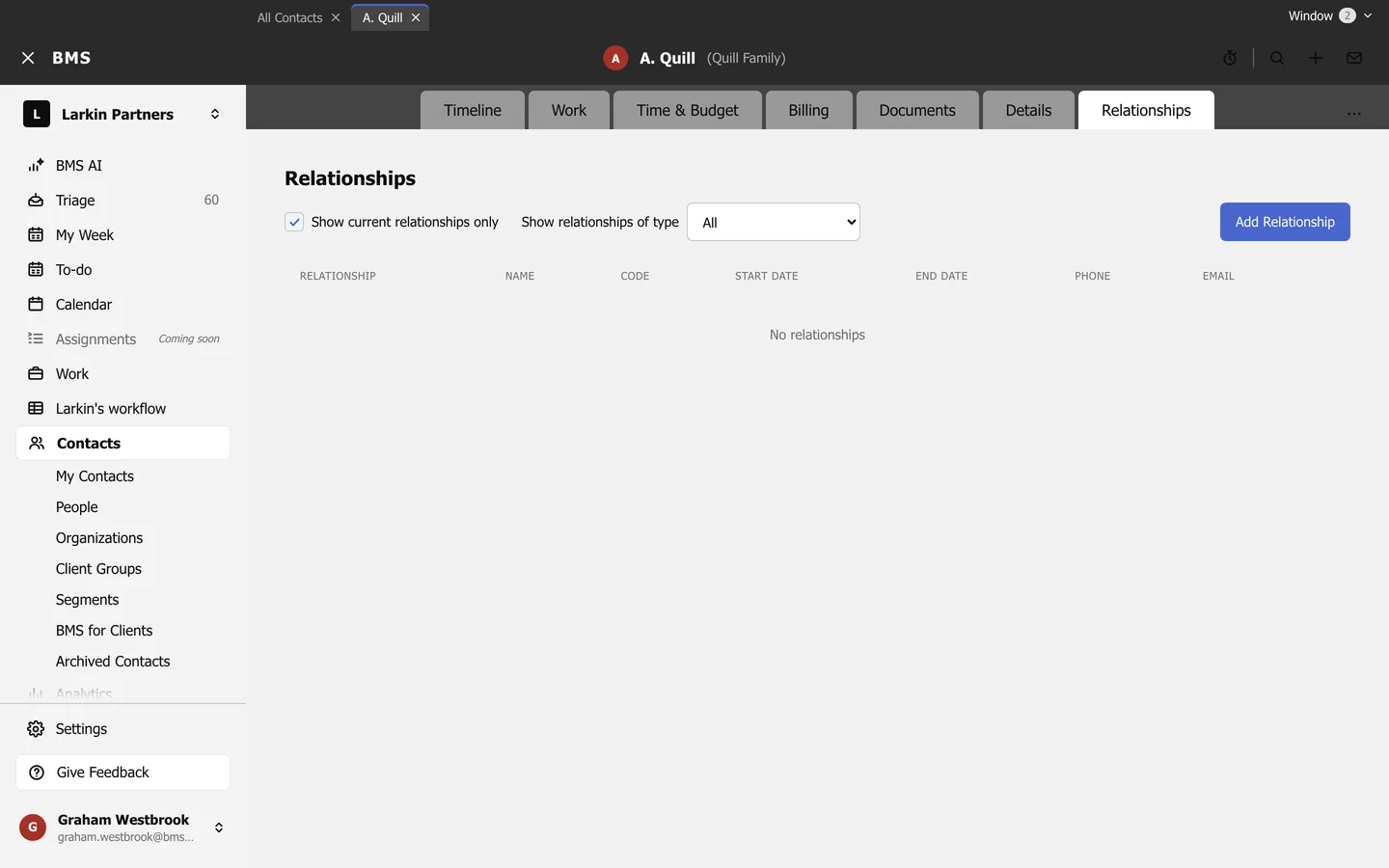
The Relationships tab links a contact to the people and entities around it: a company’s directors, a trust’s trustees, a fund’s members, a spouse. It does the job of the Associated tab in MYOB AE.
-
Press Add Relationship.
-
Choose the other contact and the relationship, such as Director, and an optional start date.
-
Save.
- Show current relationships only hides ended ones.
- Show relationships of type narrows to one kind.