
Skip to content

Phone notifications

Needs setupFor: All staff

Push notifications for new emails and work assigned to you.
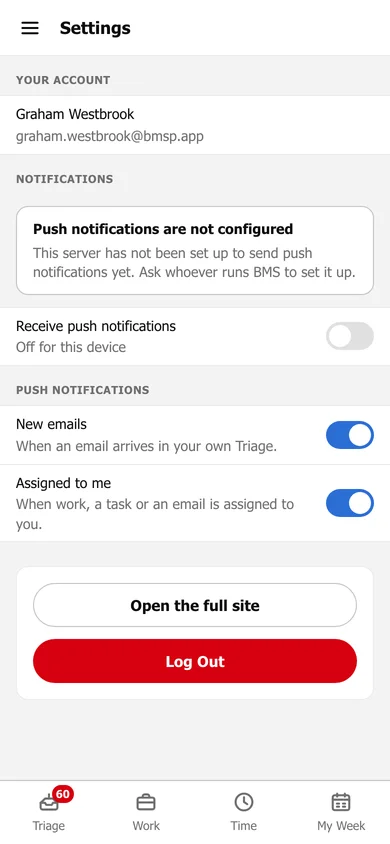
Settings on a phone: your account, a notice that push notifications are not configured, Receive push notifications for this device, toggles for New emails and Assigned to me, Open the full site and Log Out.
Settings on a phone.

Once they are set up:

  1. Tap the ☰ menu and choose Settings.

  2. Turn on Receive push notifications, and allow notifications when your phone asks.

  3. Choose what to be told about: New emails arriving in your own Triage, and work, tasks or emails Assigned to me.

On iPhone, notifications work only once BMS is installed on your home screen.

Still need help?

Ask your firm's BMS admin first: they can see your access level and your firm's settings. Clients of a firm should contact their accountant.

Last updated: