

Rate plans
Dated rate plans by role, task type and colleague.
Rate plans let charge-out rates change on a date, such as each 1 July, while older time keeps its old rate.
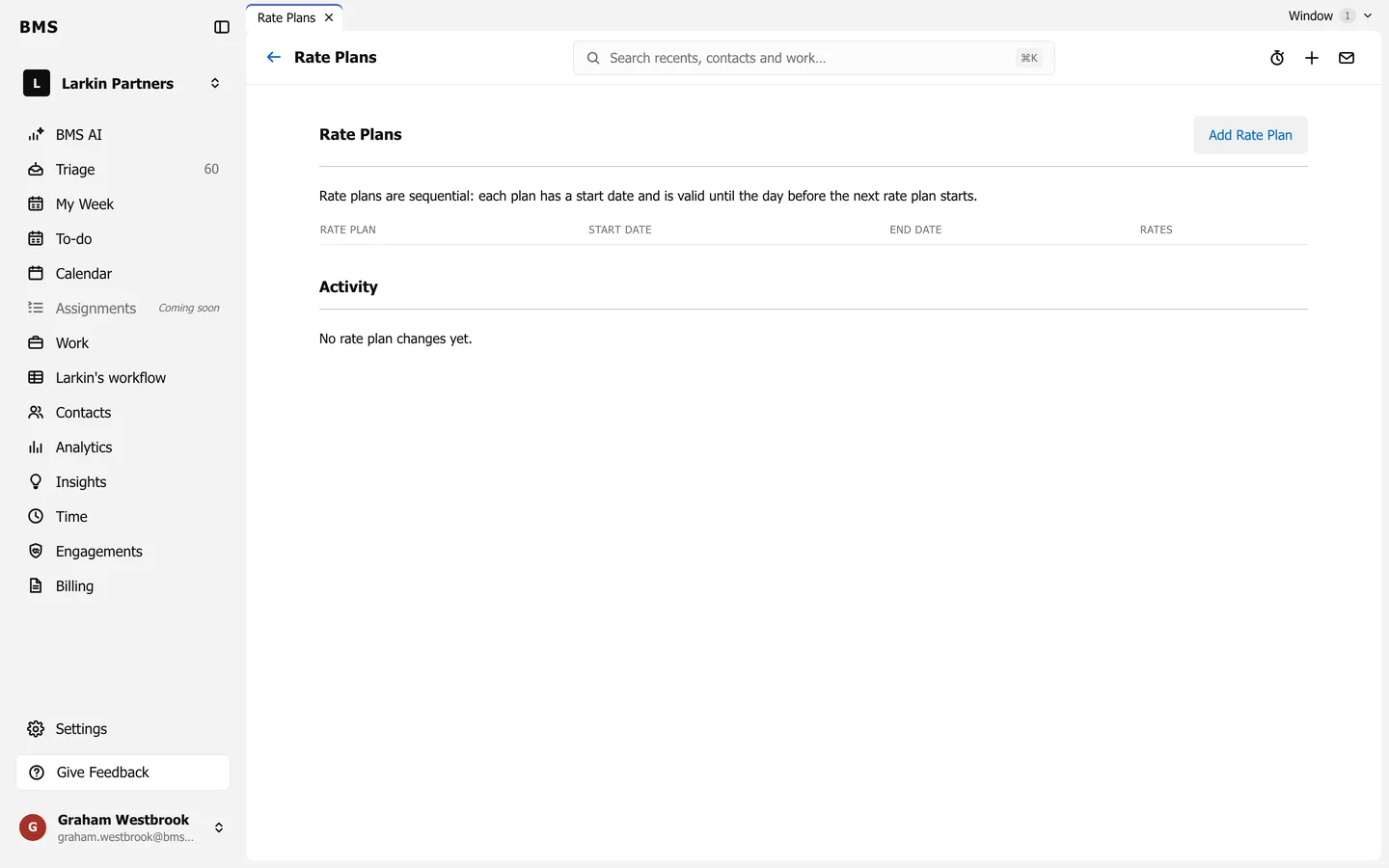
Go to Settings > Rate Plans. Plans run one after another: each has a start date, and lasts until the day before the next one starts.
-
Press Add Rate Plan, name it and choose its Start Date.
-
On Roles & Task Types, enter the Rate for each role; expand a role to set a rate per task type.
-
On Colleagues, set any colleague’s own rate.
-
Press Save.
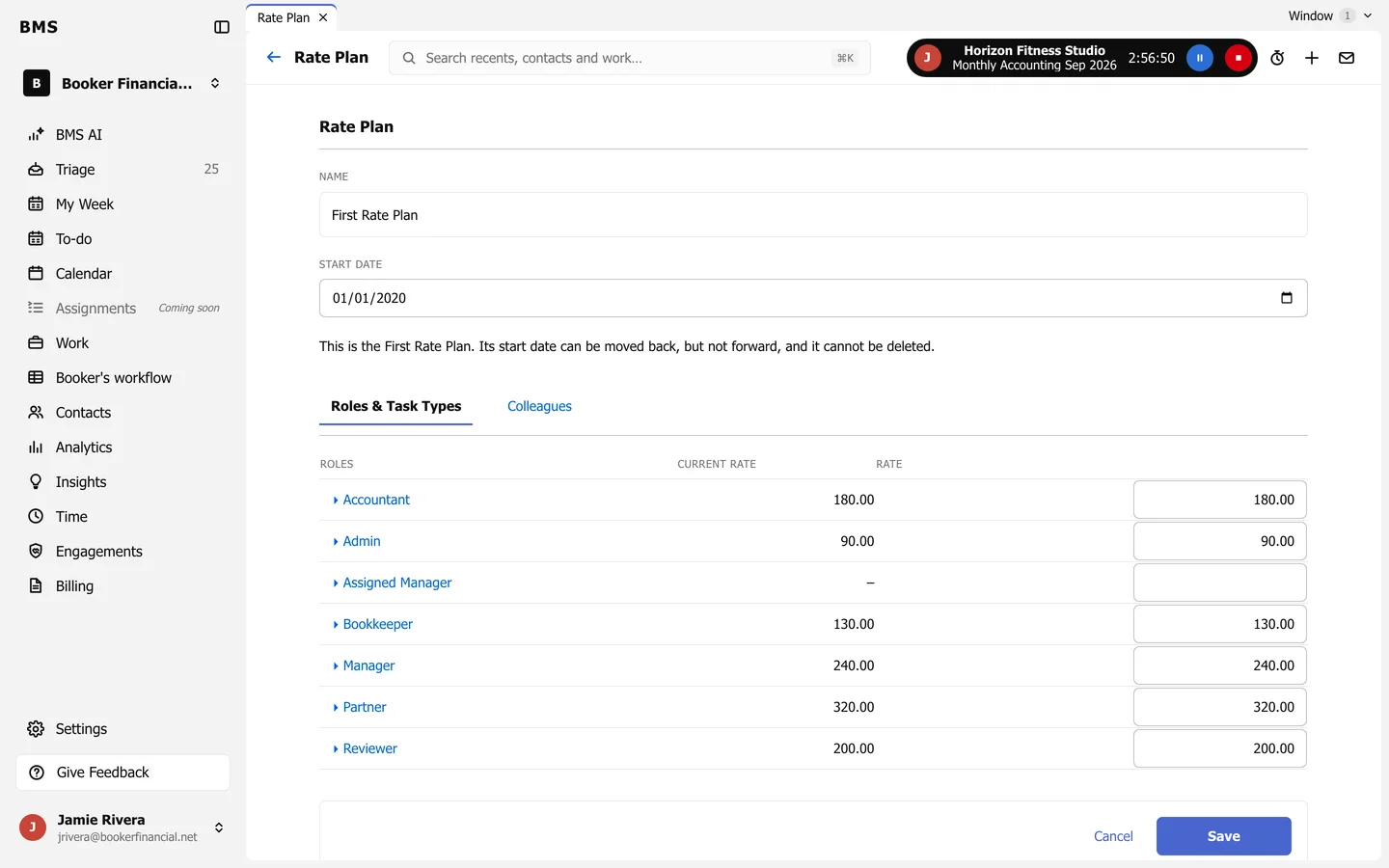
The first rate plan’s start date can be moved back but not forward, and it cannot be deleted. Activity lists every change to the plans.