

Publish, duplicate, archive and restore templates
Keep the template list clean.
Open a template and press Template options.
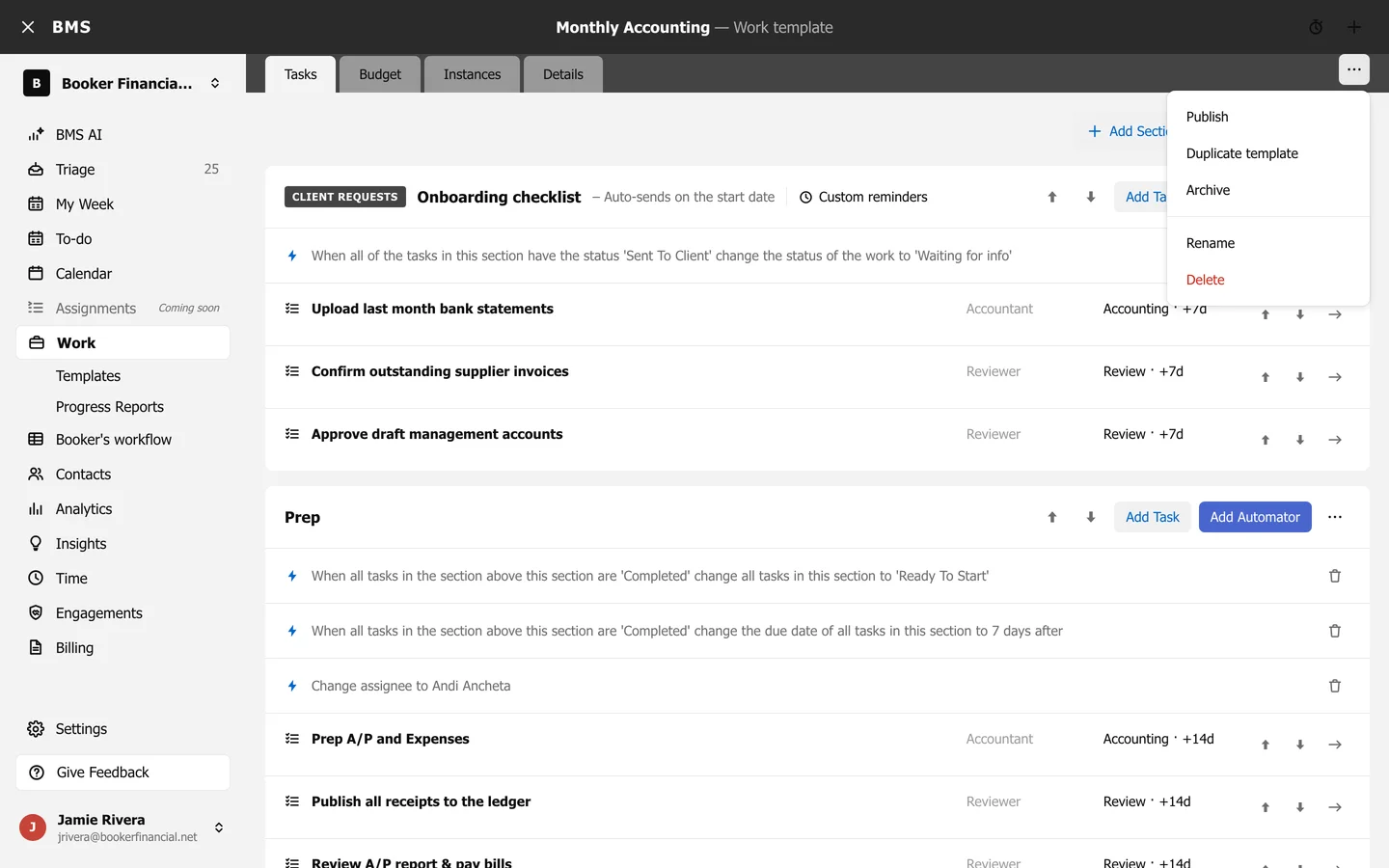
- Publish: make it available for new work. Until then it is a Draft.
- Duplicate template: copy it as a starting point for a similar one.
- Archive: hide it from the list without deleting it; it moves to Archived.
- Restore: bring an archived template back.
- Delete: remove it.
The templates list’s row menu also has Duplicate and Archive or Restore.