

Choose which dashboard opens for each person
Admins set each colleague's dashboard role.
Each colleague’s dashboard starts from their access and roles. An Admin can set it instead.
-
Go to Settings > Colleagues.
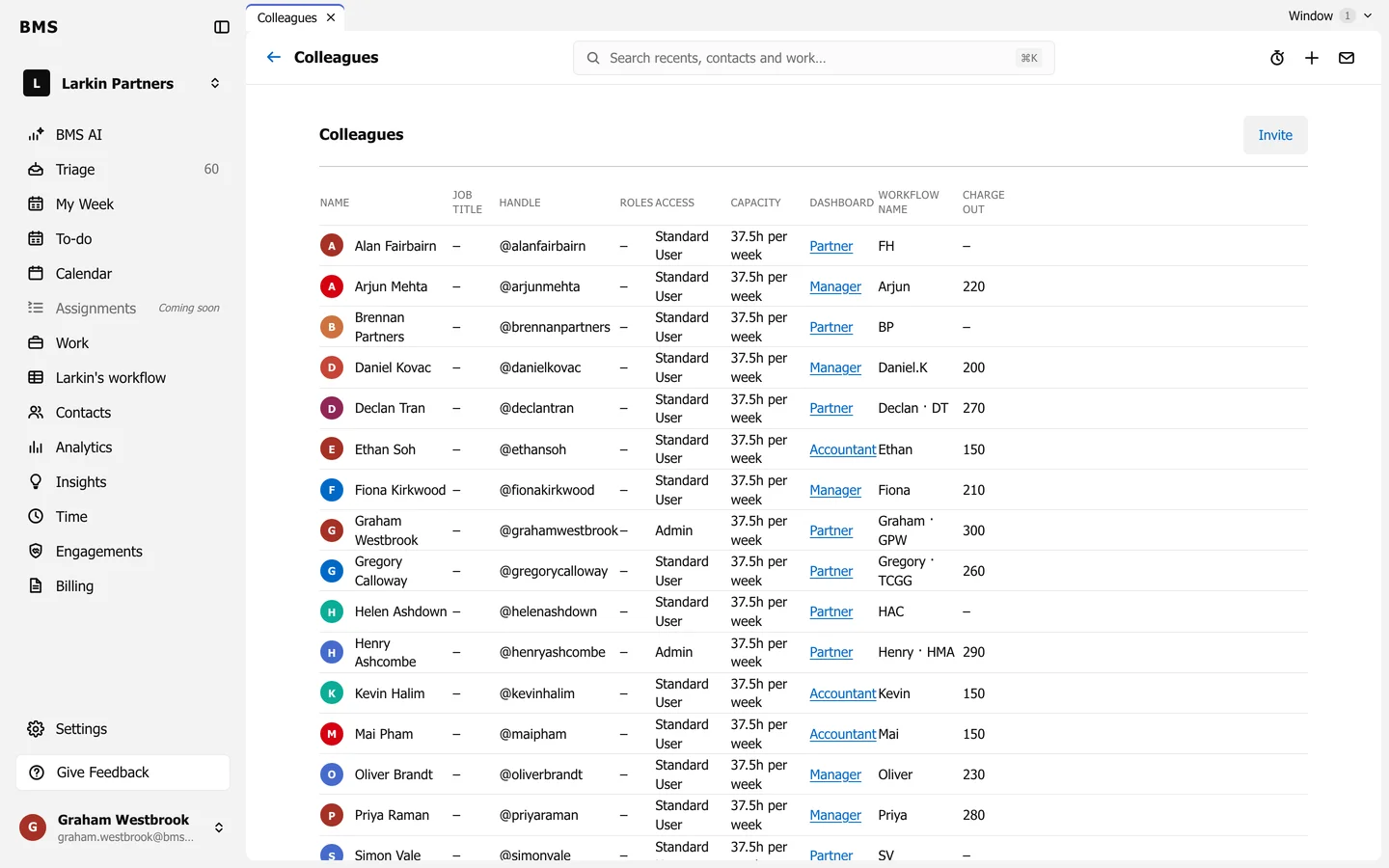
The Dashboard column on Settings > Colleagues. -
Press the colleague’s Dashboard value, such as Partner.
-
Choose Partner, Manager or Accountant and save.
The colleague’s My Dashboard opens on that view from then on.