

A client says their link has expired
Request links, sign-in links and seven-day invitations, and how to resend.
Links to BMS for Clients expire to protect the client.
| Link | Lasts | What the client sees |
|---|---|---|
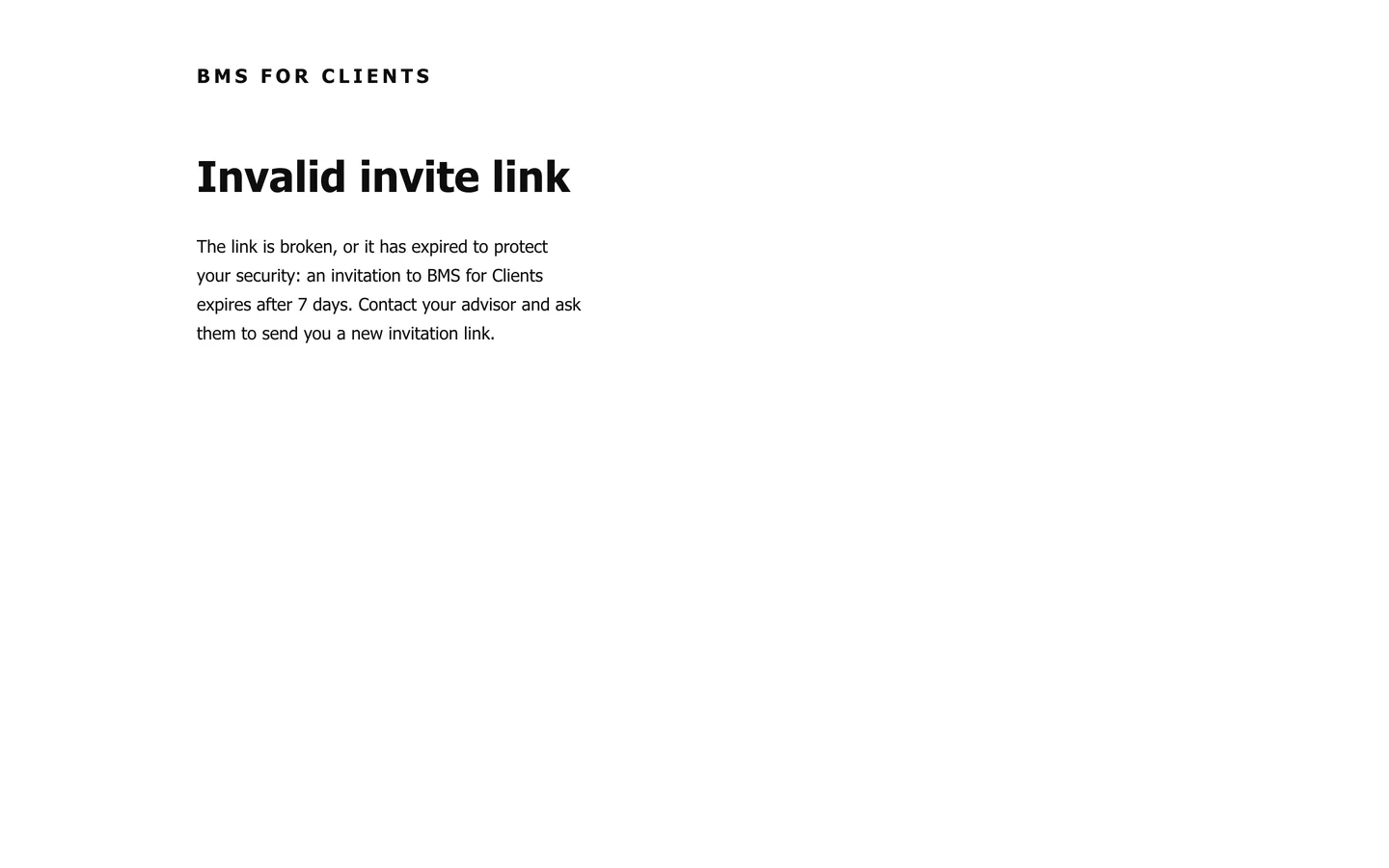
| Invitation | 7 days | Invalid invite link, with a note that invitations expire after 7 days. |
| Emailed sign-in link | 15 minutes | That the sign-in link has expired. |
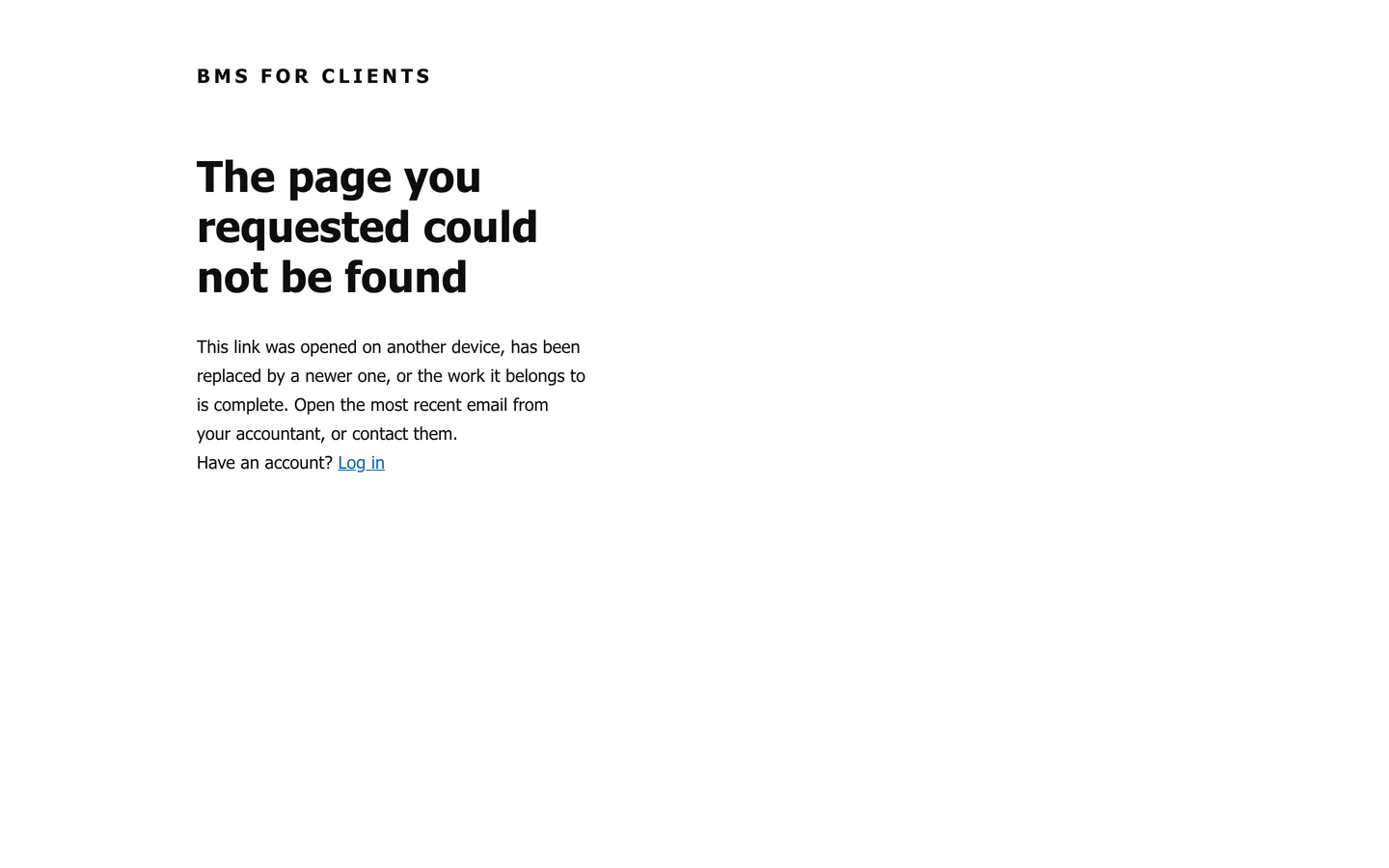
| Request link | Until a newer one replaces it, or the work is complete | The page you requested could not be found, with a note to open the most recent email. |
To help:
- Invitation: send a new one; see Resend, revoke or edit a client’s sign-in.
- Sign-in link: the client asks for a new one on the sign-in page.
- Request link: point them to the most recent email, or have them sign in and open the request there.